2 Circle Venn Diagram PowerPoint and Google Slides Templates


2 Circle Venn Diagram Presentation Slides
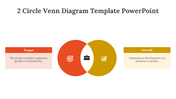
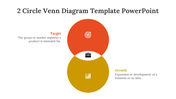
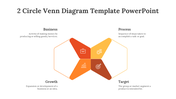
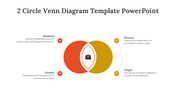
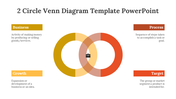
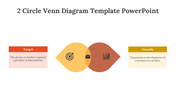
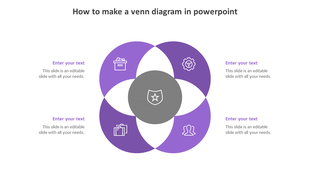
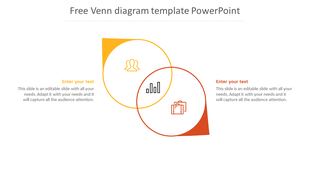
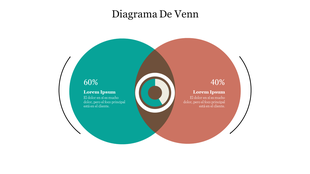
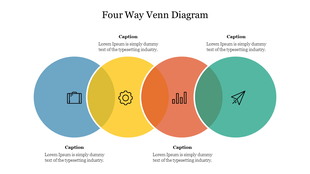
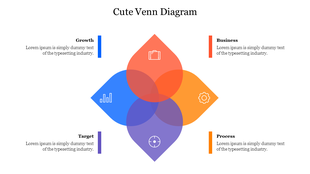
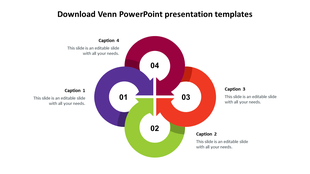
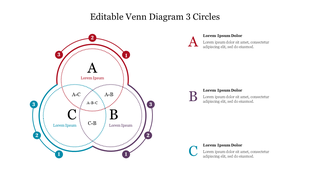
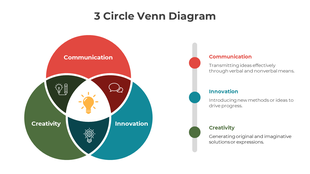
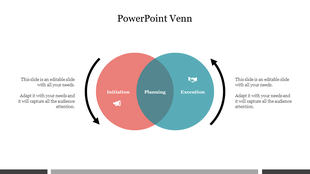
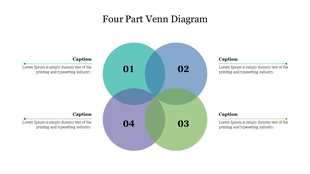
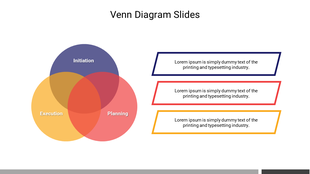
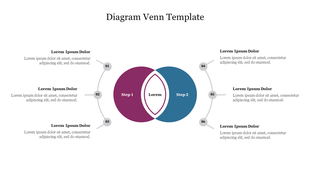
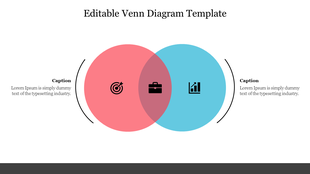
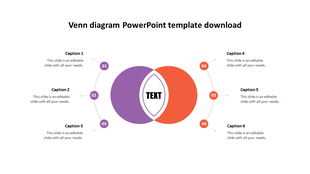
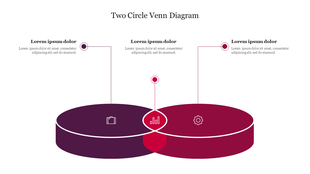
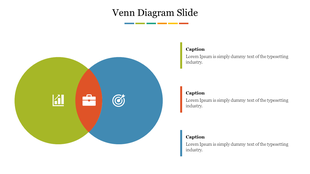
A 2 circle Venn diagram is a simple and effective tool for organizing and comparing data between two different groups or sets. The overlapping circles visually represent the commonalities and differences between the groups, making it easy to identify patterns and trends. This type of diagram is commonly used in educational and business settings to compare and contrast different products or services. If you need to create a 2 circle Venn diagram for your presentation or report, many templates available online can save you time and ensure a professional look.
Features of the template:
- 100% customizable slides and easy to download.
- Slides are available in different nodes & colors.
- The slide contains 16:9 and 4:3 formats.
- Easy to change the colors of the slide quickly.
- Highly compatible with PowerPoint and Google Slides.
- Well-crafted template with an instant download facility.









You May Also Like These PowerPoint Templates
Showing36 of69,218 templates