Our Predesigned Comparison Template For PPT Design
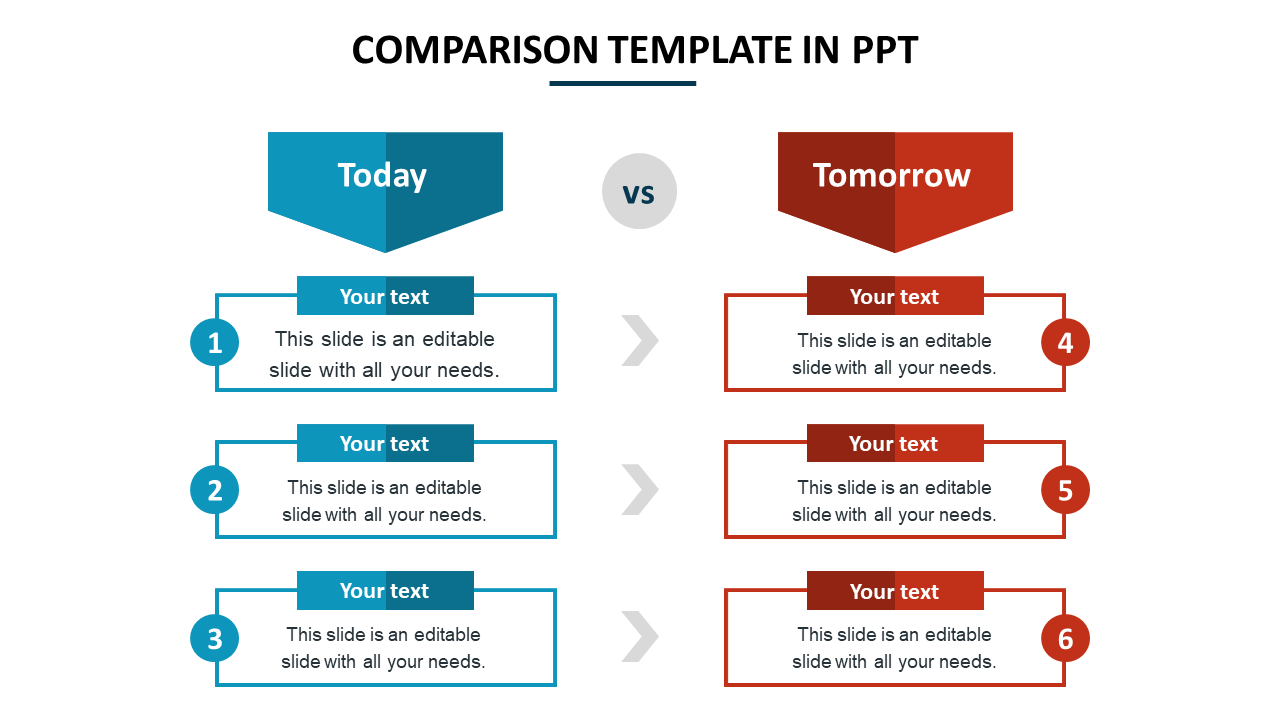
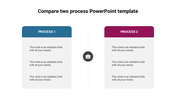
Comparison layout with today in blue and tomorrow in red, each with three text boxes aligned vertically on either side.
P.ID : 48748
    21 slides
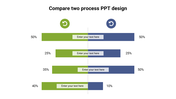
    Colorful comparison infographic slides with charts, icons, and illustrations for presentations.
    11 slides
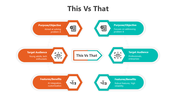
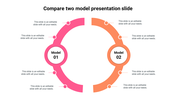
    Slide deck with various comparison formats showing differences, using circular and rectangular layouts  in orange and teal.
    11 slides
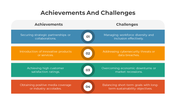
    A pack of achievements and challenges slides featuring a comparison of successful outcomes with various colorful designs.
    18 slides
    Insurance product comparison presentation with blue theme, coverage tables, premium charts, and policy analysis slides.
    11 slides
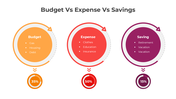
    Budget Vs Expense Vs Savings comparison using circular charts in orange, red, and purple to highlight financial allocation.
    13 slides
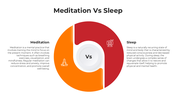
    Comparison slides showing differences between meditation and sleep with icons and side-by-side benefits.
    11 slides
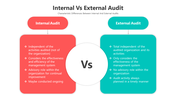
    Internal vs external audit slide with red and teal sections for the characteristic differences between both audit types.
    11 slides
    Leadership Vs Management PPT Template and Google Slides
    11 slides
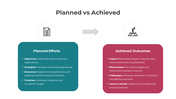
    Slide deck comparing planned efforts and achieved outcomes using side by side layouts with color coded sections.
    11 slides
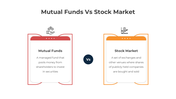
    Compares mutual funds and stock market basics with red and orange icons, clean text, and stylish boxes.
    13 slides
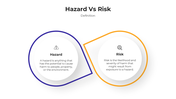
    Comparison of hazard and risk using visual elements highlighting their definitions and differences.
    2.5K+ views
    454 Downloads
    Designer
    Kavitha
    Get Custom Slides by Experts
    Enhance Your Presentations with Add-ins
    Google Slides Add-in
    Access templates directly in Google Slides
    Microsoft PowerPoint Add-in
    Access templates directly in PowerPoint
    GPT Add-on
    AI-powered presentation assistance

    Best Comparison Between Two Day Plan Template 

    Comparison improves your ability to abstract ideas more substantially and reduces the confusion between related ideas. If you want to compare today's plans with tomorrow's plans? Get our Comparison Template In PPT. It has a two-section for today's and tomorrow's activities which has two different shades to help your audience understand the concept. You only need to edit the text area and include your data to compare. You will instantly capture the engagement of your audience.

    Features of the template

    • 100% Customizable (shape color, size & text)
    • Drag and drop image placeholder
    • Pack of best PPT to impress your audience
    • This slide supports the 16:9 and 4:3 formats
    • Easy to change the slide shades
    • You can use it in Google Slides and Microsoft PowerPoint.
    • It is a well-crafted slide with an instant download facility.
    • Highly compatible with PowerPoint, Google Slides and Canva templates

    Advertisement

    You May Also Like These PowerPoint Templates
    Showing20 of69,218 templates