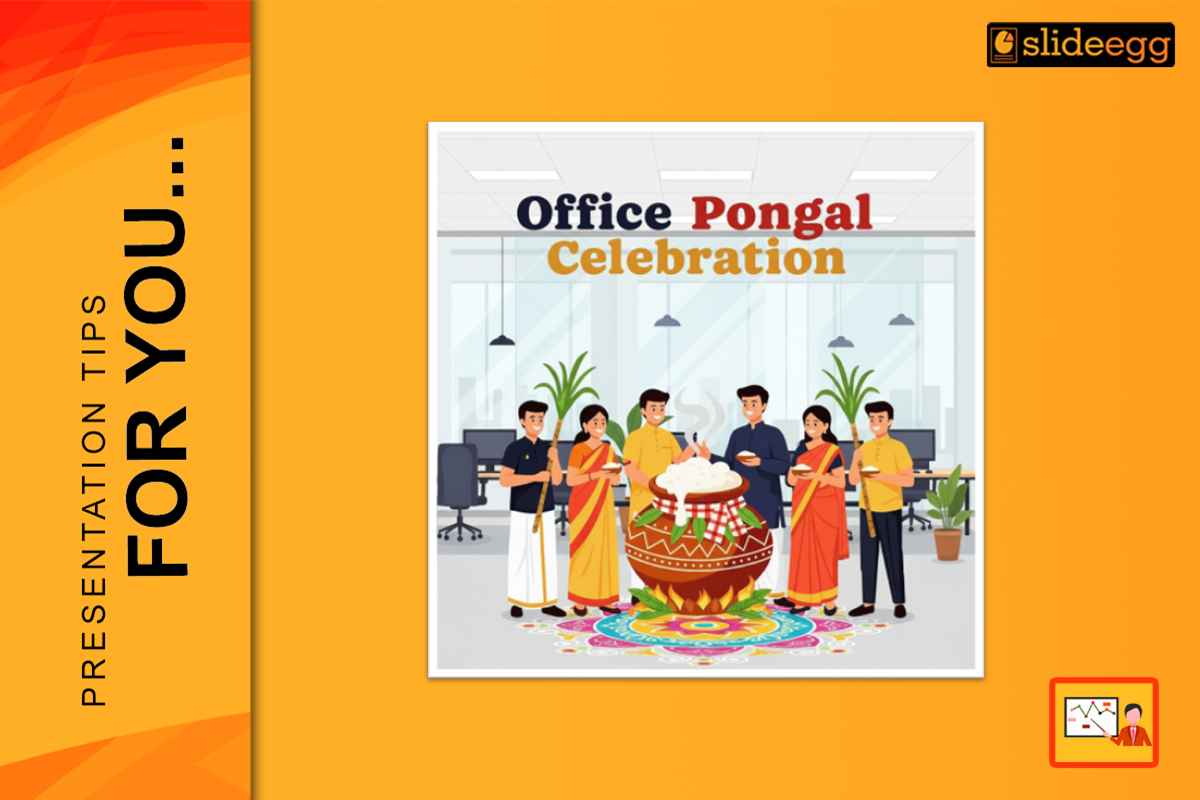
Pongal is a festival that celebrates thankfulness, harvest, and community. It is a time for offices to relax from the routine of business, celebrate culture, and strengthen team bonds. In 2026, most organisations will celebrate with short events, team gatherings, and small stage performances. A well-planned presentation keeps everything in order and sets the mood for the celebration.
An office presentation need not be fancy, but clear, warm, and respectful. With the right structure and simple design choices, you can feel festive without leaving aside the professional look. The process is explained here step by step.
Understand the Purpose of the Office Presentation
If you have previously thought about the purpose of the presentation, defining your purpose before opening your presentation software saves time and keeps your message focused.
The purpose of presenting the Pongal celebration in a typical office is to:
- Inviting the staff to the occasion
- Delivering a brief message about Pongal
- Outlining the schedule of the event
- Showing activities or games
- Finishing this special moment with appreciation and best wishes
When the goal is clear, the slides stay focused. You keep the presentation brief and impactful, avoiding unnecessary details.
Select a Professional and Clean Template
The template is the basis of your presentation. For office use, it is always better to go for a design that embodies both festivity and professionalism at the same time.
A good template should include:
- Use light festive colours.
- Allow enough space for text.
- Stay away from loud patterns or strong effects
- Be clear even on big screens
Pongal presentation templates suitable for this type of purpose have a look that makes them tough to ignore. They may use traditional themes, such as pots, but in a modern way that does not take over the slides.
Create a Basic Slide Structure
Office presentations are more effective when they have a clear flow. A lot of slides are not needed.
Here is a simple structure:
- Slide of Welcome
- Short note about Pongal
- Agenda of the Event
- Slide of Activity or highlight
- Slide of Thank you and wishes
This structure keeps the event smooth. Employees know what to expect, and the presentation supports the celebration instead of distracting from it.
Short and friendly text is highly appreciated.
Office Pongal slides must be very clear to read and easy to understand. Avoid long paragraphs and official language.
Good examples of simple text include:
- Welcome to our Pongal celebration.
- Pongal is a harvest and thanksgiving festival.
- Enjoy the day together as a team.
- Short sentences are clearer and hold attention better.
Use Visuals That Match the Office Tone
The use of images in the presentation adds life to it, but they must correspond to the office environment.
Here are some good visual suggestions:
- Minimal illustrations of Pongal pots or sugarcane
- Gentle background patterns
- Pictures taken from past office parties
- Group photos of teams
Do not place a large number of images on a single slide. Only one clear visual will be enough to back up your message.
Keep Slides Easy to Read on Projectors
It is essential for most office Pongal presentations, which are typically projected or displayed on large screens.
Here are some basic rules to strictly observe:
- Make use of large fonts
- Select legible fonts
- Maintain very high contrast between text and background
- Do not put text over detailed pictures
If your slides can be read easily from the back of the hall, then you are good to go for the presentation.
Maintain Consistency Across Slides
The use of professional PowerPoint templates is a great advantage because it ensures that the slides are uniform. Do your best to preserve this uniformity.
Do:
- Make the same font style your main choice
- Choose one color palette
- Text should be aligned orderly
Avoid:
- Using different fonts on various slides
- Using a lot of colors together
- Inserting unplanned animations
When you maintain uniformity, it creates a smooth and professional look for your presentation.
Add Office-Specific Content
To make the presentation more relevant to the audience, just a few small details specific to the office can be included.
You might add:
- A statement from the management
- A thank-you note on a slide for the team that organized the event
- A brief note about the successes of the team
- A slide with a group photo
All of these elements personalise the presentation and convey care. They also acknowledge everyone’s contributions.
Keep the Presentation Brief and Inviting
An office Pongal presentation should support the event, not become the event. Keep it to 5–10 slides and use it only to guide the flow—welcome, agenda, activities, and closing—so employees stay relaxed and engaged.
To make it more fun without adding time, use an interactive presentation for a quick poll, a short quiz, or a live word cloud where everyone shares a Pongal wish.
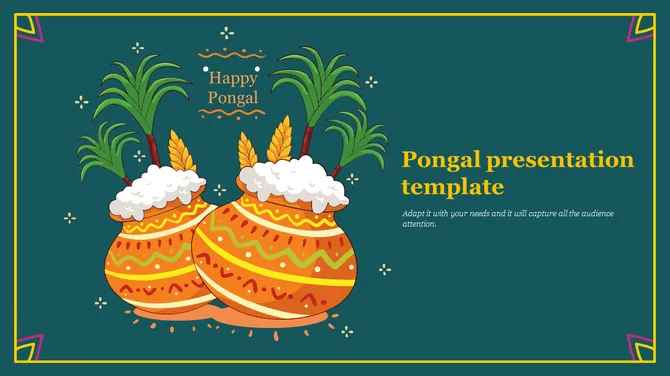
Credit: https://www.slideegg.com/pongal-presentation-template
Review Before the Event
The slides must be reviewed one last time before the big day.
Go through the following checks:
- Spelling and grammar correction
- Correct alignment
- Image resolution
The slides should move easily from one to another.
Furthermore, a quick test on the projector can be performed to ensure that everything is well on the screen.
Importance of Office Pongal Presentations in 2026
In 2026, the emphasis in the offices was on culture and employee connection more than ever. Just a simple Pongal presentation can unite people and make them feel they have a shared festival.
Using a neat Pongal PPT design and professional PowerPoint templates makes it possible to celebrate the tradition while keeping the brand tone. The higher the quality of the presentation, the more it shows both the company’s respect for culture and care for the team.
Conclusion
Making a presentation for the office Pongal celebration in 2026 is not hard if you give importance to clarity and warmth. The first step is to have a very clear purpose. A simple and neat template is the one to use. Apply brief text in combination with expressive visuals. Make sure that the readability of the slides is maintained and that they are uniform.
The ultimate goal is to make the personnel feel like they belong and are valued. A great presentation helps to attain that goal while also making the celebration more memorable.
FAQ
1. How many slides should an office Pongal presentation include?
Most office celebrations may be expressed with 5 to 10 slides.
2. Can Pongal presentation templates be used for corporate events?
Yes. Many designs can combine a festive and corporate style.
3. What kind of text works best for office Pongal slides?
Short, friendly, and positive-toned sentences are the perfect fit.
4. Are professional PowerPoint templates easy to edit?
yes. Most templates provide a hassle-free way to change texts and images.
5. Can the same presentation be reused in the following year?
Yes. You can refresh the content and photos, still retaining the layout.



