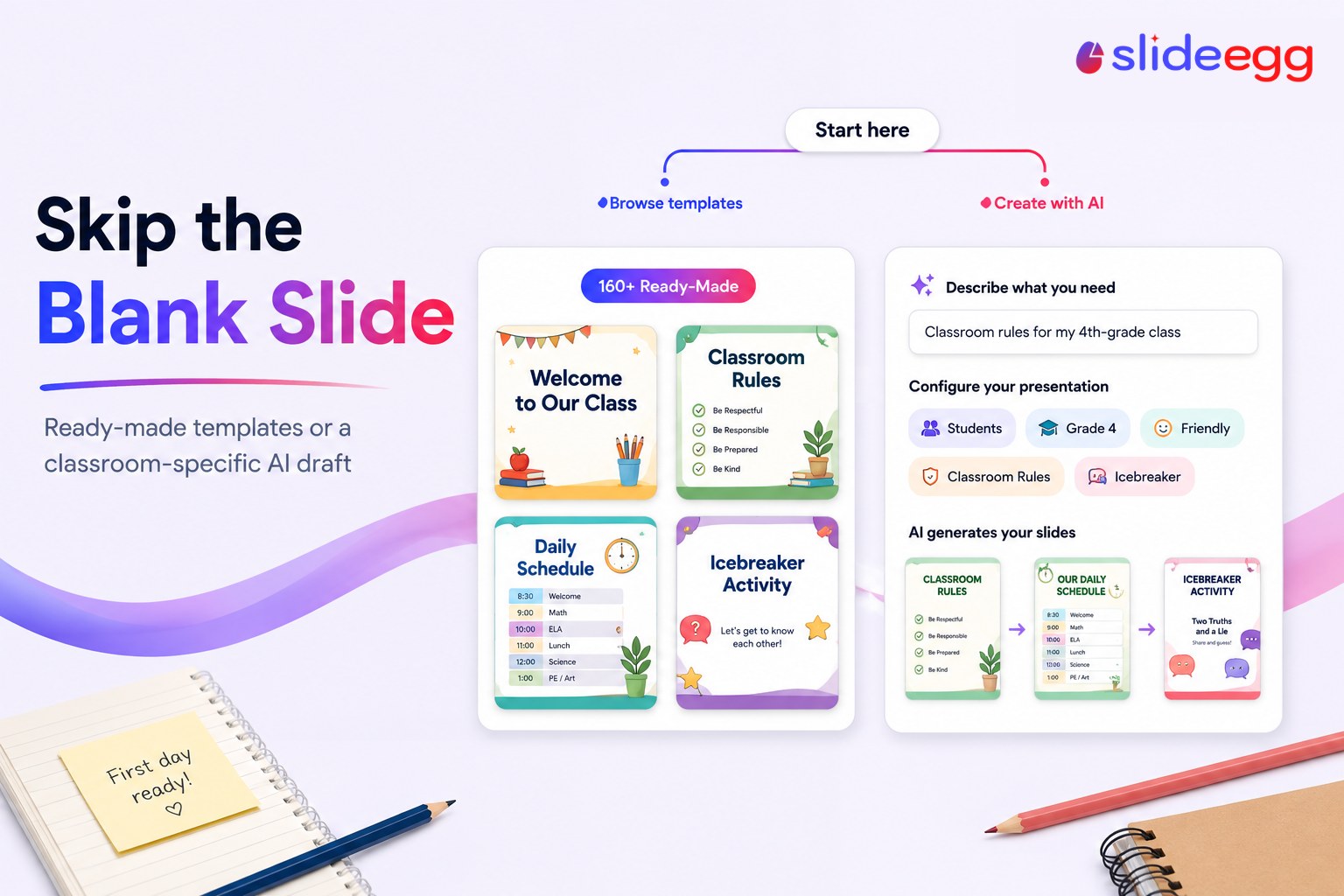
If you’re reading this a few nights before school starts, I already know what’s going on: you know roughly what your first day should look like, and you don’t have three free hours to build it from a blank slide. That’s the actual problem here — so let’s just solve it.
First, Check If Something’s Already Built
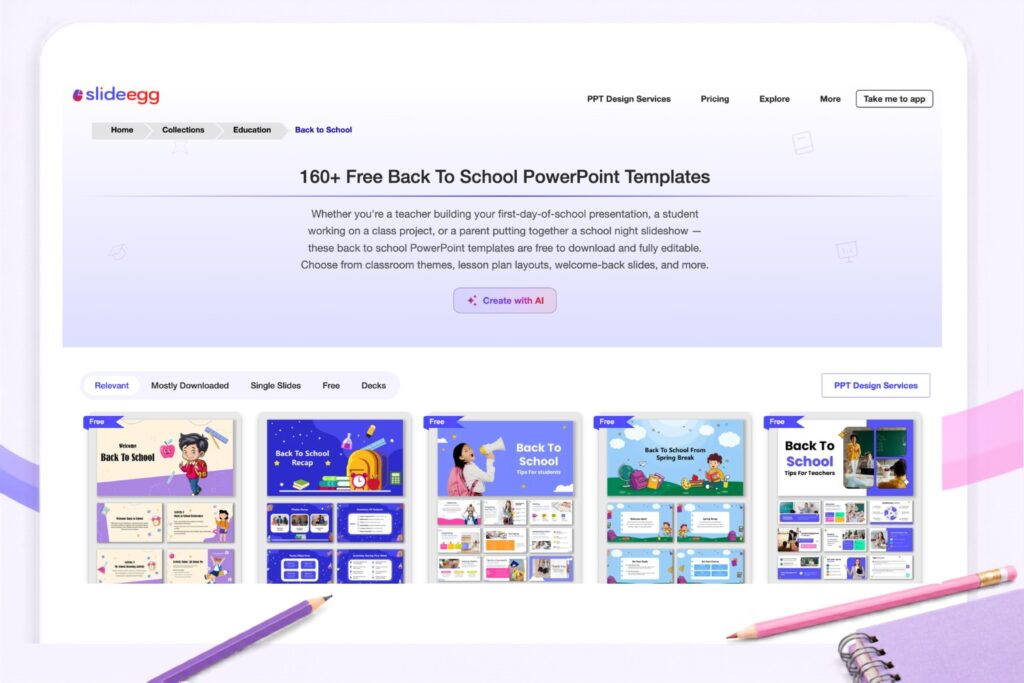
Before anything else, if your first day is fairly ordinary — a welcome slide, your classroom rules, one icebreaker — there’s a good chance it’s already been made. We’ve got over 160 ready-made back-to-school templates, and editing text into something that already exists is almost always faster than starting from a description. Look here first. Genuinely. If you want the fuller picture on picking and customizing one of these, I’ve also written up what to look for across the whole collection.
If Nothing Quite Matches Your Classroom
Sometimes nothing in the grid fits — maybe it’s a specific grade, a specific rule set, a specific kind of first day. For that, there’s a second option on the same page: you describe what you need in a sentence, and it builds a draft for you instead of leaving you with a blank canvas.
I tried this myself before writing about it, because I don’t like explaining something I haven’t actually used. Here’s plainly what happens: you type something like “classroom rules for my 4th-grade class,” and before it builds anything, it asks a few simple questions — who it’s for, roughly what grade, what tone you’d like. Then you can tell it what to actually cover, like classroom rules, the day’s schedule, or an icebreaker activity. I typed in a real request and got back something usable, built around what I’d actually asked for — not a generic list I’d have to rewrite from scratch.
One honest thing worth flagging: my first draft came back a bit longer than I actually needed for a single class period. Trimming a slide or two is normal — treat it as a starting point you’ll tighten, not a finished deck you’ll present untouched.
Be honest with yourself about what this saves you: the blank page, not the editing. You still know your students better than any tool does.
One Thing I Want to Clear Up
If you tell it to add something like an icebreaker or a quick quiz, that just means the words for that activity get written onto the slide — something you read out loud and run yourself, the way you’d run any classroom activity. It doesn’t turn into an app your students log into, and nobody needs a laptop or phone in front of them. Worth being direct about that, since a tool can’t know your classroom’s device situation — but by design, nothing here requires one.
Two Ready-Made Decks Worth Knowing About
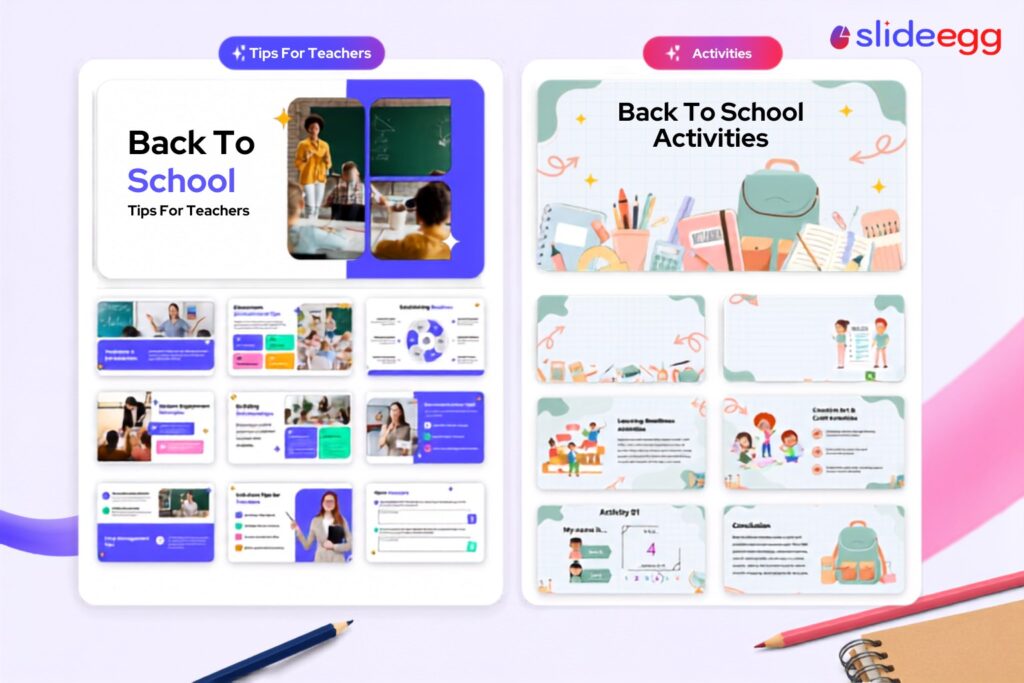
If you’d rather not describe anything and just want something built already, two decks cover most of what teachers ask me about:
Back to School Tips for Teachers is a 19-slide set that’s actually for you, not your students — classroom setup, routines, building relationships with a new group, and a section on not burning out in week one. If what you need is something for a staff meeting or your own planning, I’d grab this before generating anything.
Back to School Activities is built for day one with kids actually in the room — welcome activities, rules taught through play, name games. If icebreakers are the part you dread writing, this is already done.
Edutopia’s research on the first five days of the school year is worth reading if you want the reasoning behind why I structure things this way — the short version is that routines and relationships matter more in week one than curriculum does. A presentation is one small piece of getting that right, whichever way you build it.
A Few Real Questions
Q: Do I need to know design to use this?
A: No. You’re describing what you need, not building a layout — same as picking a template and swapping the text.
Q: Can I use this for parent orientation instead of my classroom?
A: Yes. Just describe it that way, and it writes for that room instead.
Q: What if I don’t like what it gives me?
A: Edit it, or describe it again with more detail. Nobody gets a perfect deck on the first try, and I wouldn’t trust anything that claimed otherwise.
Start Wherever Fits Your Evening
Whichever way suits your evening – browsing what’s already built or describing what you need – you’ll find both on the back-to-school template page.