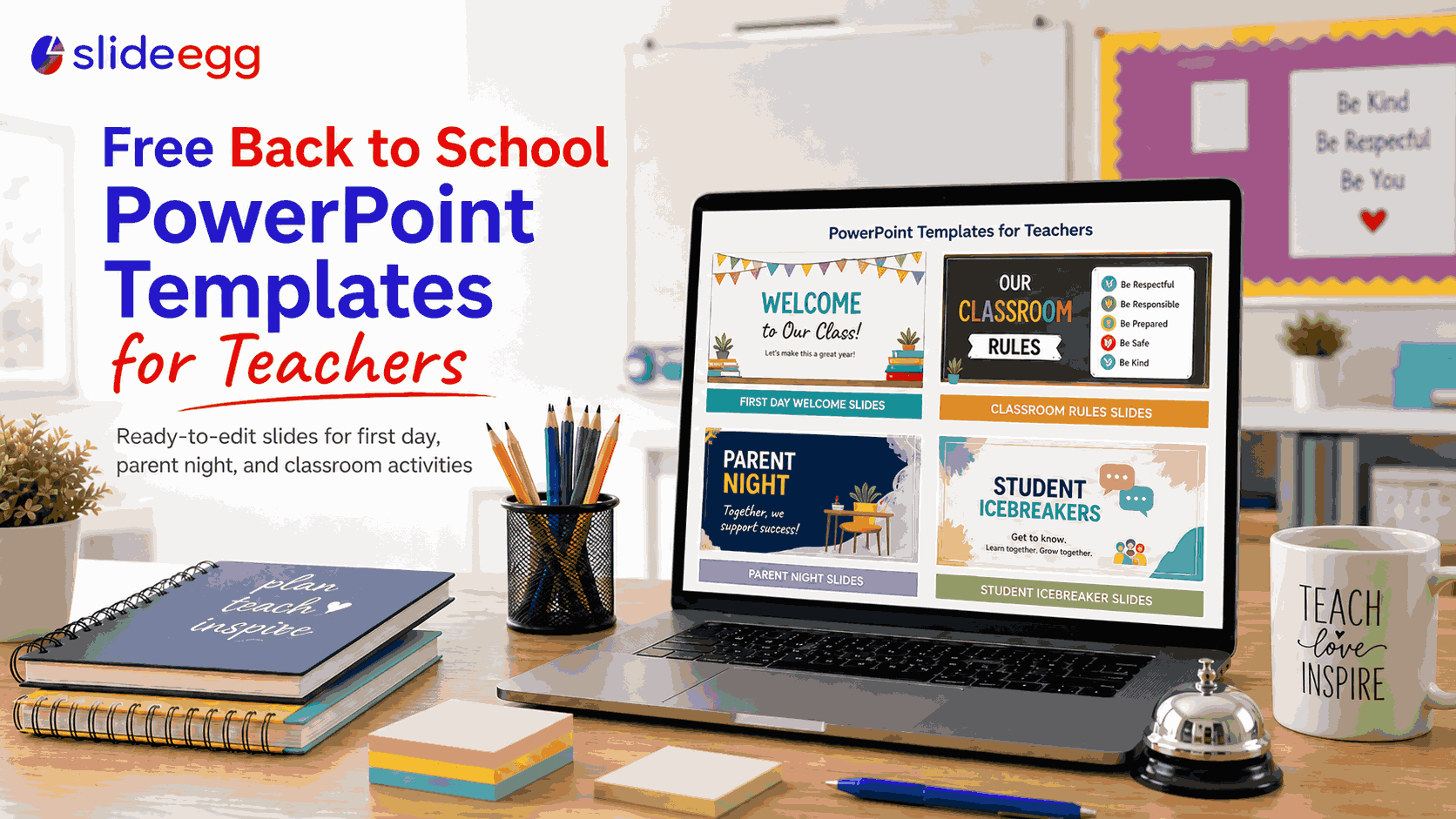
Before the first bell rings, most teachers are already building presentations — first-day introductions, classroom rules slideshows, back to school night decks for parents, student icebreaker activities. That’s four to six presentations before the year even starts. Building each from a blank slide takes two to three hours. Using a template takes twenty to thirty minutes.
This guide covers the best free back to school PowerPoint templates for teachers — what to look for, which template types fit each scenario, and how to find the right design for your grade level. If you need templates now, browse SlideEgg’s 160+ free back to school PowerPoint templates and download one before reading further.
Why Teachers Need More Than One Back to School Template

“Back to school presentation” covers a wide range of audiences and purposes:
- First Day of School (student-facing): Introduction slides, class rules, daily schedule, what to expect this year
- Back to School Night (parent-facing): Curriculum overview, grading policy, contact information, upcoming events
- Student Icebreakers: “About Me” slides, interest surveys, goal-setting templates
- Classroom Procedures: Step-by-step routines for homework turn-in, group work norms, and bathroom procedures
- New Year Planning (teacher-facing): Unit planning, staff meeting presentations, professional development
Each has a different design requirement. A first-day deck for second graders should look completely different from a parent orientation deck. Using the wrong template for the wrong audience creates friction — and loses the room in the first ten minutes.
What to Look for in a Back to School PowerPoint Template
Fully editable slides
Every text box, shape, and color should be editable in PowerPoint without design skills. Locked elements waste time. Good templates are built on native PowerPoint shapes — not grouped images with embedded text.
Multiple slide layouts per deck
A useful template pack includes: a title slide, an agenda slide, content slides with varying layouts (bullet list, two-column, image + text), a photo placeholder slide, and a closing/contact slide. If a template only has one or two unique layouts, you’ll be reformatting slides manually — which defeats the purpose.
Age-appropriate design
Elementary (K–5): bright colors, large fonts, playful illustrations, minimal text per slide. Middle school (6–8): clean design, some color but not cartoonish. High school and parent presentations: professional, subdued palette, no clip art, smaller fonts acceptable.
Google Slides compatibility
Even if you work in PowerPoint, parents may ask for a shared link. Templates that open cleanly in Google Slides — without fonts or formatting breaking — give you more flexibility. Most SlideEgg templates are Google Slides compatible.
Best Back to School Presentation Types and What to Include
First Day of School Introduction Deck (8–12 slides)
This is the first thing students see on Day 1. Keep it visual, warm, and short. Include: a welcome slide with your name, a slide about you (photo, fun facts), class norms and expectations, daily schedule, what to bring, and an icebreaker question on the final slide. Use a bright, energetic palette for elementary; clean and minimal for high school.
Back to School Night Presentation (12–15 slides)
Parents are evaluating whether to trust you with their child’s education. This deck needs to be polished. Include: course overview and learning goals, grading breakdown, major projects and deadlines, homework policy, how to contact you, and how parents can support learning at home. That last slide is worth a real example, not just a bullet point — a reading log routine, a weekly math check-in, or a resource like Brighterly math tutors for families who want extra practice outside class. Keep to 15 slides maximum — parents have other teachers to see and questions to ask.
Student “About Me” Icebreaker Slides
Have students fill out a template slide with: name, grade, hobby, favorite subject, one goal for this year, and a fun fact. This doubles as a classroom activity and an early assessment of how comfortable students are with presenting. Works well as a shared Google Slides file where each student fills in their own copy.
Classroom Procedures Walkthrough
New students need a visual walkthrough of how your room runs. One slide per major procedure: entering the classroom, the start-of-class routine, how to turn in work, what to do when finished early, how to ask for help. Keep text minimal — use icons and short phrases. This deck will be referenced multiple times in the first two weeks.
How to Customize a Template in Under 30 Minutes
- Download and open in PowerPoint. SlideEgg templates download as .pptx — open directly, no conversion needed.
- Update colors to match your classroom. Go to Design → Variants → Colors and create a custom palette using your school’s colors.
- Replace all placeholder text. Click each text box and type directly. Tab through slides to make sure no placeholder remains.
- Add your photo. Click any image placeholder → Insert → Pictures → select your file. PowerPoint crops automatically.
- Delete slides you don’t need. A 20-slide template doesn’t mean you need all 20. Delete anything irrelevant.
- Run spell check. Every teacher who has projected a typo on a first-day slide knows why this step matters.
Total time for a comfortable customization: 20–30 minutes for a 10-slide deck. Start with the highest-priority deck (usually Back to School Night) and work backwards from your event dates. Browse the complete collection: 160+ free back to school PowerPoint templates on SlideEgg
Frequently Asked Questions
Are free back to school PowerPoint templates safe to use in my classroom?
Yes. Templates under a free personal/educational use license can be used in classroom presentations, back to school night, and teacher-to-student settings without cost. Check the specific license terms if you plan to use a template in a commercial workshop or publish it publicly online.
Can I use PowerPoint templates in Google Slides?
Yes. In Google Slides, go to File → Import Slides, upload your .pptx file, and select which slides to import. Most formatting transfers correctly. Non-Google fonts will need to be substituted — Lato, Montserrat, and Open Sans are reliable replacements.
How many slides should a back to school presentation have?
For students on the first day: 8–12 slides. For parents at back to school night: 10–15 slides. For student icebreaker activities: 5–8 slides per student. More slides than needed is worse than fewer — every extra slide is time not spent on interaction.
Can I edit a back to school template without design skills?
Yes. Good templates only require replacing text, swapping in your photo, and updating colors. The structure, fonts, and layout are already handled. Your job is to fill in the content — nothing more.