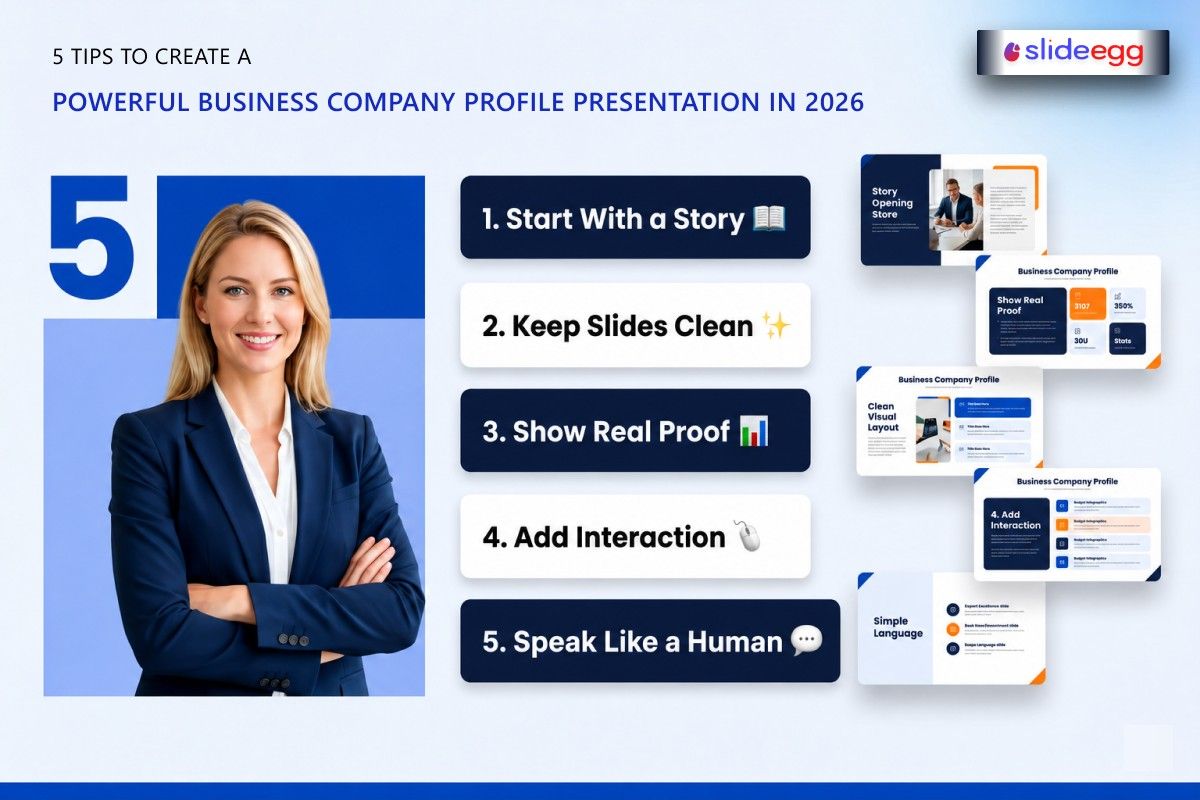
In 2026, business moves fast. People don’t have time to read long documents or sit through confusing explanations. They want clarity in seconds.
That’s why a business company profile presentation is no longer optional. It is your business introduction, your credibility proof, and your pitch—all in one place.
Think of it like your business “first handshake.” If it feels confident and clear, people trust you. If it feels messy, they hesitate.
Why Your Company Profile Matters More Than Ever
Today, attention is short, but competition is high. Every business is trying to stand out.
A strong presentation helps you:
- Explain your business in minutes
- Build instant trust
- Look more professional
- Win clients and partnerships
It’s like turning your business into a story people can understand without effort.
Even using a simple company presentation template can help you organize your message better and save time.
Tip 1: Start with a Clear Story, Not Just Facts
Most people make the mistake of starting with data. But people connect with stories, not lists.
Instead of jumping into services, start with:
- Why your business exists
- What problem do you solve
- What inspired you
For example, instead of saying “We are a consulting firm,” say:
“We started to help small businesses make smarter financial decisions without confusion.”
That small shift makes your presentation human.
Tip 2: Keep Your Slides Clean and Focused
A presentation is not a report. It is a visual conversation.
Each slide should have:
- One main idea
- Simple text
- Clear visuals
If a slide feels crowded, people stop reading. Think of it like a shop shelf—if it’s too full, nothing stands out.
A free presentation template can help you keep structure and design clean without starting from scratch.
Tip 3: Show Proof, Not Just Promises
Anyone can say they are “the best.” But proof builds trust.
Add:
- Client results
- Numbers or growth stats
- Case studies
- Real feedback
Example:
Instead of saying “We help businesses grow,” say
“We helped 30+ clients improve revenue by 25% in one year.”
Proof turns claims into credibility.
Tip 4: Make It Easy to Engage With
In 2026, static slides are not enough. People want interaction and flow.
This is where an interactive presentation tool becomes useful. It helps you:
- Add clickable sections
- Include videos or visuals
- Guide viewers through content smoothly
It makes your presentation feel like a guided experience instead of a static file.
Think of it like walking through a showroom instead of reading a brochure.
Tip 5: Speak Like a Human, Not a Corporate Script
Many presentations sound robotic. That pushes people away.
Instead:
- Use simple words
- Write as you speak
- Keep sentences short
- Avoid heavy jargon
Your goal is not to impress with complexity. Your goal is to be understood quickly.
If someone can explain your business after seeing your presentation once, you’ve done it right.
Quick Summary Table
| Tip | Focus | Why It Matters |
| Start with a story | Human connection | Builds interest early |
| Keep slides clean | Simplicity | Improves clarity |
| Show proof | Trust building | Makes claims believable |
| Add interaction | Engagement | Keeps attention longer |
| Use simple language | Clarity | Helps understanding |
Common Mistakes to Avoid
- Adding too much text on slides
- Using complicated business terms
- Ignoring design structure
- Not updating content regularly
- Talking only about yourself instead of value
Avoiding these mistakes can instantly improve your presentation quality.
FAQ
Why is a company profile presentation important?
A company profile presentation helps businesses create a strong first impression, build trust with clients and investors, and communicate their brand value effectively.
Why is it important in 2026?
Because businesses need to communicate quickly and clearly. A strong presentation helps you build trust faster.
What is the biggest mistake people make?
The biggest mistake is adding too much information and losing clarity. Simplicity always works better.
Should I include pricing in the presentation?
It depends on your strategy. Some businesses include basic pricing, while others discuss it during meetings.
Can I use the same presentation for different audiences?
Yes, but it’s better to make small changes depending on whether you are talking to clients, investors, or partners.
Final Thoughts
A powerful business company profile presentation is not about how much you say. It is about how clearly you say it.
In 2026, the businesses that win are not the ones with the most slides—they are the ones with the clearest message.
So keep it simple, keep it human, and keep it focused on value.
Because at the end of the day, your presentation is not just showing your business—it is speaking for it.



