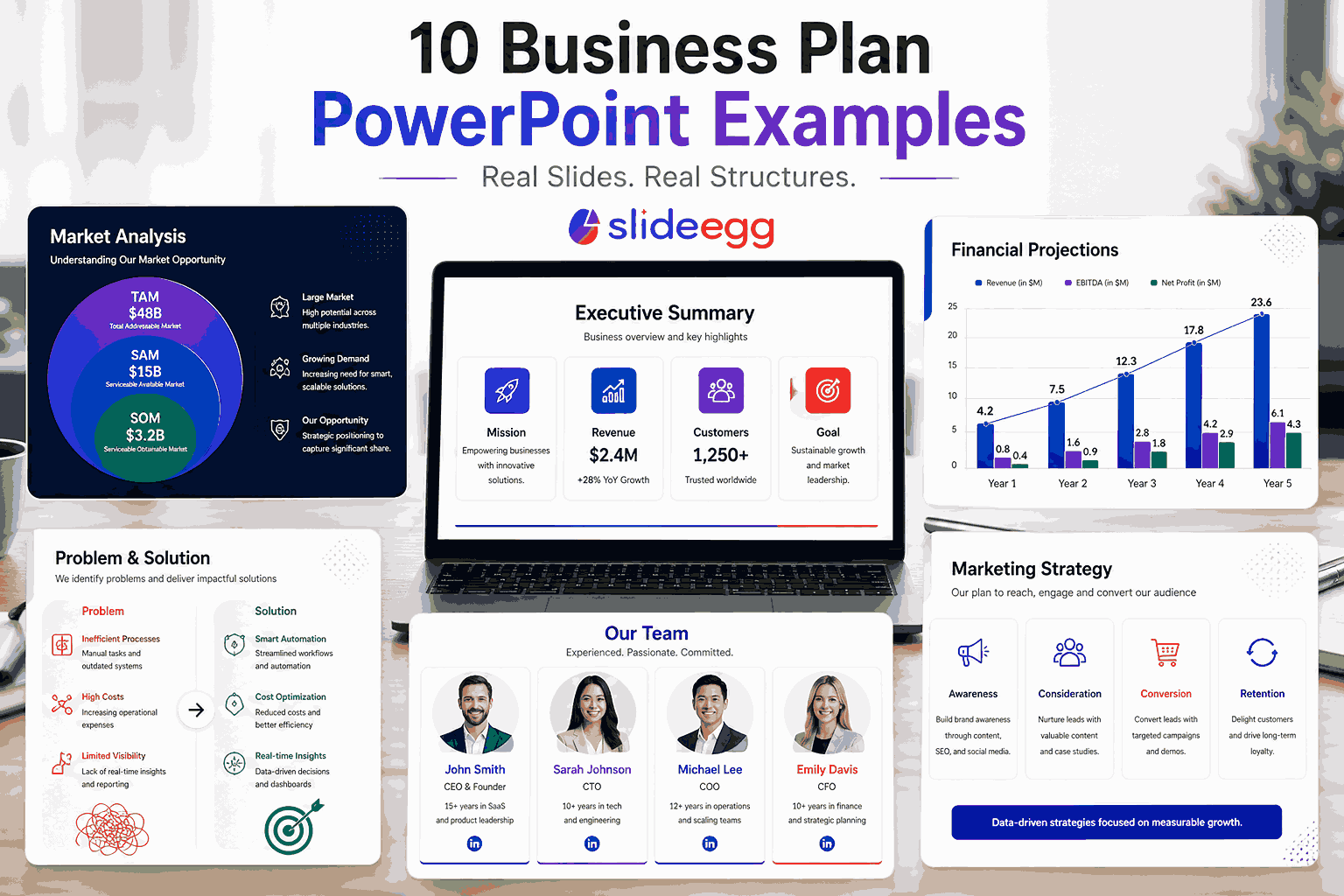
Quick answer: A strong business plan PowerPoint example covers 8 sections: executive summary, company overview, problem/solution, market analysis, products or services, marketing strategy, financial projections, and team. The best examples use one key message per slide, data-backed visuals, and a consistent color palette throughout.
Seeing a fully built business plan presentation is one of the fastest ways to understand what yours should look like. Whether you’re pitching investors, applying for funding, or presenting your strategy to the board, these 10 business plan PowerPoint examples show exactly how to structure, visualize, and communicate your plan clearly.
Each example below is a real, downloadable template from SlideEgg — fully editable in PowerPoint, Google Slides, and Canva.
What Makes a Strong Business Plan PowerPoint Example?
Before diving into the examples, here’s what separates a great business plan presentation from a mediocre one:
One message per slide
Each slide communicates a single point. Cramming multiple ideas onto one slide forces the audience to choose what to focus on.
Data visualized, not listed
Revenue projections as a bar chart. Market share as a pie chart. Numbers on their own in bullet points lose impact.
Consistent visual identity
Same fonts, colors, and layout rules throughout. Inconsistency signals a rushed or unprepared presenter.
Audience-matched depth
Investor pitch = 10–12 focused slides. Internal strategy plan = 20–25 detailed slides. Same content, different scope.
10 Business Plan PowerPoint Examples
All 10 examples below are available as free, editable templates. Browse the full business plan PowerPoint template collection to find the right fit for your presentation.
1. Startup Business Plan PowerPoint Example

08–10 Slides; Modern / Minimal Investor Pitch
This example is built for early-stage startups presenting to angel investors or seed-stage VCs. It leads with the problem-solution pairing on slide 2, moves quickly to market size (TAM/SAM/SOM), and closes with a clear funding ask and use-of-funds breakdown.
What this example does well: the executive summary slide uses a 4-box grid layout — problem, solution, market, traction — so investors can scan the entire thesis in under 30 seconds before committing to reading further.
Best for: First-time founders pitching to investors, startup competitions, accelerator applications
2. Corporate Business Plan Presentation Example
Designed for established businesses presenting annual or multi-year strategic plans to a board of directors or executive leadership team. This example runs deeper than a startup pitch — it includes a full competitive landscape analysis, SWOT overview, and department-level operational roadmap.
The financial projections section uses a three-column layout comparing current year actuals, Year 1 targets, and Year 3 projections side-by-side — a format that boards respond well to because it shows both where you are and where you’re going.
Best for: Annual planning presentations, board meetings, multi-department strategy reviews
3. Small Business Plan PowerPoint Example

08–10 Slides; Clean / Approachable, Bank Loan / SBA
Banks and SBA loan officers evaluate business plans differently than investors. They prioritize cash flow stability, repayment capacity, and collateral — not growth potential and exit strategy. This example is structured for that audience: it leads with business overview and owner credentials, prioritizes the financial plan, and includes a clear loan repayment schedule.
It avoids the startup-pitch tendency to lead with “the problem we’re solving” and instead opens with a direct business summary and 3-year cash flow projection.
For funding-focused presentations, business proposal templates can also help you organize financial plans, repayment details, service scope, pricing, and next steps in a more structured format.
Best for: Small business bank loan applications, SBA presentations, franchise business plans
4. Business Strategy Plan Example
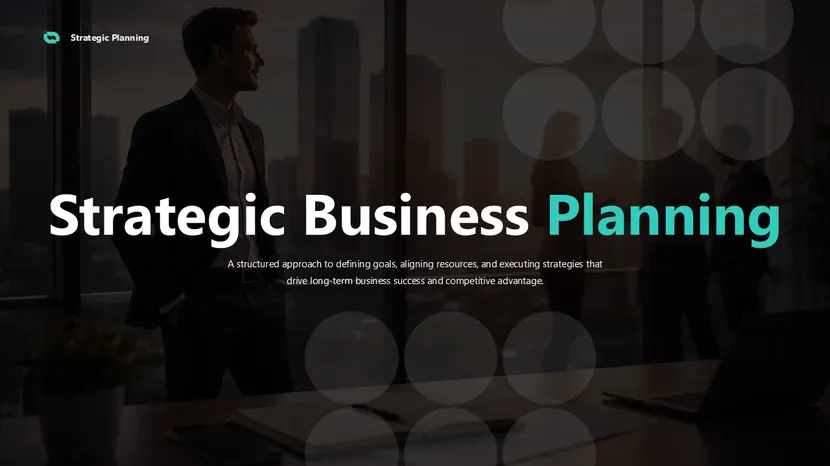
08–10 Slides; Strategic / Data-Heavy Internal Strategy
This example blends business planning with strategic framework tools — it includes a SWOT analysis slide, a Porter’s Five Forces overview, and a visual strategic roadmap showing 12-month milestones. Designed for businesses that need to align internal teams around a shared direction.
The KPI dashboard slide is particularly useful — it shows how each strategic initiative maps to a measurable outcome, which prevents the common problem of a strategy plan that looks good on paper but has no clear accountability mechanism.
Best for: Internal strategy alignment, leadership offsites, quarterly planning reviews
5. Investor-Ready Business Plan Pitch Deck Example
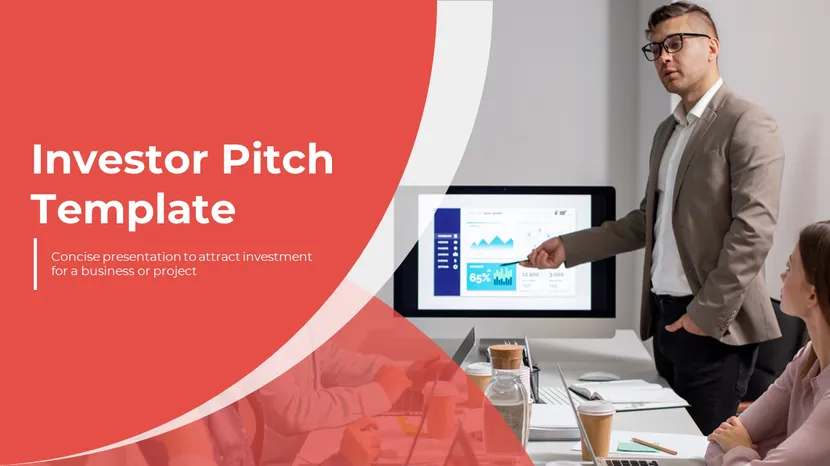
08–10 Slides; Bold / High Impact Series A / VC Pitch
This example follows the classic investor pitch deck structure popularized by Sequoia Capital: problem, solution, market size, product, business model, traction, team, financials, and ask. Every slide is designed to answer one question an investor would ask — no more, no less.
Key difference from a full business plan: there is no operational detail, no org chart, no process documentation. Everything cuts to what a VC needs to make an investment decision in 15 minutes.
Best for: Series A/B fundraising, VC pitch meetings, demo days, and investor summits
6. Annual Business Plan Presentation Example

08–10 Slides; Clean / Data-Rich Year Planning
This example is structured for the annual planning cycle — it includes a retrospective on the previous year (what worked, what didn’t, key metrics), followed by the forward plan for the coming year. The before/after structure gives context to every goal you set, making the plan more credible than one that just lists future targets with no baseline.
It includes a department priorities section where each team presents their top 3 objectives for the year with OKR-style key results — useful for companies that run quarterly business reviews.
Best for: Annual company planning, leadership kickoffs, budget presentations
7. E-Commerce Business Plan Example
Built specifically for online retail and direct-to-consumer businesses. This example includes slides that traditional business plan templates miss: customer acquisition funnel, CAC vs LTV analysis, return rate assumptions, and a platform comparison (Shopify vs WooCommerce vs Amazon). The marketing section breaks down paid social, SEO, and email channel budgets separately.
Financial projections are built around GMV (Gross Merchandise Value) rather than revenue — the right metric for marketplace or high-volume retail models.
Best for: E-commerce startups, DTC brand launches, marketplace seller business plans
8. Restaurant Business Plan PowerPoint Example

08–10 Slides; Warm / Visual Food & Hospitality
Restaurant business plans have a different structure to tech or retail plans. This example leads with concept and location, includes a menu overview section, covers staffing model (front of house vs back of house ratios), and focuses the financial section on seat turnover rate, average spend per cover, and break-even occupancy — the metrics restaurant investors actually care about.
The location analysis slide uses a map placeholder with a competitor radius overview — useful for showing investors that you’ve validated the local market before signing a lease.
Best for: Restaurant launches, food truck businesses, café and catering concepts
9. SaaS Business Plan Presentation Example
SaaS metrics require a different financial model than traditional businesses. This example is built around SaaS-specific KPIs: MRR, ARR, churn rate, NPS, CAC payback period, and net revenue retention. Investors in SaaS businesses evaluate these metrics first — a plan that doesn’t speak their language loses credibility immediately.
The product roadmap slide shows a 3-phase release timeline: core features (shipped), growth features (Q2–Q3), and scale features (Q4+). It separates what’s built from what’s planned — critical for showing product maturity without overpromising.
Best for: B2B SaaS startups, subscription software products, tech founder fundraising
10. Nonprofit Business Plan Example
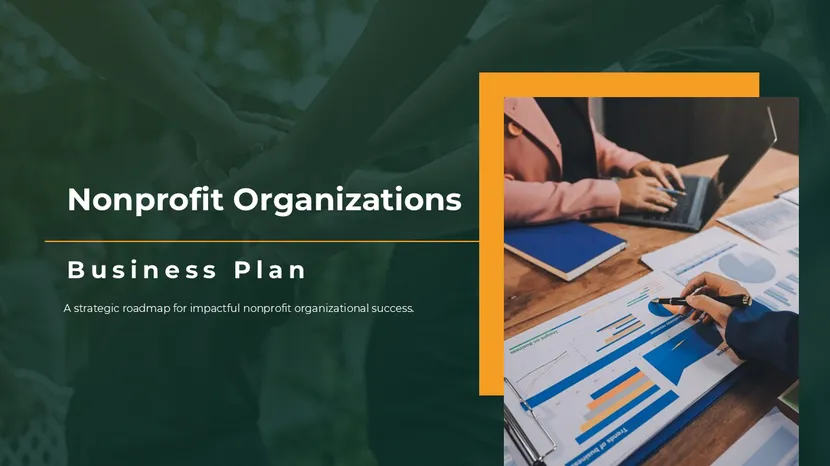
08–10 Slides; Clean / Mission-Focused Grant Applications / Donors
Nonprofit business plans serve a different purpose — they’re designed to secure grants, attract major donors, or present to a board of trustees. This example leads with mission and impact (not revenue), includes a theory of change framework showing how program activities lead to outcomes, and presents the budget as a program-cost-per-beneficiary breakdown rather than a P&L.
The impact metrics slide uses before/after data showing community outcomes from previous programs — the equivalent of traction for a nonprofit audience.
Best for: Grant writing support, nonprofit board presentations, major donor pitches
Use Any of These Examples as Your Starting Point
Every example above is available as a free, fully editable template. Download, customize with your data, and present — no design skills needed. Browse All Business Plan Templates →
How to Choose the Right Business Plan PowerPoint Example
The right example depends on three things: who you’re presenting to, what decision you want them to make, and how much time they have.
Presenting to investors: Use a lean, visual format (10–12 slides). Lead with problem/solution. Keep financials to one slide with key metrics highlighted. Examples 1, 5, and 9 above fit this.
Presenting to a bank or lender: Use a detailed, data-heavy format. Lead with business overview and credibility. Prioritize cash flow and repayment capacity over growth story. Example 3 fits this.
Internal strategy alignment: Use a comprehensive format with cross-functional detail. Include roadmaps, KPIs, and team accountability. Examples 2, 4, and 6 fit this.
Once you’ve picked the right format, use our guide on how to write a business plan in PowerPoint to fill in each section with your actual data.
Frequently Asked Questions
What should a business plan PowerPoint example include?
A complete business plan PowerPoint example should include: executive summary, company overview, problem and solution, market analysis, products or services, marketing and sales strategy, financial projections, and team. Most strong examples run 12–20 slides depending on the audience and purpose.
How is a business plan PowerPoint different from a pitch deck?
A pitch deck is a shorter (10–12 slide) sales document designed to get a follow-up meeting. A business plan PowerPoint is more comprehensive (15–25 slides) and designed for deeper review. Pitch decks focus on vision and traction. Business plans cover operational detail, financial projections, and team structure in full.
Can I download these business plan PowerPoint examples for free?
Yes. All 10 examples shown above are available as free templates on SlideEgg, fully editable in PowerPoint, Google Slides, and Canva. Browse the business plan PowerPoint templates collection to download any of them.
Which business plan PowerPoint example is best for investors?
For investor presentations, use a lean format (10–12 slides) with strong visual hierarchy and clear traction metrics. The Startup Business Plan example (Example 1) and the Investor-Ready Pitch Deck example (Example 5) above are both structured specifically for investor audiences — they lead with problem/solution and close with a clear funding ask.
How many slides should a business plan PowerPoint have?
For investor pitches: 10–12 slides. For bank loans or grant applications: 15–20 slides. For internal strategy plans: 20–25 slides. The right length depends on your audience, not a fixed rule. Each slide should carry exactly one key message — if you’re adding slides to fill a count rather than to communicate a point, cut them.
Find Your Business Plan PowerPoint Example
The 10 examples above cover the most common business plan presentation formats — startup pitches, corporate strategy, small business loans, SaaS metrics, and more. Each is designed around what the specific audience actually evaluates, not a generic one-size-fits-all structure.
Browse the full business plan PowerPoint templates on SlideEgg to find the right example for your situation. All templates are free to download and fully editable — pick one, add your data, and present.



