Introduction: The Rise of a New AI Rivalry
Artificial Intelligence (AI) is transforming how we work, communicate, and make decisions. From automating tasks to generating human-like conversations, AI-powered chatbots have become an integral part of our daily lives.
For years, ChatGPT has been the leader in AI-driven conversations, powering businesses, assisting professionals, and even helping students with research and content creation. But now, a new challenger, DeepSeek, has entered the race.
Will DeepSeek dethrone ChatGPT, or will OpenAI’s powerhouse continue to dominate the AI space? This blog will compare the two AI giants, explore their strengths and weaknesses, and discuss what the future holds for conversational AI.
Why Are AI Chatbots Becoming So Popular?
AI chatbots are no longer just simple virtual assistants—they are revolutionizing industries. Here’s why AI-powered chatbots are gaining traction:
✔ Instant responses and 24/7 availability for businesses.
✔ Automation of repetitive tasks, saving time and resources.
✔ Personalized assistance for education, customer support, and creative work.
✔ Ability to analyze and process vast amounts of data quickly.
With the growing demand for AI-powered automation, companies are constantly innovating to build smarter and more efficient chatbots.
What Makes DeepSeek Different?
DeepSeek is an emerging AI chatbot that aims to compete directly with ChatGPT by offering improved performance, security, and accuracy. While still new, it has been positioned as a next-gen conversational AI with faster response times, better contextual understanding, and enhanced security measures designed to address growing concerns surrounding AI security in enterprise systems.
Key Features of DeepSeek:
✔ Advanced Contextual Awareness: Designed to understand user intent with greater precision.
✔ Faster Processing Speed: Optimized for quick responses, even with complex queries.
✔ Stronger Data Security: Focuses on privacy-first AI interactions and secure user data handling.
✔ Multimodal Capabilities: Expected to analyze not just text, but also images and voice inputs in future updates.
💡 Fun Fact: DeepSeek is rumored to be built using a unique AI training method that improves its ability to predict and adapt to user behavior.
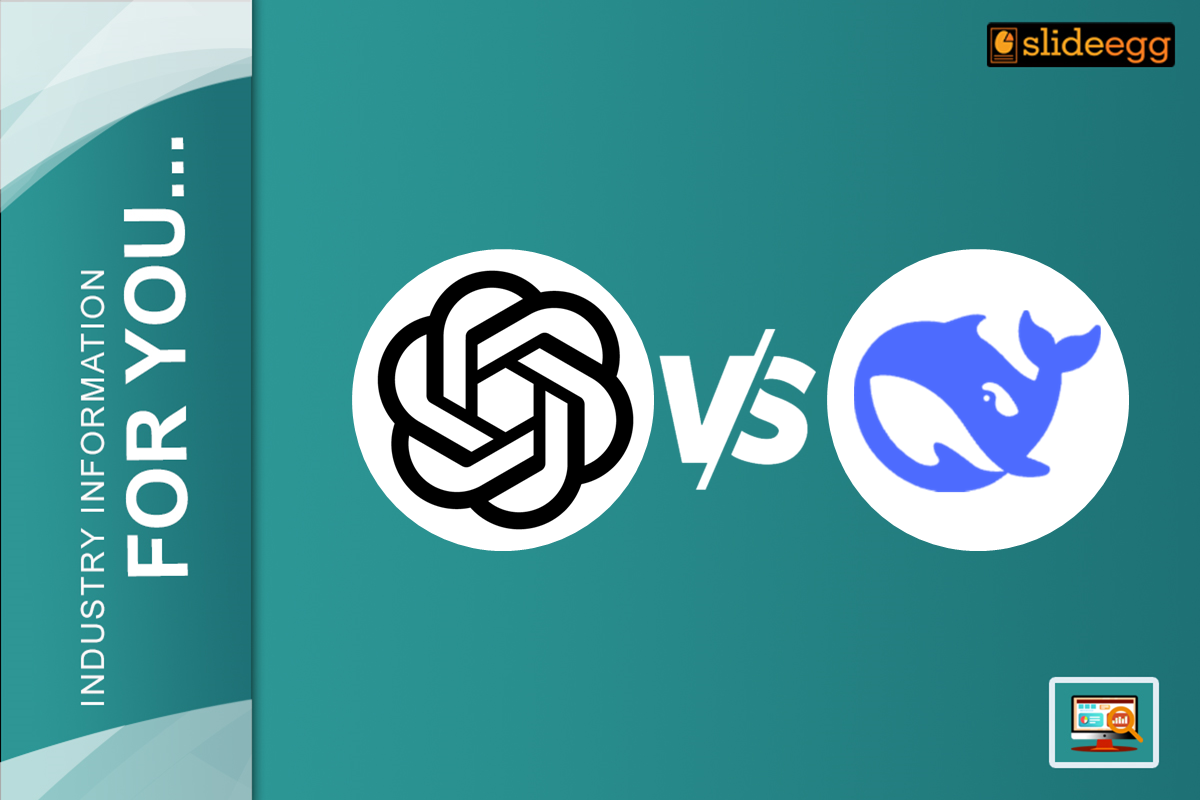
ChatGPT vs. DeepSeek: A Head-to-Head Comparison
| Feature | ChatGPT (OpenAI) | DeepSeek (New AI Rival) |
| Accuracy | High, but may generate outdated responses | Claims better accuracy with updated datasets |
| Speed | Fast, but slows down during peak usage | Optimized for faster response times |
| Creativity | Excels in creative writing, storytelling, and poetry | Focuses more on structured and technical responses |
| Security & Privacy | Stores user data for AI training; privacy concerns exist | Prioritizes user privacy with enhanced security measures |
| Multimodal Capabilities | Primarily text-based with limited image analysis | Expected to handle text, images, and voice input |
| Business Integration | Well-integrated with Microsoft and enterprise tools | Still expanding its business-use applications |
💡 Key Takeaway: ChatGPT is widely used and versatile, but DeepSeek is positioning itself as a faster, more secure, and context-aware AI assistant for the future.
Which AI Tool is the Best for PowerPoint Presentations?
As AI continues to evolve, ChatGPT and DeepSeek are being compared for their capabilities in enhancing PowerPoint presentations. While both tools bring unique strengths to the table, their effectiveness depends on user needs, creativity, and data accuracy.
Below is a detailed comparison chart to help you decide which AI tool is the best for PowerPoint presentations:
🔍 AI Comparison: ChatGPT vs. DeepSeek for PowerPoint Presentations
| Feature | ChatGPT (OpenAI) ⭐ | DeepSeek ⭐ |
| Content Generation | ✅ Generates full slides, speaker notes, and structured content easily. | ✅ Creates structured reports but lacks advanced creative writing. |
| Creativity & Design | 🎨 Suggests slide layouts, animations, and storytelling elements. | ❌ Limited creative suggestions; focuses on structured information. |
| Data Visualization | 📊 Integrates with Excel to generate charts, graphs, and tables. | ✅ Analyzes numerical data but has limited visualization capabilities. |
| Customization | 🖌️ Offers editable PowerPoint templates and theme suggestions. | ❌ No specific tools for PowerPoint customization. |
| Speed & Performance | ⚡ Generates PowerPoint slides quickly with minimal errors. | 🚀 Faster response time but lacks design-based recommendations. |
| Business & Corporate Use | 🏢 Ideal for corporate presentations, sales pitches, and investor decks. | 📊 Best for technical and financial reports but lacks visual enhancement tools. |
| Multimodal Capabilities | 🖼️ Expected to support image, voice, and video-based presentations in the future. | 🎙️ May introduce real-time speech-to-text AI for PowerPoint presentations. |
| Collaboration & Integration | 🔄 Seamlessly integrates with Microsoft 365 (PowerPoint, Excel, Teams, and OneDrive). | ❌ Currently lacks strong PowerPoint or Microsoft integration. |
| Security & Privacy | 🔒 Stores user interactions; OpenAI provides basic encryption. | 🔐 Prioritizes user data protection with better security features. |
| Best For | ✅ Marketers, educators, business professionals, and content creators. | ✅ Analysts, finance professionals, and users needing data-focused reports. |
| Overall Rating (PowerPoint Use) | ⭐⭐⭐⭐⭐ | ⭐⭐⭐ |
💡 Key Takeaways:
✔ ChatGPT is the best AI tool for PowerPoint presentations due to its ability to generate slides, suggest design layouts, and enhance storytelling.
✔ DeepSeek is better for technical presentations, especially those requiring structured reports, financial analysis, or privacy-focused data processing.
✔ If you need visually engaging, creative, and well-structured PowerPoint slides, ChatGPT is the clear winner.
🚀 Want to enhance your PowerPoint presentations effortlessly? Use ChatGPT to generate compelling content, visuals, and engaging designs!
FAQs
1. Can DeepSeek replace ChatGPT?
It’s too early to tell. While DeepSeek claims to have better speed and security, ChatGPT remains the most widely used AI chatbot with proven reliability.
2. What industries will benefit the most from AI chatbots?
AI chatbots are revolutionizing education, healthcare, customer support, finance, and content creation, making tasks more efficient and automated.
3. How will AI chatbots improve in the future?
Future chatbots will likely handle real-time conversations with human-like responses, process images and videos, and integrate voice recognition for smarter interactions.
4. Is AI a threat to human jobs?
AI will automate repetitive tasks, but it will also create new job opportunities in AI development, management, and oversight. Humans will still be needed for complex decision-making.
5. What is the best AI chatbot for businesses?
For now, ChatGPT remains the top choice for businesses due to its integration with Microsoft tools and AI-powered content generation. However, DeepSeek might introduce stronger data security features for businesses concerned about privacy.
Final Thoughts: Who Will Win the AI Battle?
The AI chatbot revolution is far from over, and ChatGPT and DeepSeek are just the beginning. As AI continues to evolve, we may see new AI models that are faster, smarter, and more human-like than ever before.
While ChatGPT dominates today, DeepSeek could become a strong competitor with its emphasis on speed, security, and advanced reasoning.
🚀 One thing is certain—this is just the beginning of AI’s most exciting chapter yet!