Latest Google-Slides-Tutorials Articles
 Google Slides Tutorials
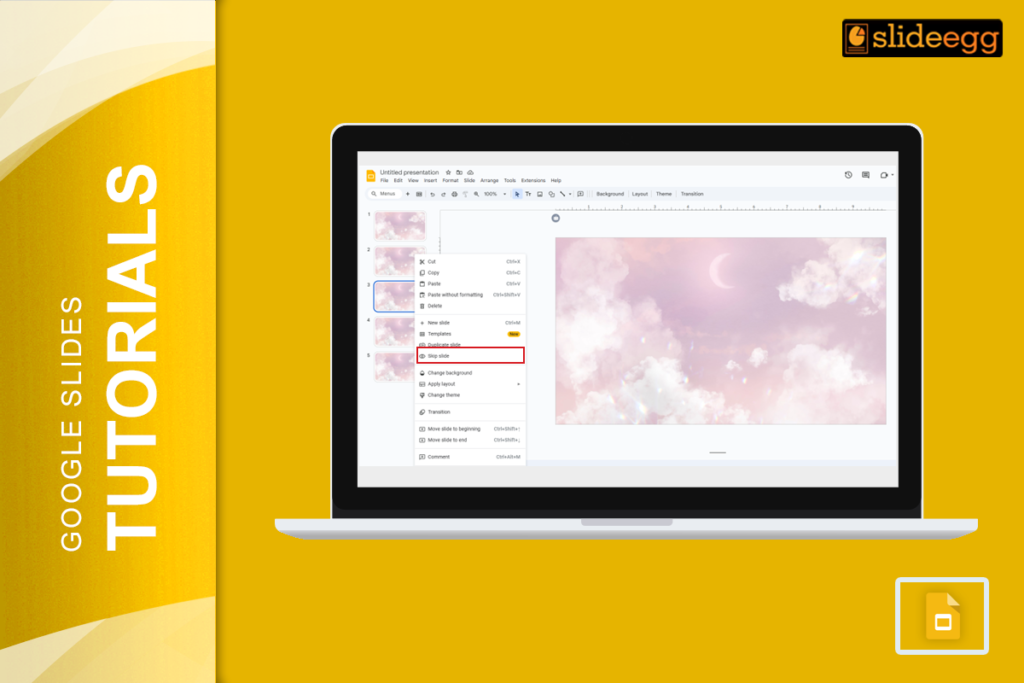
Quick Tips for Skipping and Unskipping Slides in Google Slides🔹 To skip a slide: Right-click on the slide in the left panel → Click “Skip...
 Google Slides Tutorials
Quick Tips to Screen Record Google Slides* Use built-in screen recording tools on Windows or Mac (like Xbox Game Bar or QuickTime).* Install a free...
 Google Slides Tutorials
Need to save a Google Slide as an image? You can export Google Slides as image files: PNG, JPEG, or SVG in seconds using the...
 Google Slides Tutorials
Your image is facing the wrong direction. The arrow points left when it should point right. The person in the photo looks away from your...
 Google Slides Tutorials
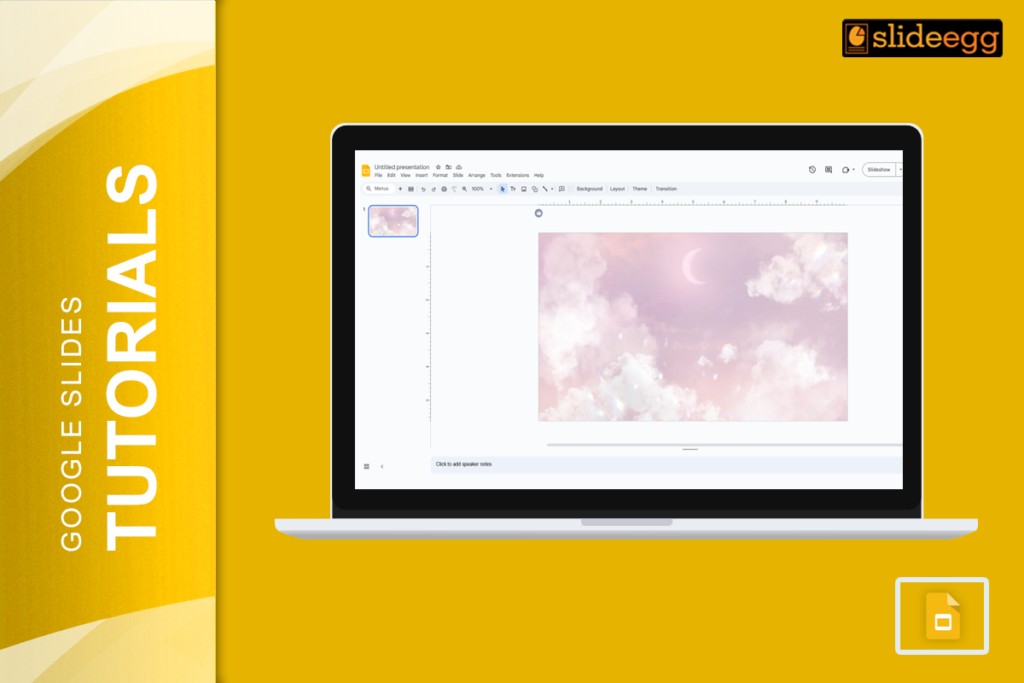
Easy Hacks to Make Your Google Slides Look Stunning* Pick a Color Scheme – Stick to 2-3 complementing colors for a cohesive look.* Use Stylish...
 Google Slides Tutorials
Fastest Tricks to Make Text Transparent in Google Slides If you’re in a hurry, here’s a super-quick guide to making transparent text in Google Slides:...