Latest Google-Slides-Tutorials Articles
 Google Slides Tutorials
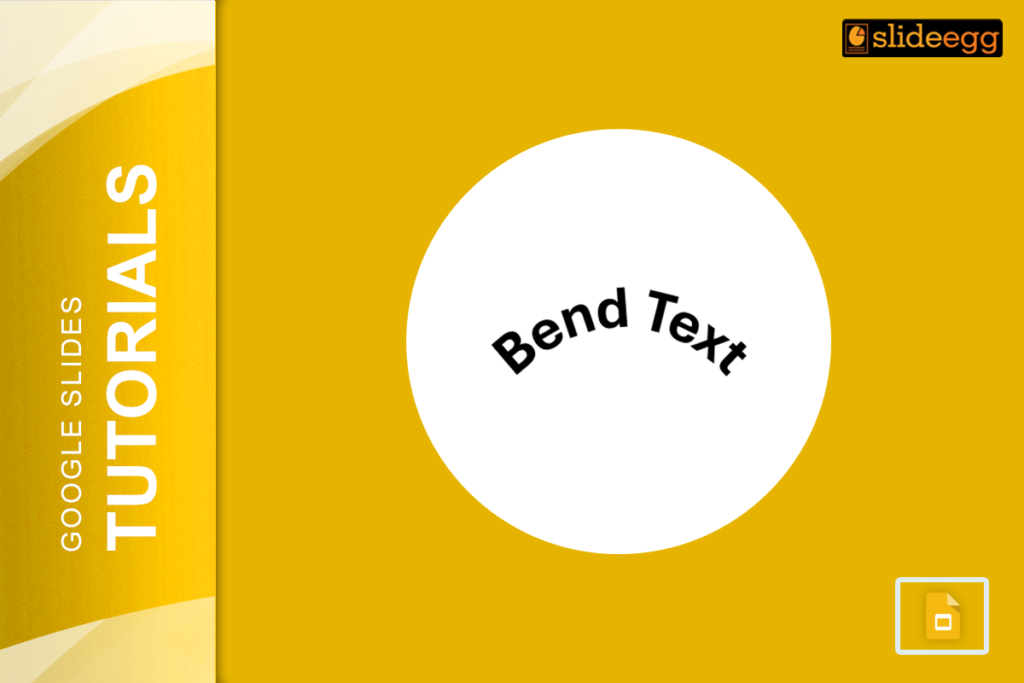
Rapid Tips to Bend Text in Google Slides1. Use Word Art – Insert “Word Art” and manually adjust its shape.2. Use Curve Text Generator –...
 Google Slides Tutorials
Quick Outline to Animate Text in Google SlidesHere’s a quick overview of how to animate text in Google Slides: ✔ Select the text box you...
 Google Slides Tutorials
Quick Tips to Animate Bullet Points in Google SlidesHere are the key steps to animate bullet points in Google Slides: 1. Open your Google Slides...
 Google Slides Tutorials
Quick Tips for Adding Sound Effects in Google Slides:🎵 Use Google Drive: Upload the sound effects to Google Drive before inserting it.🎤 Insert Audio: Click...
 Google Slides Tutorials
Quick Tips to Insert Pictures in Google Slides:* Click “Insert” → “Image” → Choose your source (Upload from computer, Google Drive, URL, Camera, etc.).* Drag...
 Google Slides Tutorials
Quick Tips: What Audio Files Does Google Slides Support?Before we dive into the details, here’s a quick rundown of the audio formats that work in...