Latest Google-Slides-Tutorials Articles
 Google Slides Tutorials
Quick Tips to Group Slides in Google Slides Grouping slides helps you stay organized, especially when working on big presentations. Here are some quick steps:...
 Google Slides Tutorials
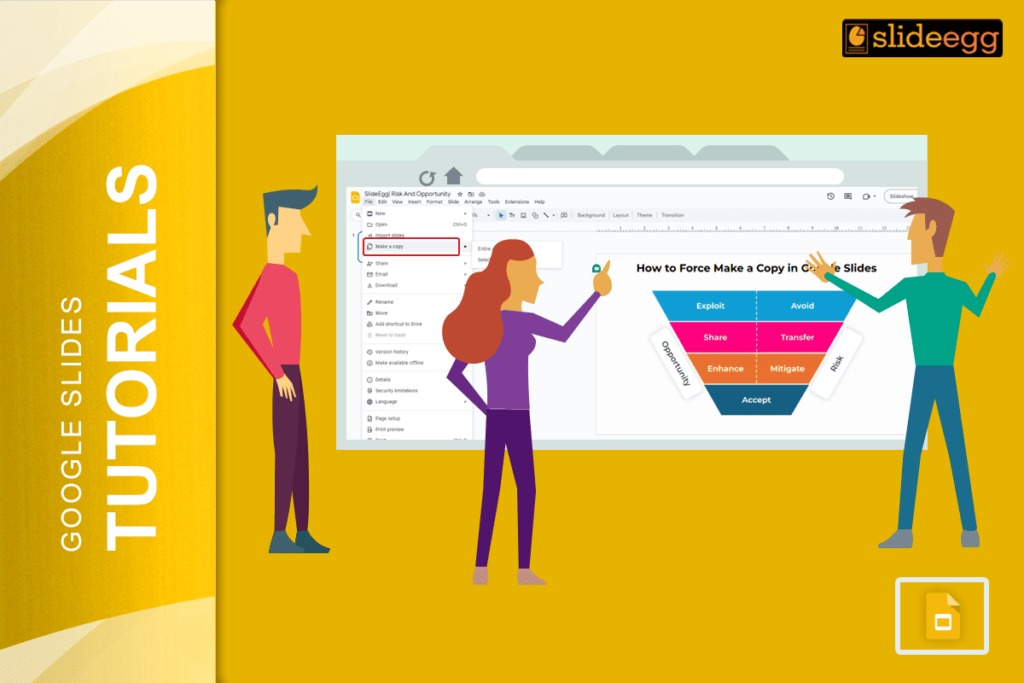
Quick Steps to Force Copy Google Slides:📌Open your Google Slides presentation.📌Copy the URL from the address bar.📌Replace “edit” with “copy” at the end of the...
 Google Slides Tutorials
Quick Tips to Fade Background in Google Slides✔ Step 1: Open your Google Slides presentation.✔ Step 2: Click on the slide where you want to...
 Google Slides Tutorials
Quick Tips to Copy and Paste in Google SlidesWant to copy and paste text, images, or slides in Google Slides? Here’s a quick guide: ✔...
 Google Slides Tutorials
Quick Tips to Change Image Shape in Google SlidesWant to make your slides more creative? Here’s a quick way to crop an image into any...
 Google Slides Tutorials
Quick Tips to Cast Google Slides to TVWant to show your Google Slides on a big TV screen? Here’s a quick way to do it:...