Latest Google-Slides-Tutorials Articles
 Google Slides Tutorials
Quick Tips: How to Share Google Slides in Presentation Mode ✅ Open your Google Slides deck✅ Click on the “Present” button✅ Copy the presentation link...
 Google Slides Tutorials
Quick Tips: How to Round Corners in Google Slides (Super Easy Steps!)✅ Click the shape on your slide.✅ Look for the yellow diamond (handle) on...
 Google Slides Tutorials
Quick Tips to Rotate Text in Google Slides✅ Click the text box you want to rotate✅ Find the blue circular handle on top✅ Click and...
 Google Slides Tutorials
✅ Quick Tips to Record a Google Slides Presentation with Voice-Over* Open your Google Slides on Chrome browser.* Click Extensions > Slides Recorder (add it...
 Google Slides Tutorials
🔥 Quick Tips to Put an Image Behind Text in Google Slides1️⃣ Insert an Image – Click “Insert” → “Image” → Choose a file.2️⃣ Resize...
 Google Slides Tutorials
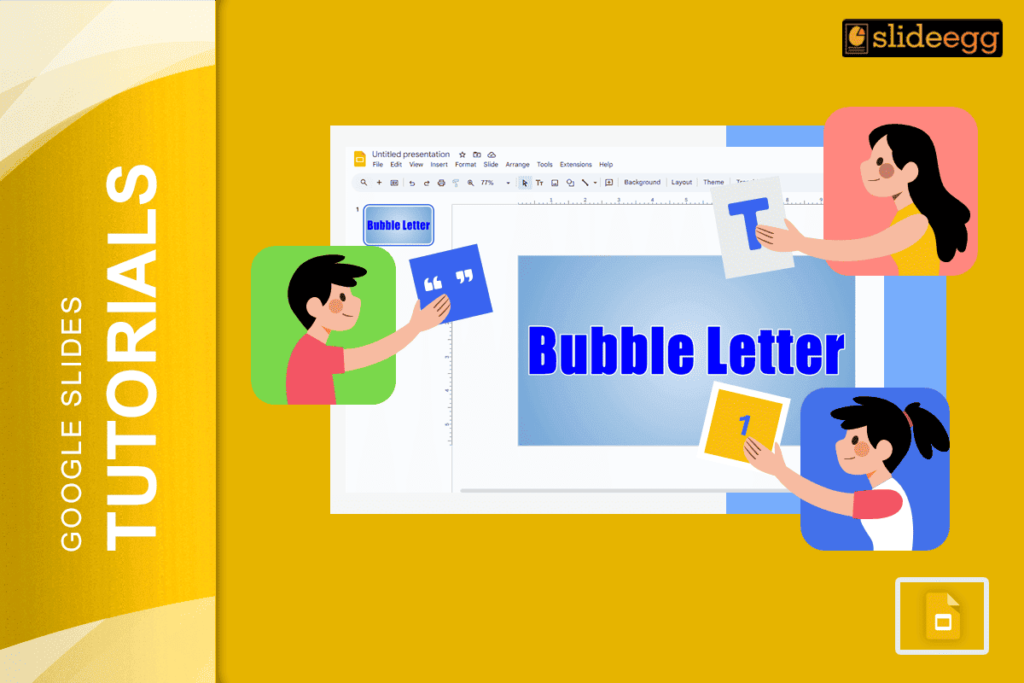
💡 Quick Tips for Bubble Letters in Google Slides ✅ Use WordArt – The easiest way to create bubble-style text.✅ Pick a Bold Font –...