Latest Google-Slides-Tutorials Articles
 Google Slides Tutorials
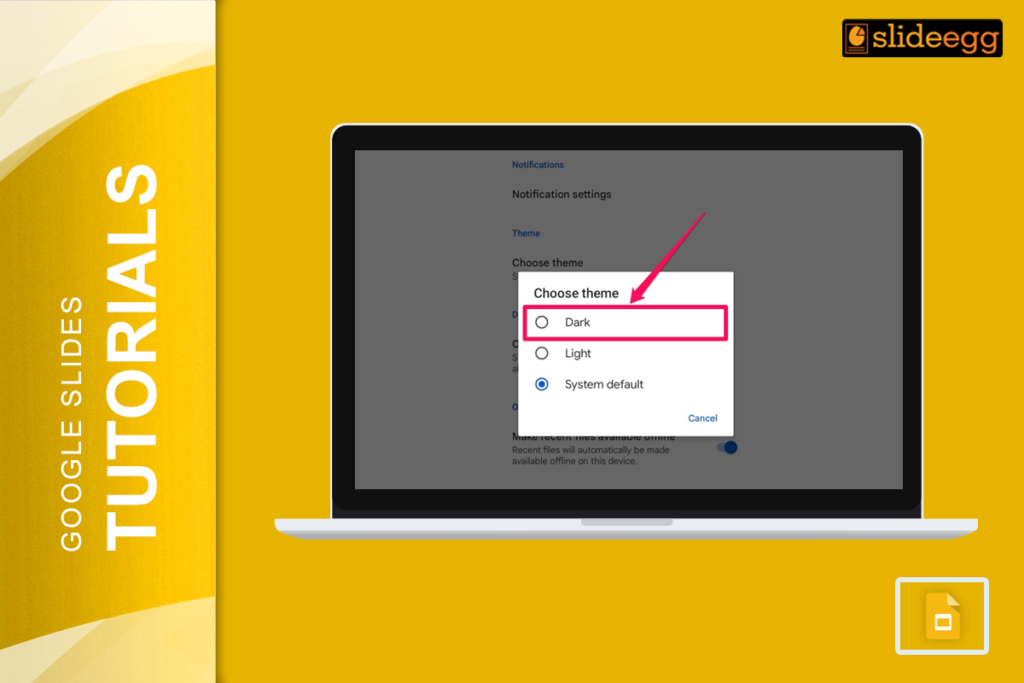
Quick Tips: How to Enable Dark Mode in Google Slides* Use a Dark Theme: Apply a dark background manually to your slides.* Enable Dark Mode...
 Google Slides Tutorials
Quick Steps to Add a Clickable Link in Google Slides1. Open your Google Slides presentation.2. Select the text, image, or shape you want to hyperlink.3....
 Google Slides Tutorials
Easy Ways to Make an Image Clickable in Google SlidesHere’s a quick breakdown of how to add a hyperlink to an image in Google Slides:...
 Google Slides Tutorials
Quick Tips to Change Bullet Color in Google Slides 🖍 Highlight the text where you want to change the bullet color. ◾ Click on the...
 Google Slides Tutorials
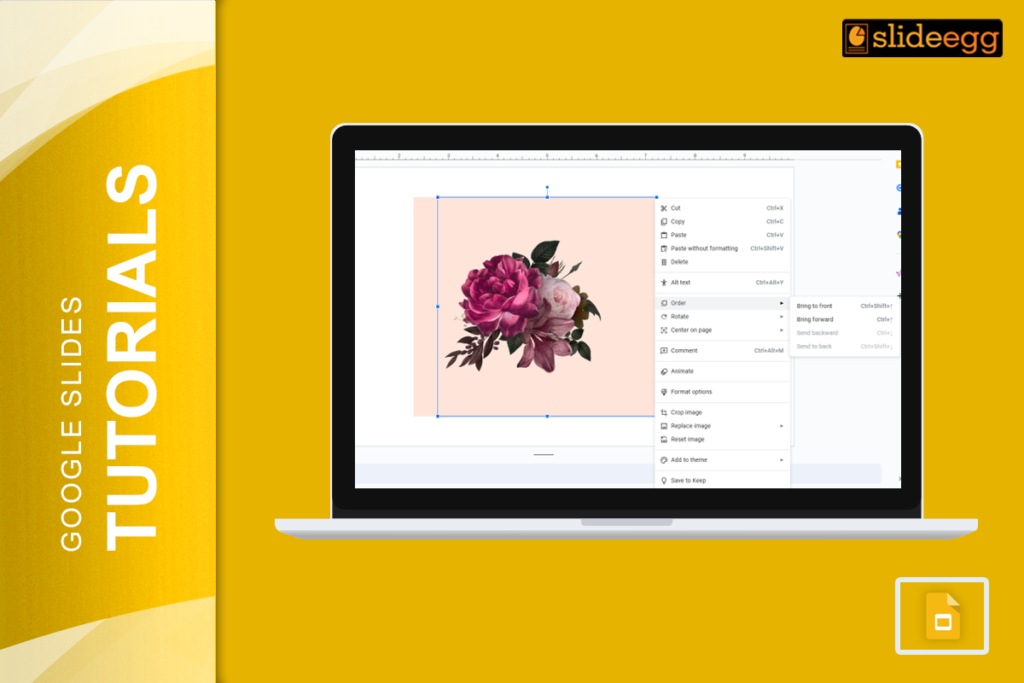
Quick Steps to Bring an Image to the Front in Google SlidesShort on time? Here’s a quick guide: 1️⃣ Click on the image you want...
 Google Slides Tutorials
Introduction: No Wi-Fi? No Internet? No Problem! We’ve all been there—right when you need to edit an important Google Slides presentation, the internet decides to...