Multicolor SWOT Matrix Template PowerPoint-Four Node

Attractive Template To Stun Your Audience:
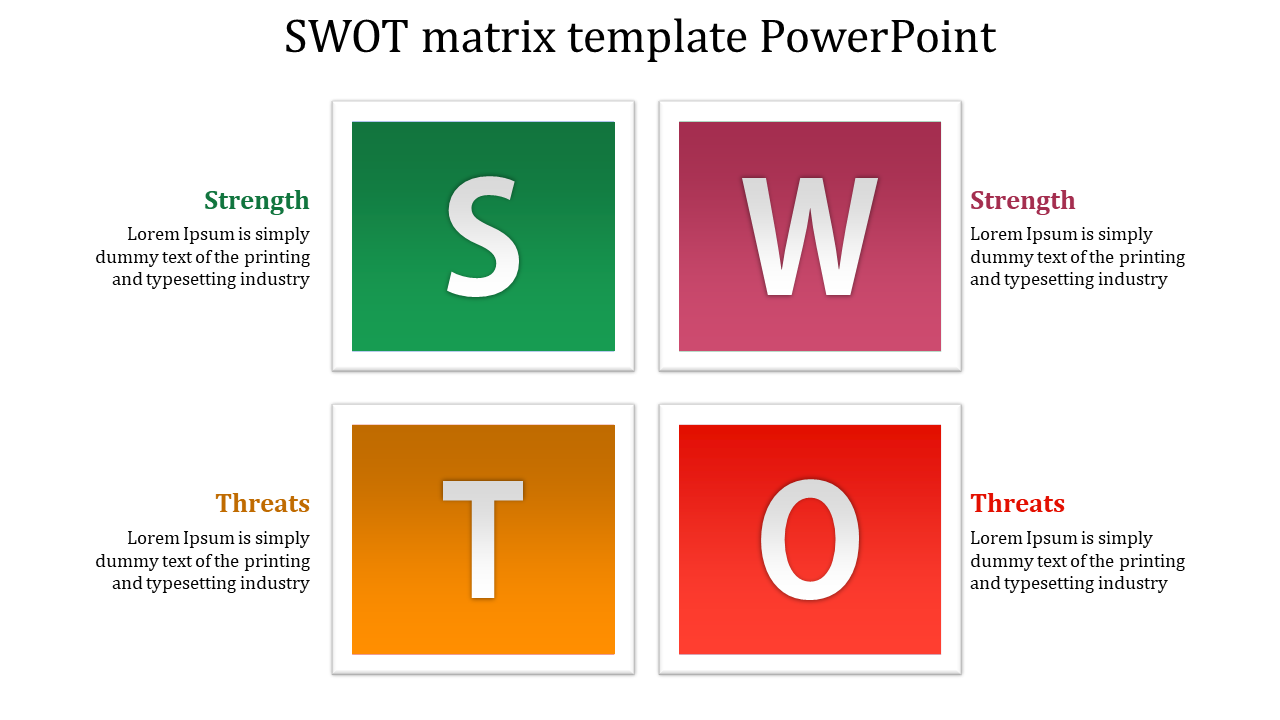
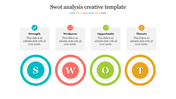
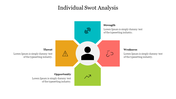
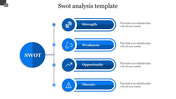
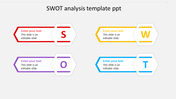
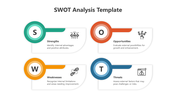
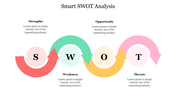
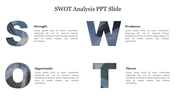
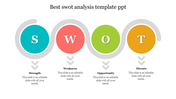
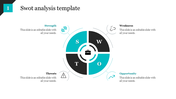
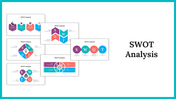
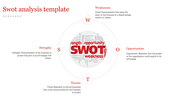
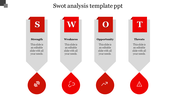
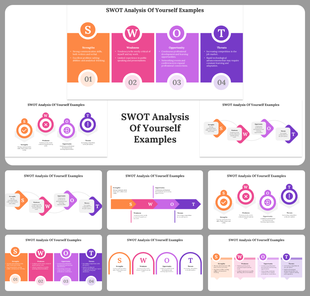
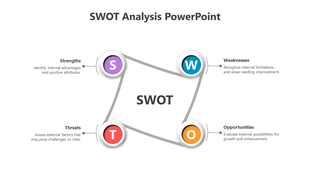
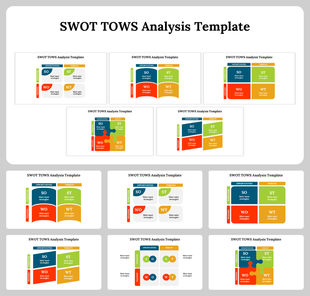
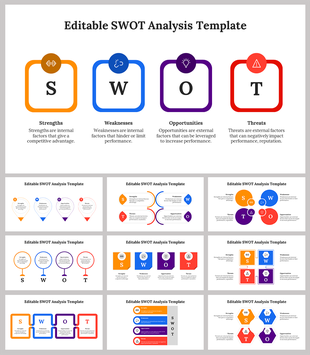
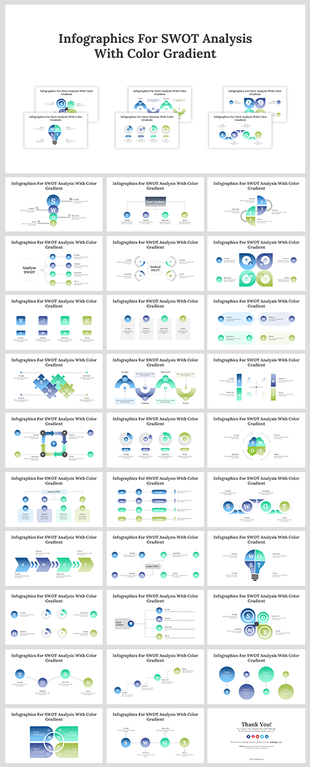
Highly Creative Box nodes are inserted in this SWOT matrix template PowerPoint to showcase informative facts to your audience. There are four nodes in the center with bold letters denoting the topic's Strengths, Weaknesses, Opportunities, and threats. You can insert your facts besides the nodes to make it crisp and clear.
The colors used in the nodes are eye-catchy and pulls the audience's attention at first sight of it. The colors of the nodes can be changed according to your need as well as at ease. This SWOT matrix template PowerPoint turns your slide into an amazing one when you use them in it.
Features of this Template:
- 100% customizable slides and easy to download.
- Slides available in different nodes & colors.
- The Slide contained 16:9 and 4:3 format.
- Easy to change the slide colors quickly.
- Well-crafted Template with instant download facility.
- Earn a lot of gain with this template.
- Creative nodes.










You May Also Like These PowerPoint Templates



Showing20 of69,218 templates