Editable Arrow PowerPoint And Google Slides Themes
Free
Nodes

Colors
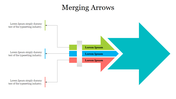
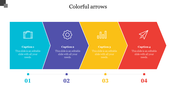
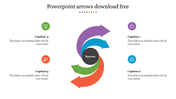
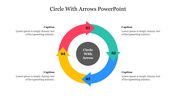
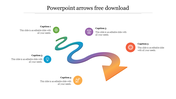
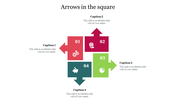
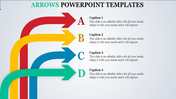
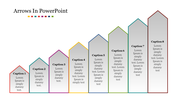
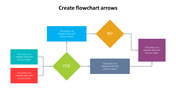
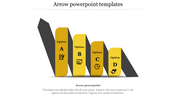
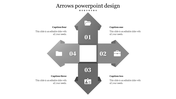
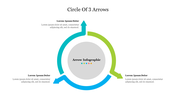
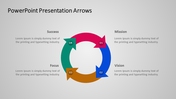
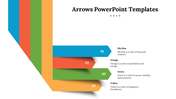

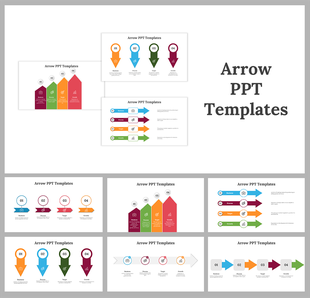
Arrow Presentation Slide
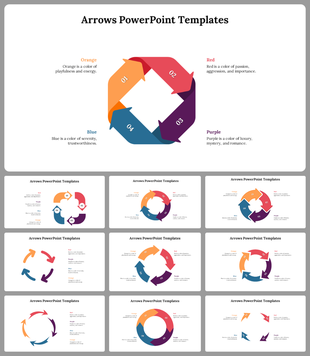
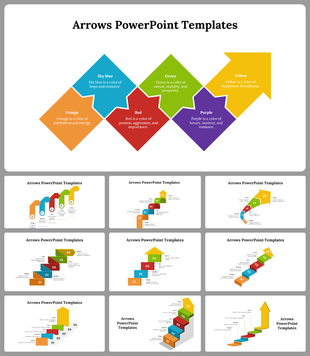
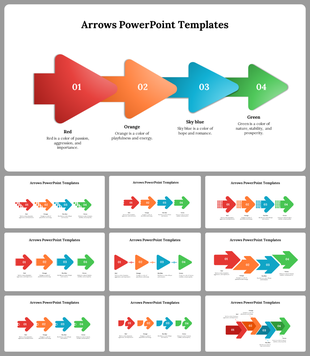
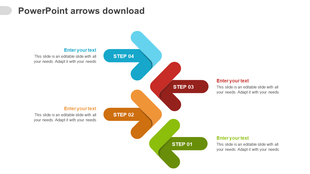
Introducing arrow PowerPoint, a versatile and powerful presentation tool that enhances the way you guide your audience through your content. Like a skilled navigator, Arrow strategically directs attention and emphasizes key information without the need for lengthy explanations. With the ability to underline crucial points and clarify relationships, Arrow is a game-changer for educators, business professionals, and creative minds. This fully editable feature simplifies navigation, making presentations more accessible and engaging, ensuring a smoother flow of information. By incorporating Arrow, you can captivate your audience, making your content more comprehensible and memorable, and encouraging both presenters and viewers to experience its benefits in elevating the overall presentation experience.
Features of the template:
- 100% customizable slides and easy to download.
- Slides are available in different nodes & colors.
- The slide contains 16:9 and 4:3 formats.
- Easy to change the colors of the slide quickly.
- Highly compatible with PowerPoint and Google Slides.
- Well-crafted template with an instant download facility.
More Collections for Editable Arrow PowerPoint
Recommended based on this template.
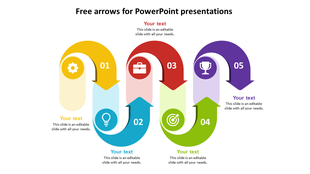
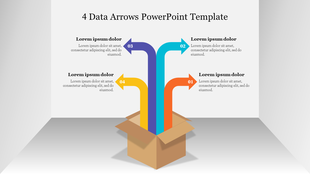
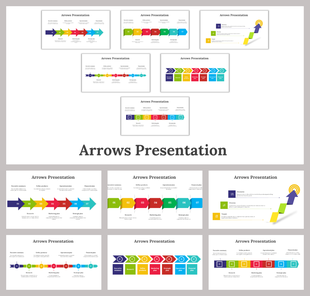
Similar Templates to Editable Arrow PowerPoint


Showing20 of69,218 templates