PPT Arrow Template For Business Process Presentations
Nodes

Colors


Arrow PPT Template and Google Slides Themes
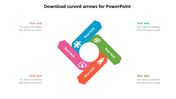
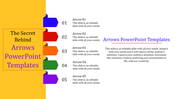
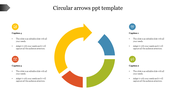
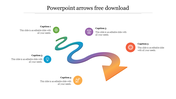
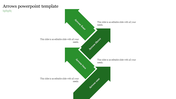
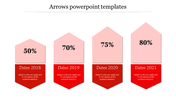
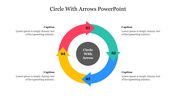
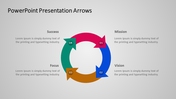
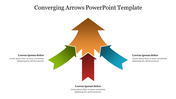
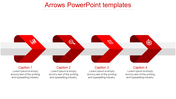
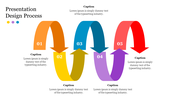
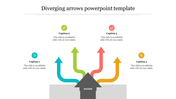
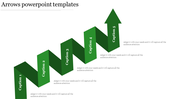
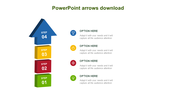
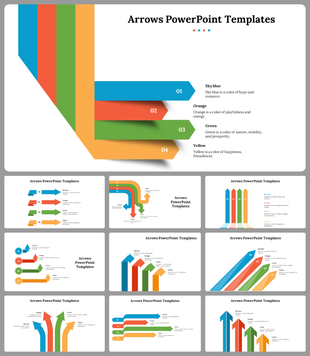
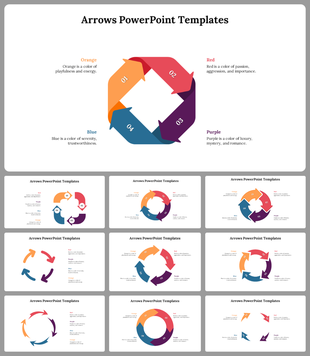
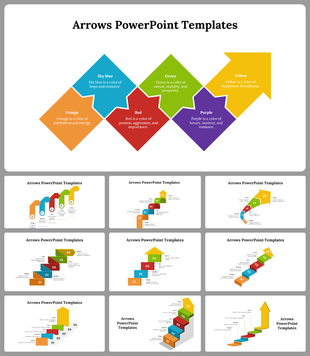
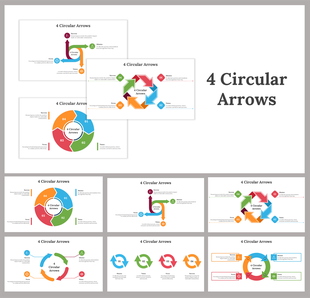
The Arrow PowerPoint template and Google Slides theme feature five arrows in different colors, each pointing towards another arrow. A line crosses through all the arrows, creating a cohesive visual element.
With a clean white background, this template provides a minimalist and professional backdrop for your presentation. The arrows symbolize progression, direction, or flow, making them ideal for illustrating processes, workflows, or step-by-step instructions.
Whether used for business strategy presentations, project management updates, or educational seminars, the Arrow template offers a visually engaging way to convey complex ideas or concepts.
Fully customizable, users can adjust colors, fonts, and layout elements to suit their specific needs and preferences. Whether used for internal meetings, client presentations, or academic assignments, the Arrow template provides a versatile and impactful tool for communicating effectively.
Features of the template
- 100% customizable slides and easy to download.
- Slides are available in different nodes & colors.
- The slide contains 16:9 and 4:3 formats.
- It is easy to change the colors of the slide quickly.
- Well-crafted template with an instant download facility.
More Collections for PPT Arrow Template
Recommended based on this template.
Similar Templates to PPT Arrow Template


Showing20 of74,521 templates