100+ Free December Month Special Days Presentation Templates
December packs Christmas, Human Rights Day, Winter Solstice and New Year's Eve into four busy weeks. Make each one count with 100+ free and premium December special days templates for PowerPoint, Google Slides and Canva. Edit the text and swap the visuals, and present your story to your class, team, clients or followers in minutes.

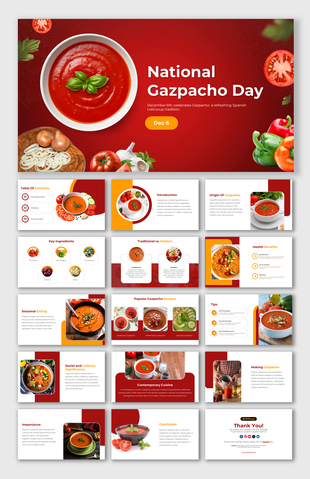
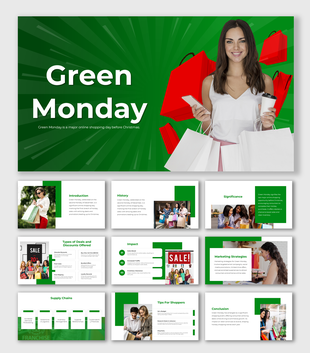
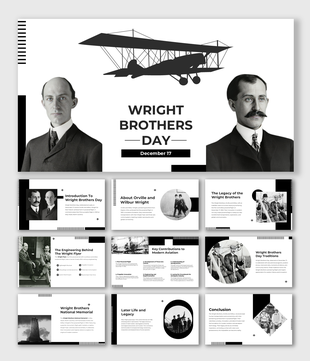
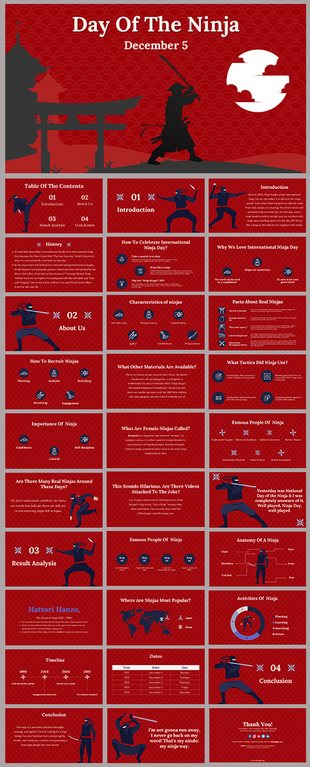
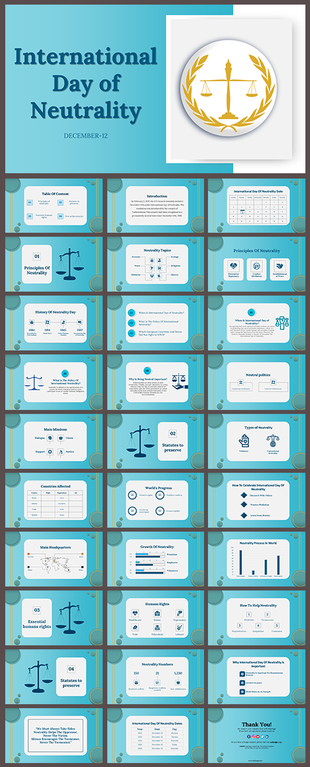
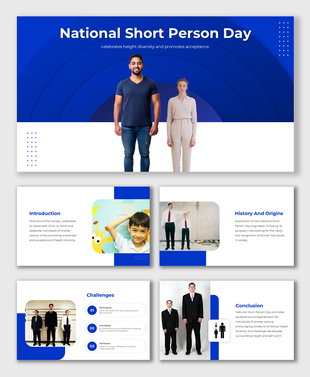
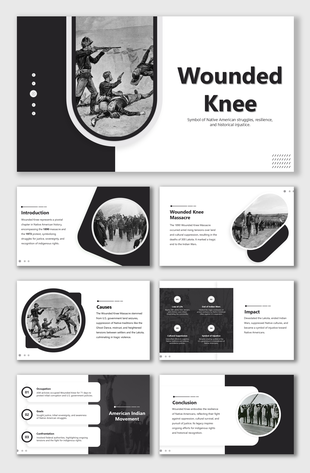
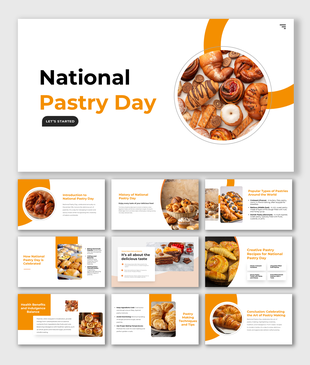
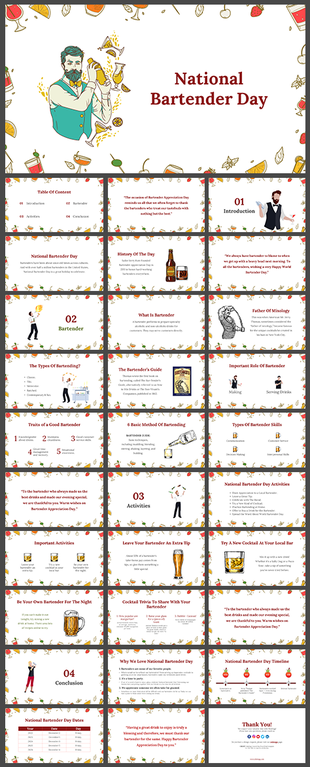
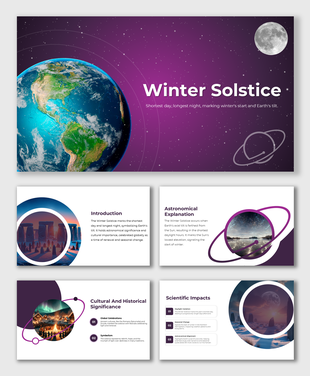
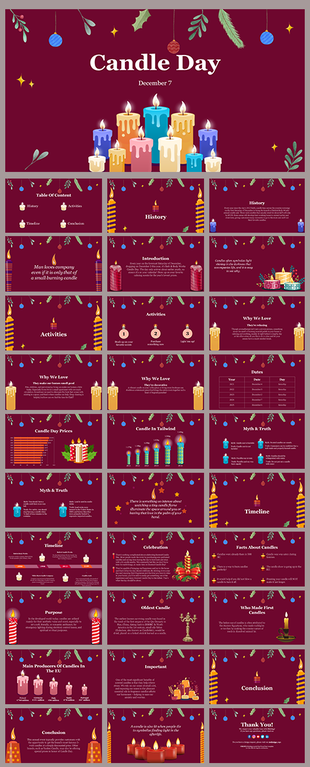
Showing48 of106


Plan Every December Date with Special Days PowerPoint and Google Slides
December packs a whole year of goodbyes, festivals and fun into 31 days. One day you are presenting for Human Rights Day, the next you are hosting an ugly sweater party or planning a Christmas Eve toast. SlideEgg has 100+ December special days PowerPoint templates and Google Slides themes, so there is a ready-made deck for almost every date on the calendar.
Scroll down to see what falls when, pick the group that fits your audience and grab a design you can edit in minutes.
December at a Glance
Six stretches of the month worth planning for.
Many observances shift by country and by year, and Hanukkah follows the Hebrew calendar, so confirm your own date before you present.
Awareness and Giving Back
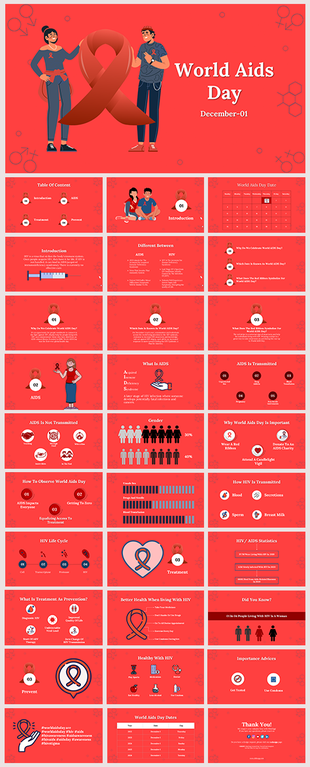
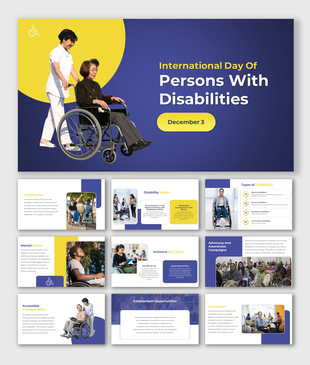
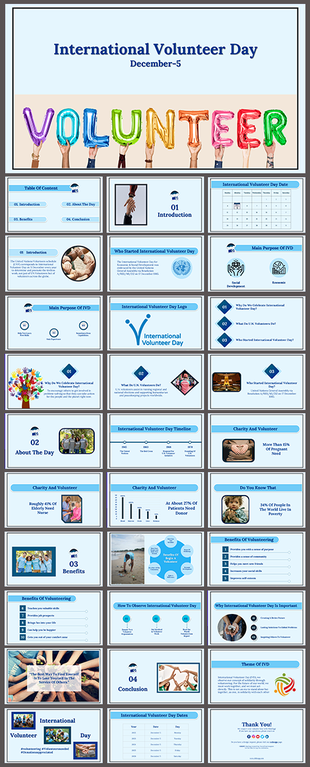
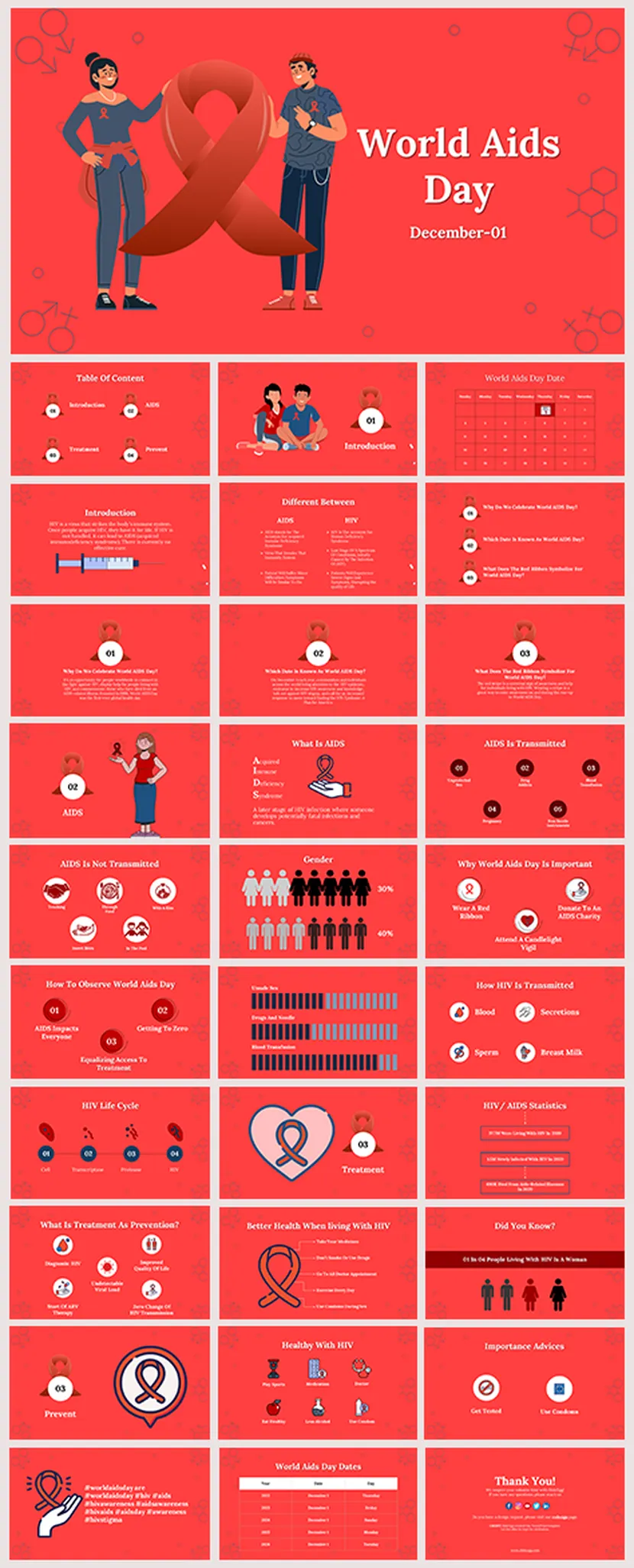
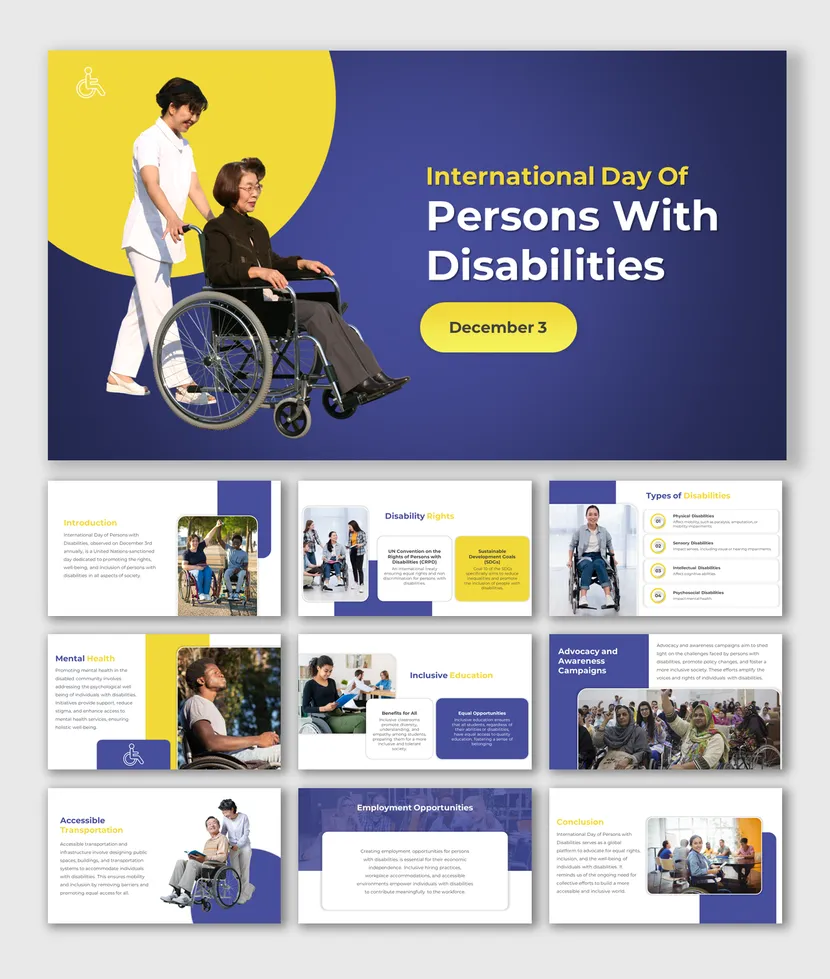
World AIDS Day opens the month, followed by the International Day of Persons with Disabilities on the 3rd and International Volunteer Day on the 5th.
Saints, Rights and Reform
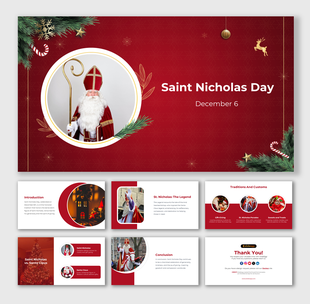
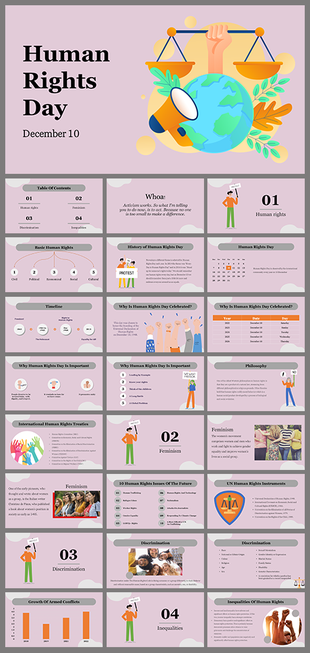
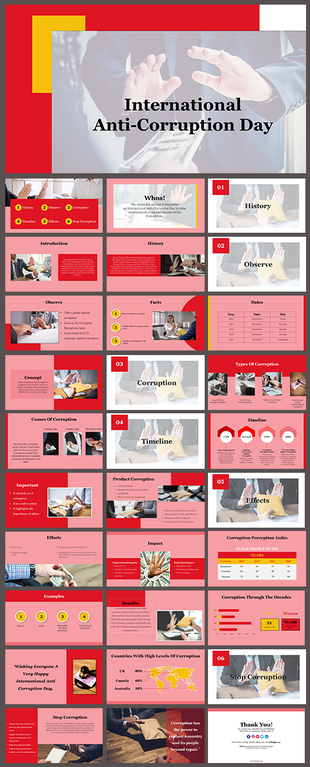
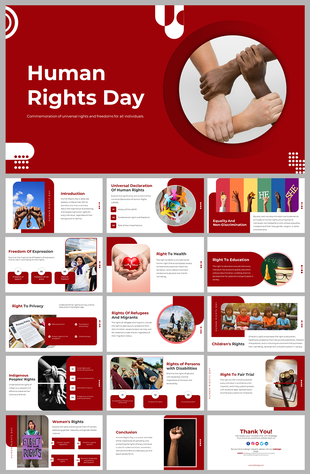
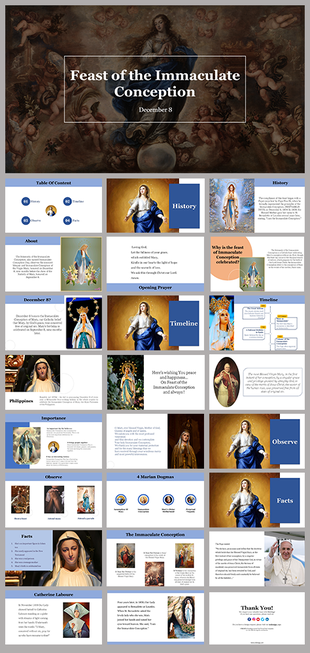
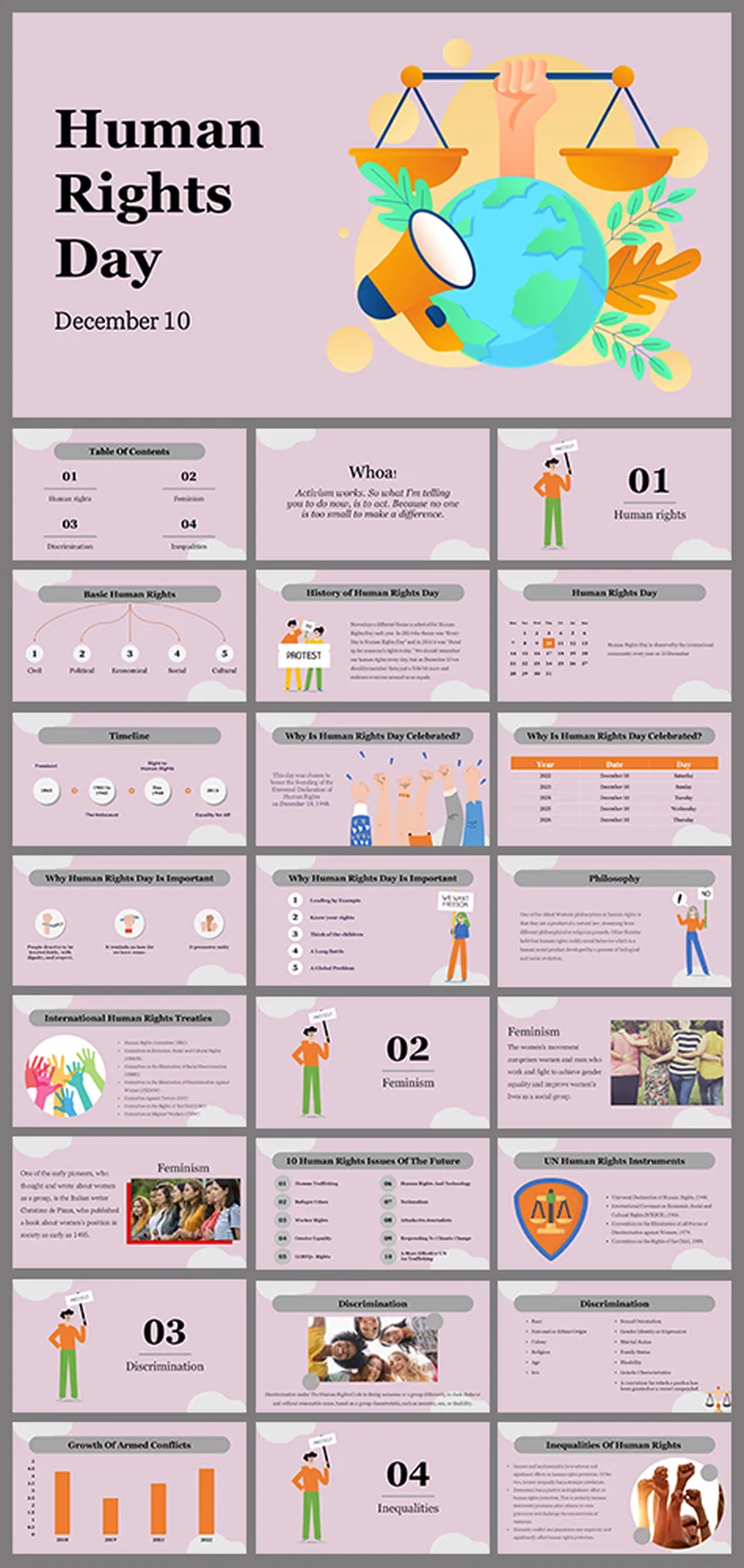
Saint Nicholas Day on the 6th, the Feast of the Immaculate Conception on the 8th, International Anti-Corruption Day on the 9th and Human Rights Day on the 10th.
Peaks, Cocoa and Rights
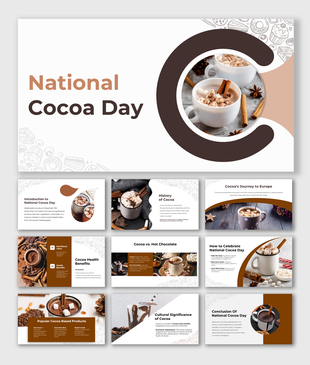
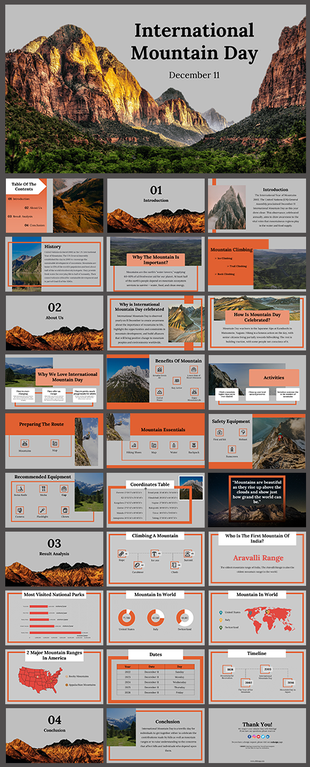
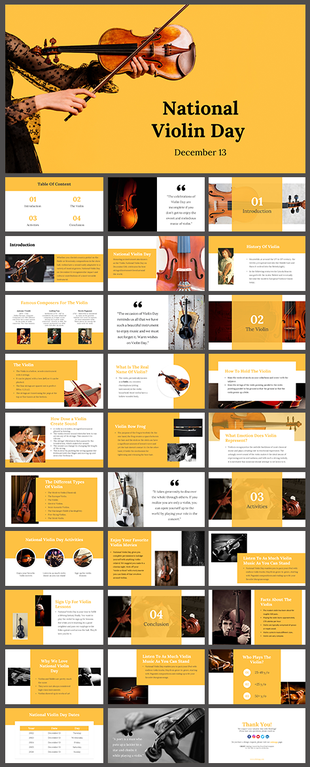
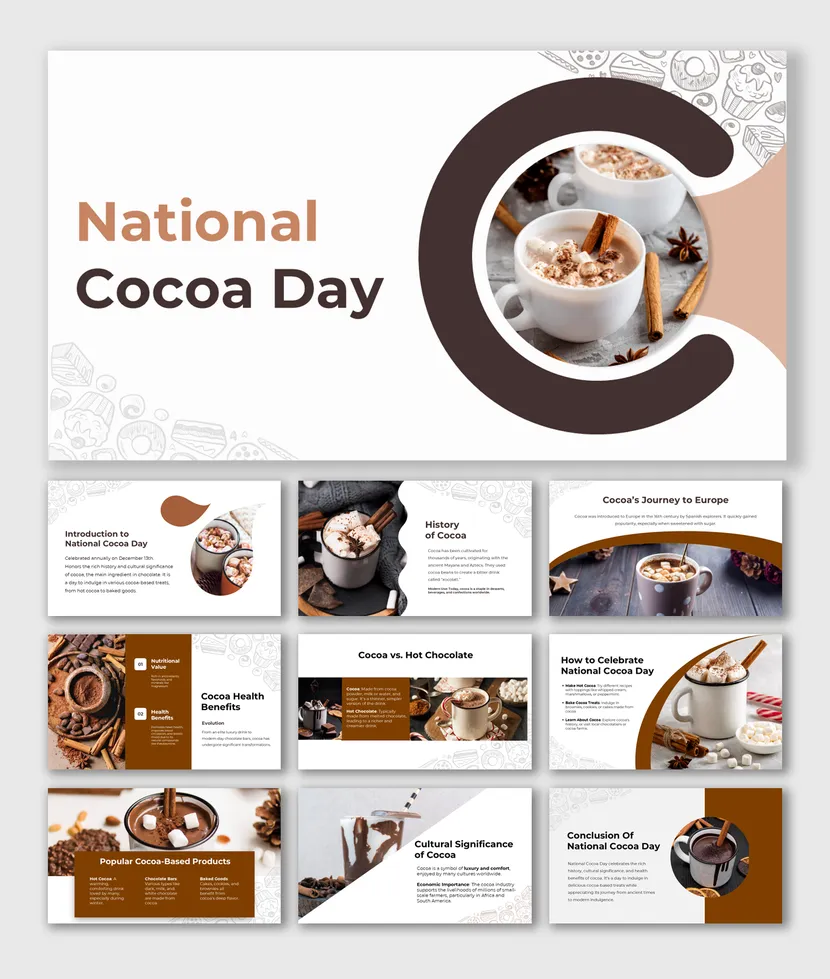
International Mountain Day on the 11th, National Cocoa Day and National Violin Day on the 13th, then Bill of Rights Day on the 15th.
Wings and Welcome
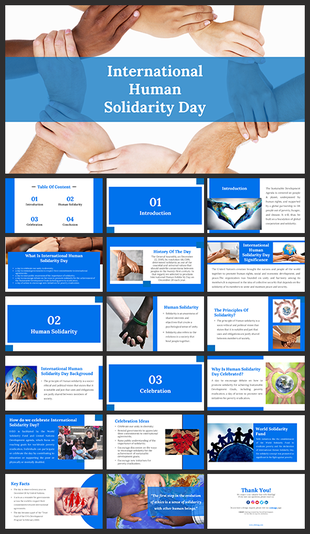
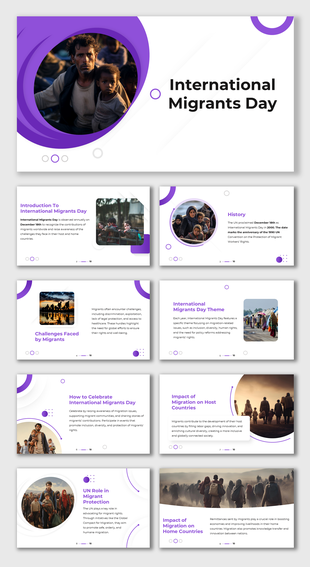
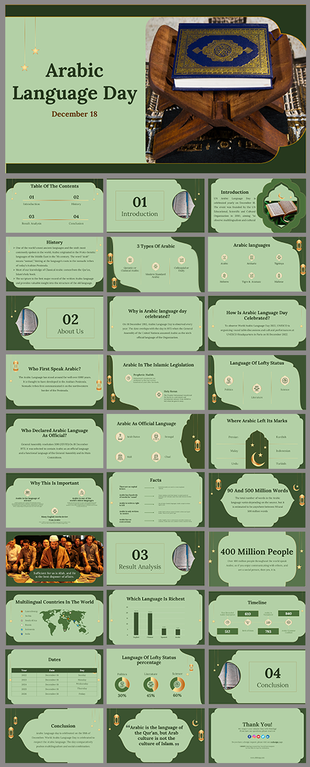
Wright Brothers Day on the 17th, International Migrants Day and Arabic Language Day on the 18th, and International Human Solidarity Day on the 20th.
The Christmas Countdown
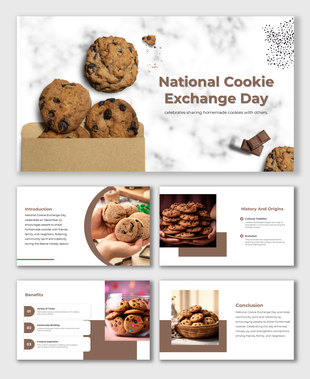
Winter Solstice on the 21st, Cookie Exchange Day on the 22nd, Christmas Eve traditions on the 24th and Christmas Day on the 25th.
Wrap Up the Year
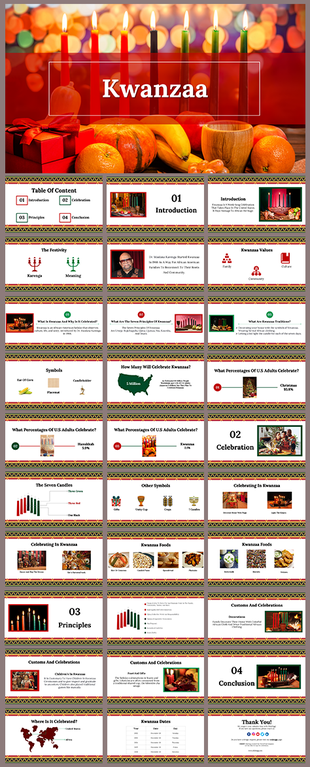
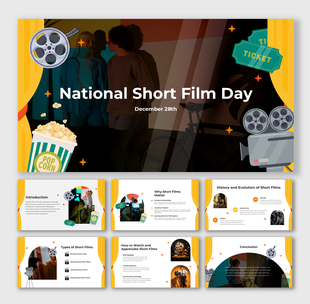
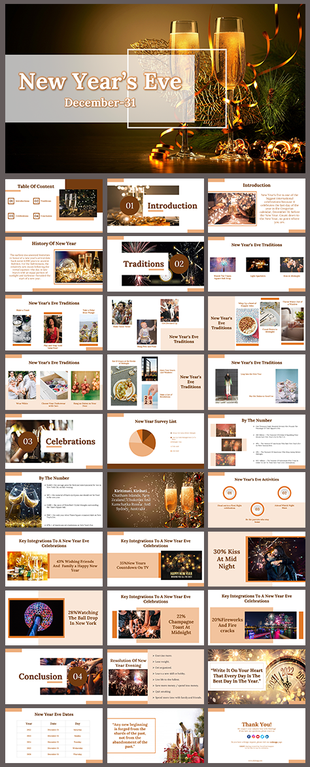
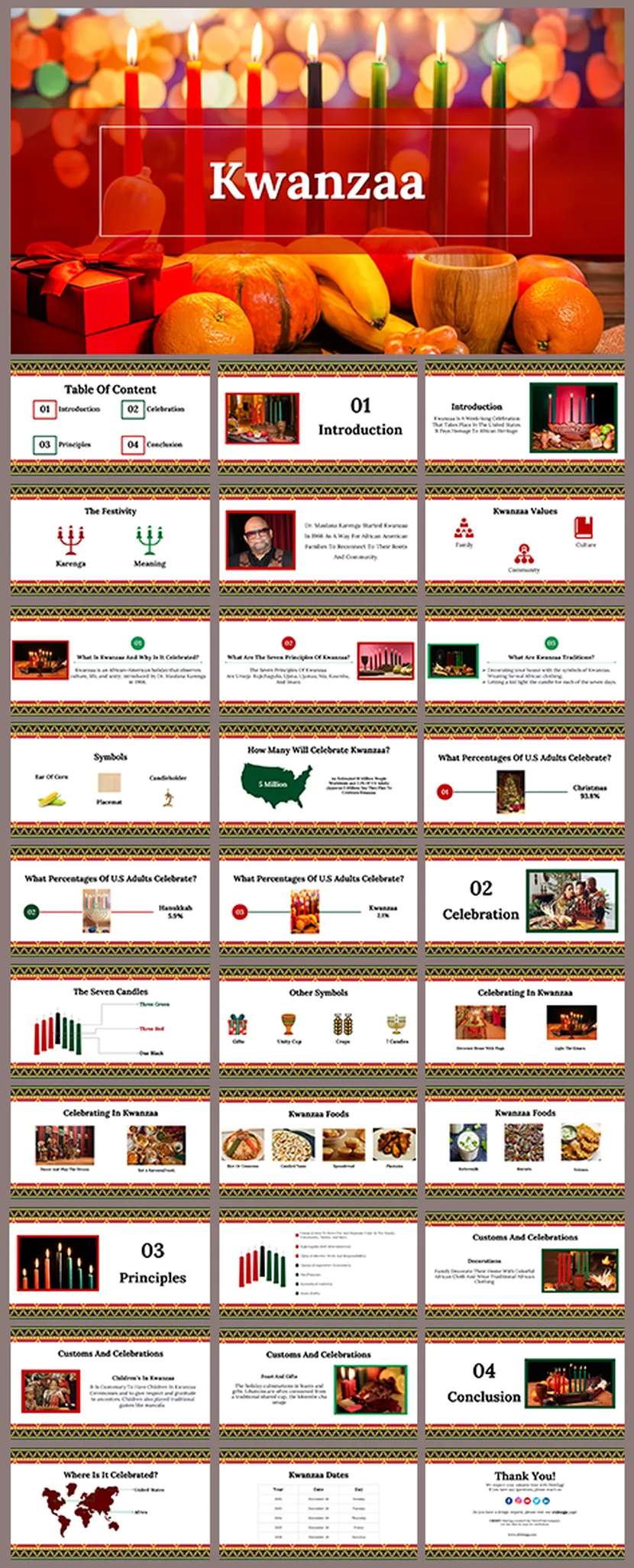
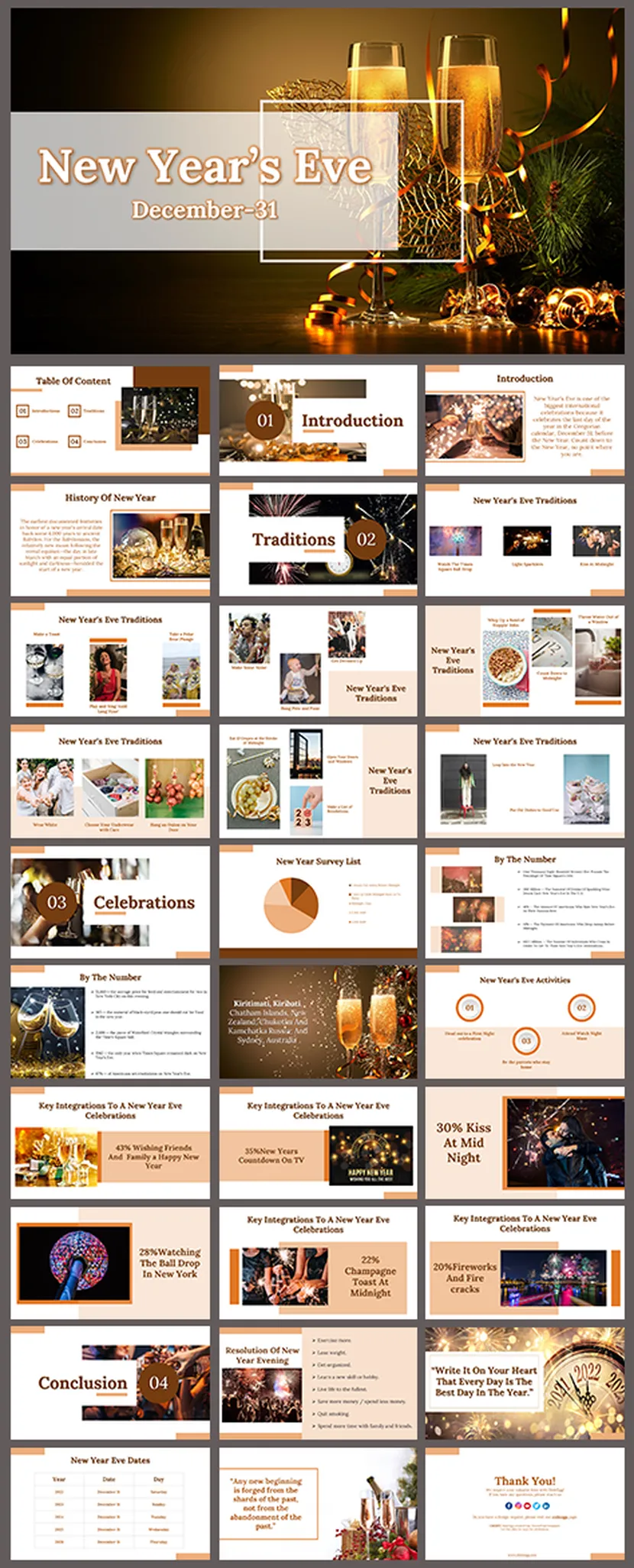
Kwanzaa begins on the 26th, National Short Film Day falls on the 28th and New Year’s Eve closes the month on the 31st.
Pick Your Kind of Special Day
Three groups cover most of what people present in December.
Start with the group closest to your audience, then browse the full grid above, or head to the Christmas and New Year collections for more.
Slide Ideas for Any December Presentation
Six slides you can borrow, whatever the occasion.
A December deck works best when it feels warm and moves quickly. Start with these six and trim the list to fit your day.
Before the Big Day
Six quick checks for a smooth December presentation.
A few minutes of prep keeps your message clear and your audience with you.
Key Benefits of SlideEgg’s December Special Days Templates
December Month Special Days Templates: FAQs
Which December special days do these templates cover?
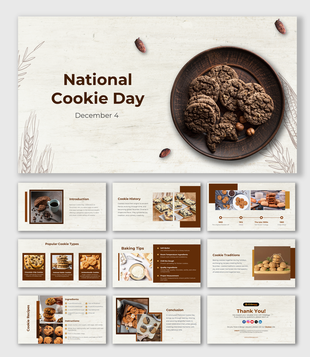
The collection has 106 templates across holidays, awareness days, national days and food days. Examples include Merry Christmas, Hanukkah, Kwanzaa, New Year's Eve, Winter Solstice, World AIDS Day, Human Rights Day, International Mountain Day, Wright Brothers Day and National Cookie Day.
Are there free December special days PowerPoint templates?
Yes. Cards with a Free badge, such as Merry Christmas, Christmas Day and International Volunteer Day, can be downloaded at no cost. The rest are premium. Both kinds are editable in PowerPoint, Google Slides and Canva.
Do these templates work with Google Slides and Canva?
Yes. Every template works in PowerPoint, Google Slides and Canva. Pick the format you prefer when you download, and the layout stays the same across all three.
What should I include in a December special day presentation?
Start with the date and a short introduction, then cover the history, a few key facts and how people observe the day. Add an activity or discussion slide, and close with a thank-you or call to action. Most templates already include Introduction and History layouts.
Can I use these for awareness days like World AIDS Day and Human Rights Day?
Yes. The layouts are clean and easy to read for talks, assemblies and community sessions. Before you present, replace placeholder figures with current numbers from official sources such as the WHO, UNAIDS or the United Nations.
Which templates suit Christmas and holiday events?
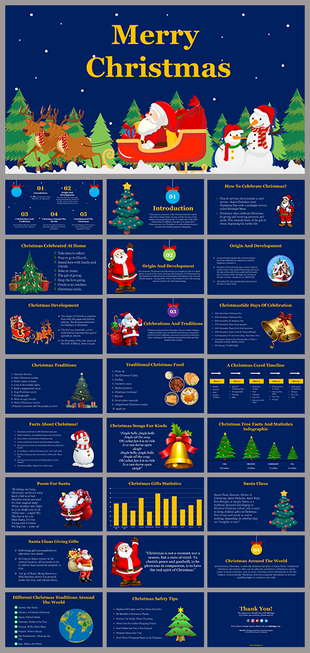
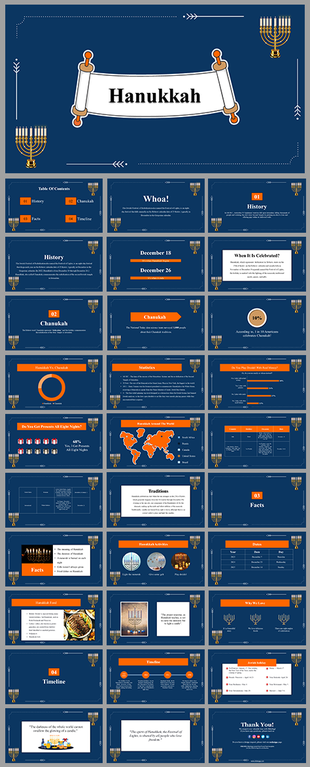
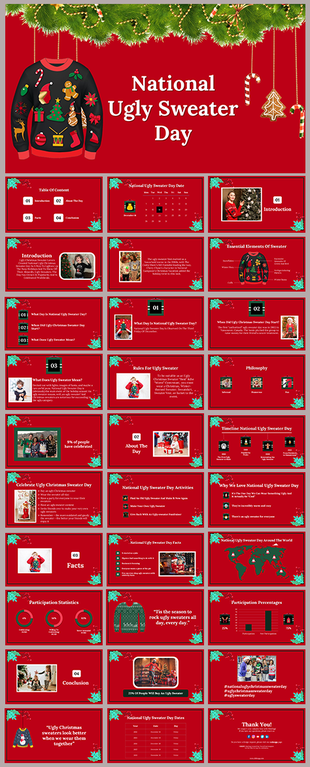
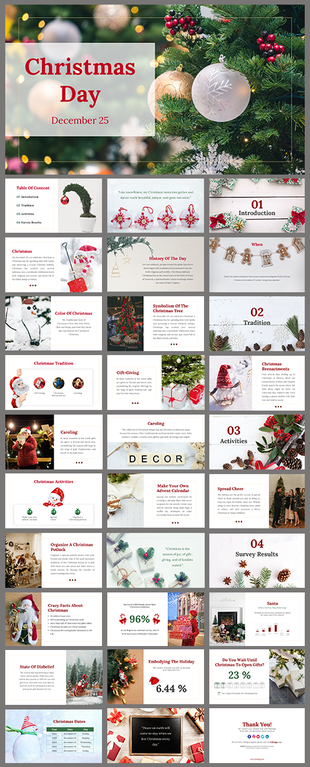
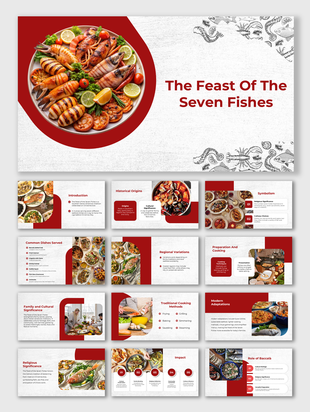
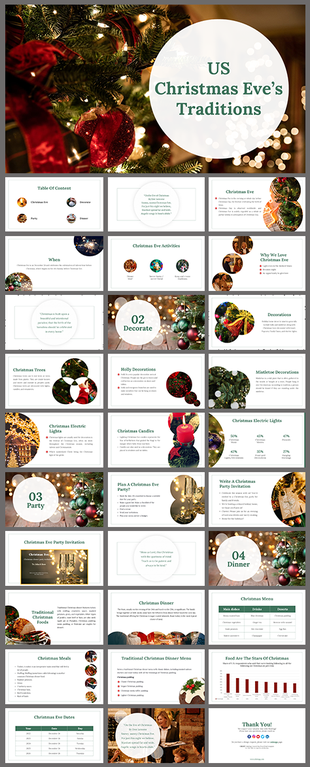
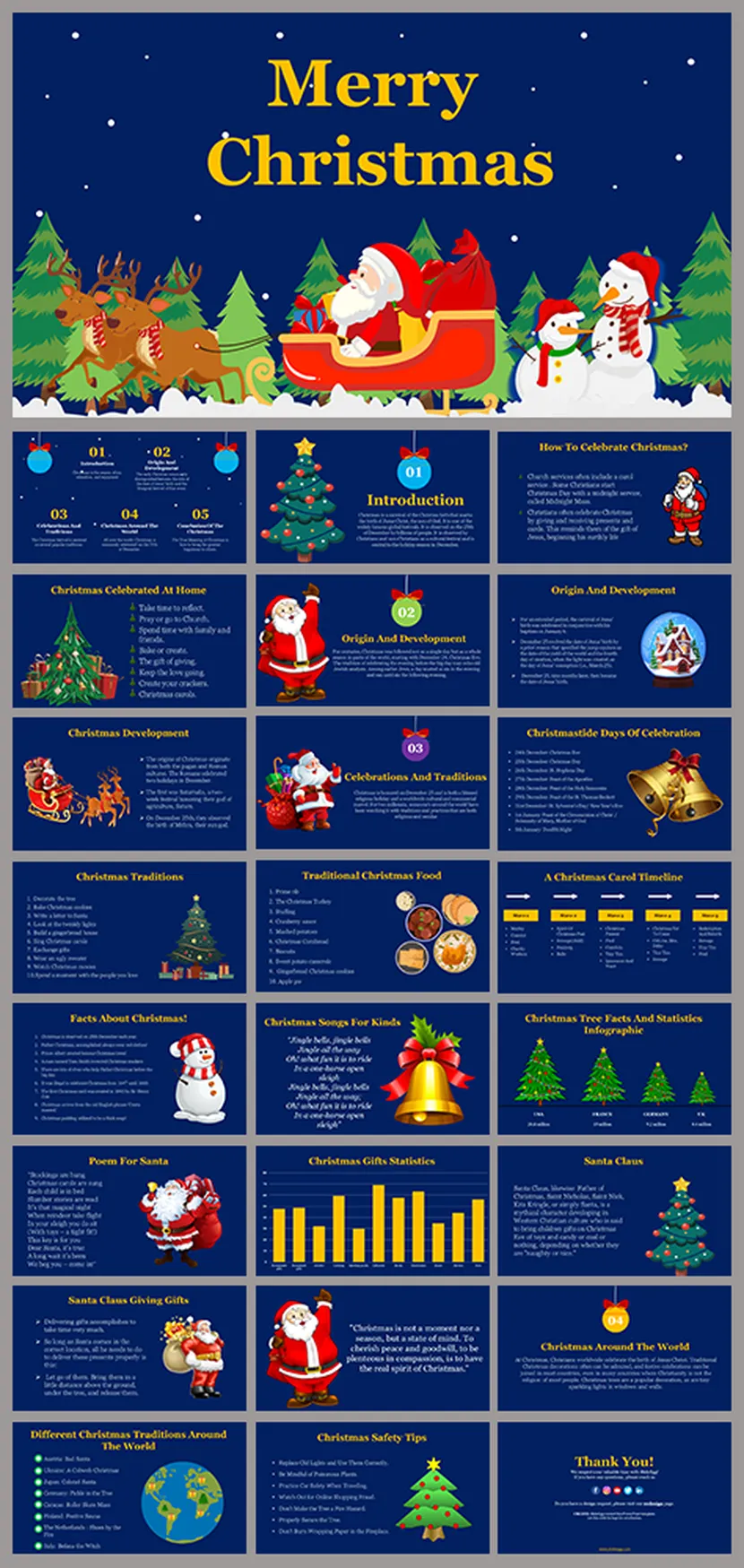
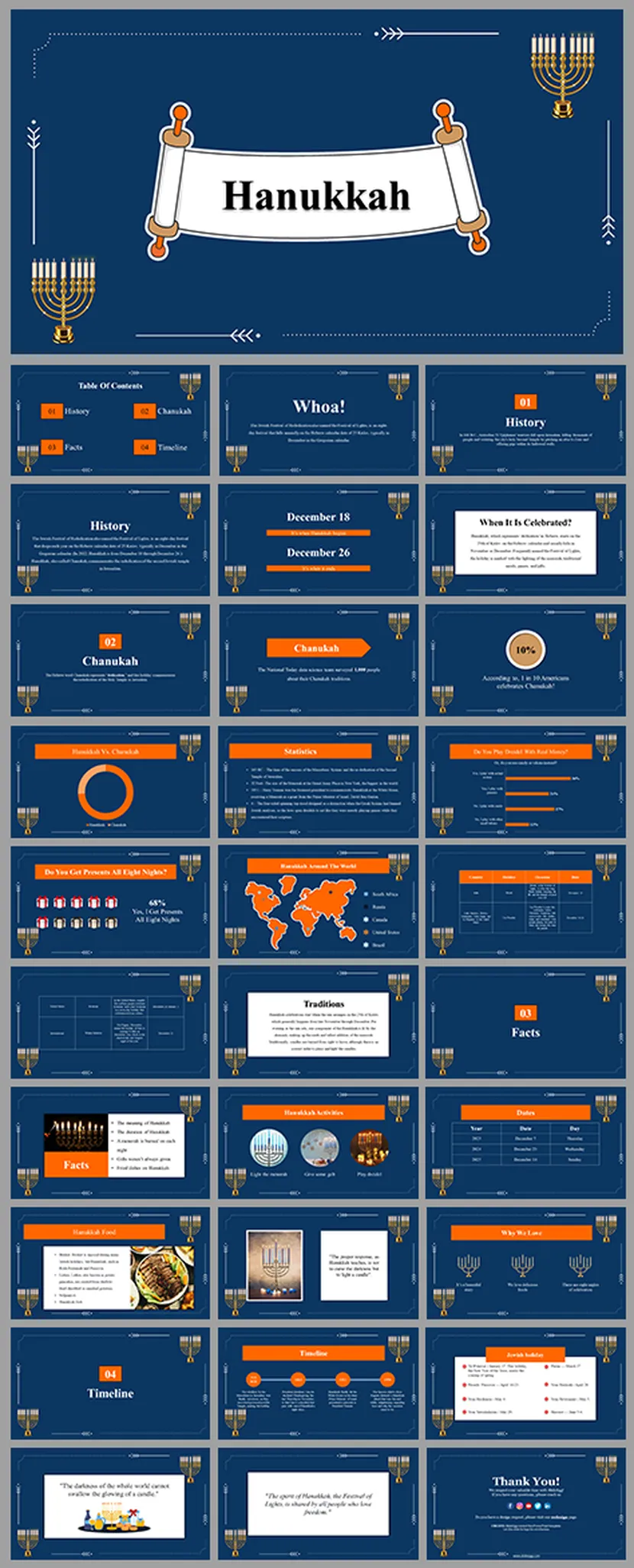
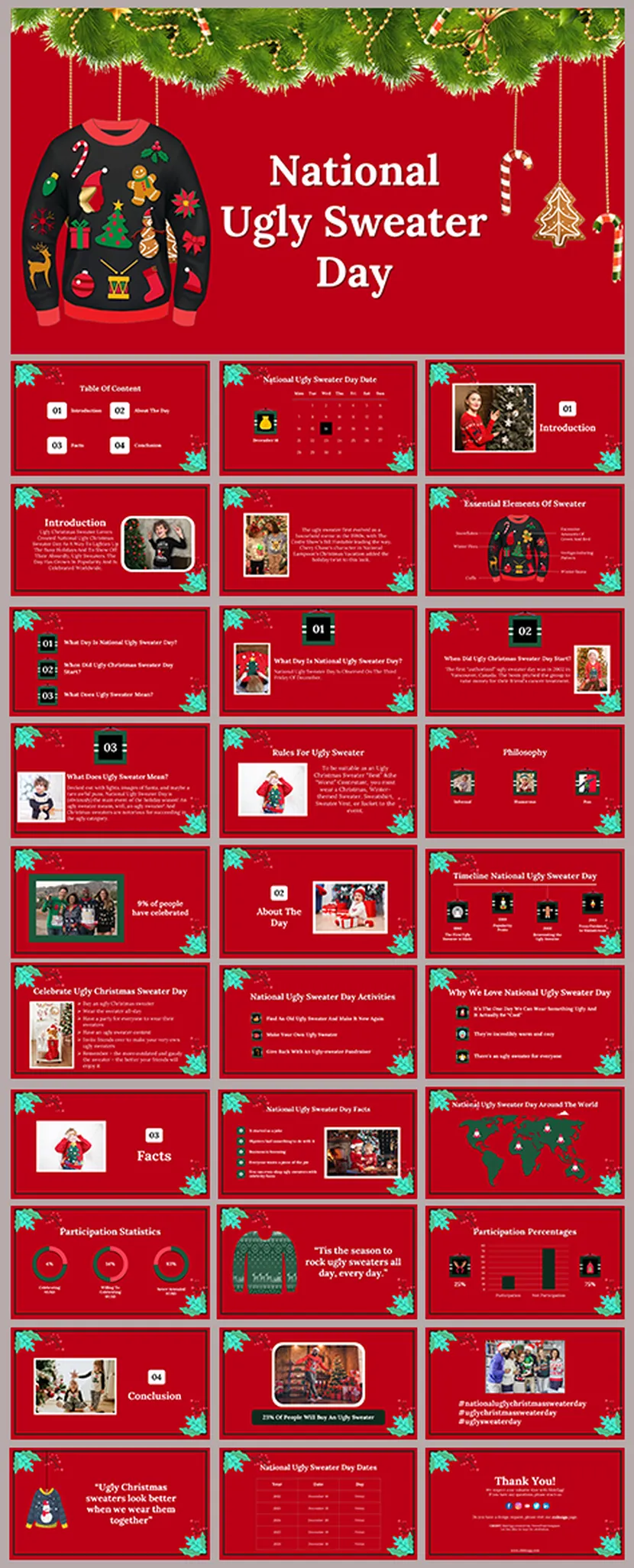
Merry Christmas, Christmas Day, US Christmas Eve Traditions, Saint Nicholas Day, Hanukkah, Kwanzaa, National Ugly Sweater Day and The Feast of the Seven Fishes all work for office parties, school assemblies and family or community events.
Can I use them for school and classroom presentations?
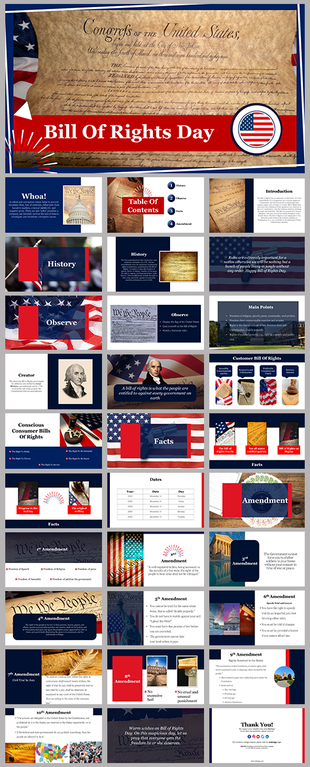
Yes. Days such as International Mountain Day, Arabic Language Day, Bill of Rights Day and Human Rights Day make easy lesson openers or short assembly talks. Add a quiz slide to keep students involved.
Can I use them for business and workplace presentations?
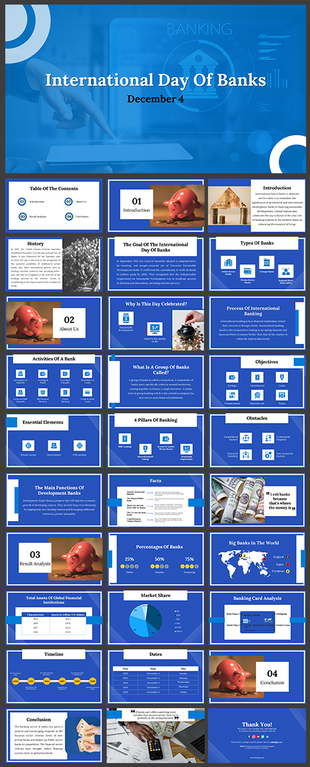
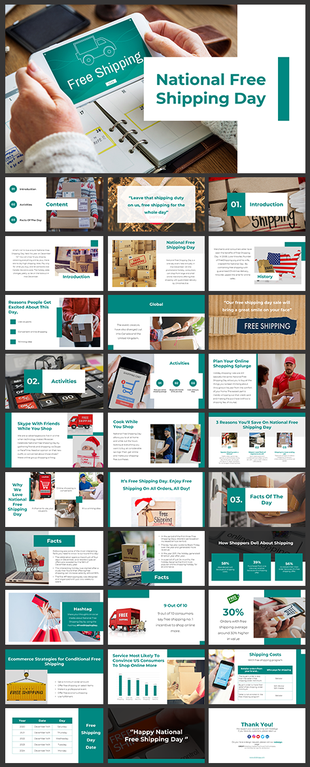
Yes. National Salesperson Day, Green Monday, National Free Shipping Day, International Day of Banks and International Anti-Corruption Day suit sales updates, seasonal campaigns and year-end team meetings.
Can I edit the text, images and colors?
Yes. Every element is editable in PowerPoint, Google Slides and Canva. Change the text, swap the images, recolor the theme and add your own branding. No design skills are needed.
How do I match the design to the occasion?
Pick a festive design for holiday events and a calmer, cleaner one for awareness and remembrance days. A theme that fits the mood tells the audience you prepared with care, so choose it before you write the slides.