Free - Editable PowerPoint Venn Diagram Template Free - 4 Node

Free
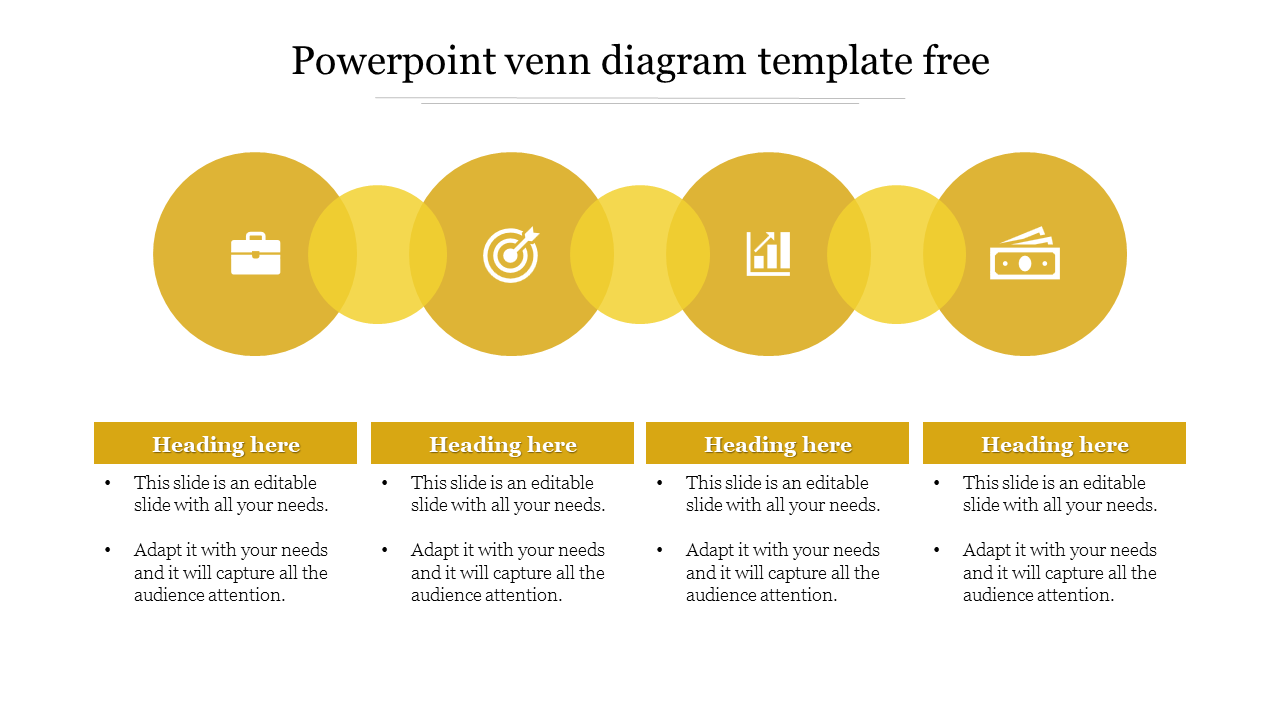
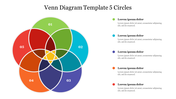
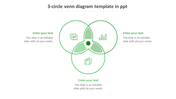
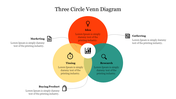
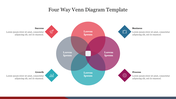
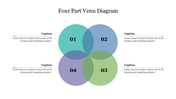
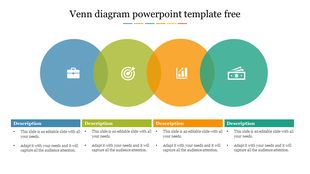
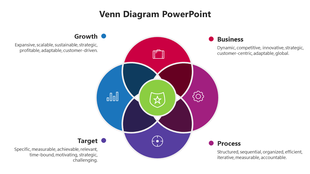
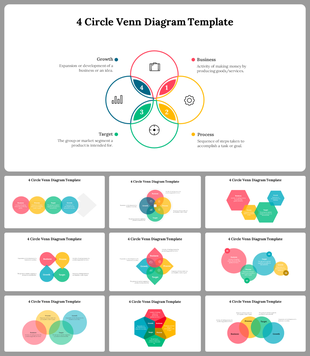
PowerPoint Venn diagram template with four interconnected circles, each with an icon and sections below.
P.ID : 43130
    221 views
    85 Downloads
    Designer
    Kavitha
    Get Custom Slides by Experts
    Enhance Your Presentations with Add-ins
    Google Slides Add-in
    Access templates directly in Google Slides
    Microsoft PowerPoint Add-in
    Access templates directly in PowerPoint
    GPT Add-on
    AI-powered presentation assistance

    PowerPoint Slide for Venn Diagram

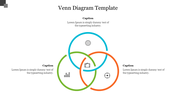
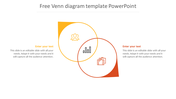
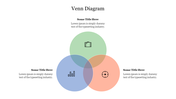
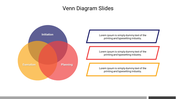
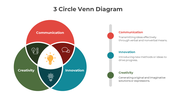
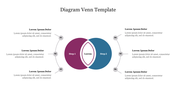
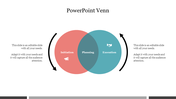
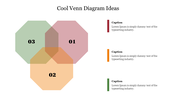
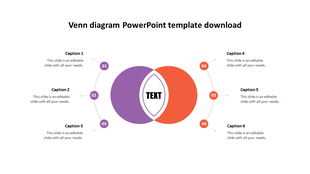
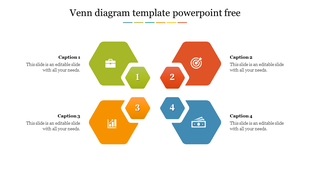
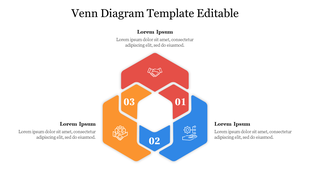
    If you are inquisitive about doing Venn diagrams, this template is best to help you. It can be used during a presentation by adding the steps while creating it. Every step of the process is presented in four nodes so that you can easily see what needs to be done. Each node has a circle as well as a text area that displays the details about each step. The multicolored theme adds some life and life to your PPT, along with the attractive diagram.

    Features of the template

    • 100% customizable slides and easy to download.
    • Slides are available in different nodes & colors.
    • The slide contained 16:9 and 4:3 formats.
    • Easy to change the slide colors quickly.
    • Well-crafted template with an instant download facility.
    • Easy way to present your ideas.
    Advertisement

    You May Also Like These PowerPoint Templates
    Free
    Add to Wishlist
    Download
    Edit
    A keynote Venn diagram with three overlapping orange circles, each containing an icon, with placeholder text boxes.
    Free
    Add to Wishlist
    Download
    Edit
    Monochrome Venn diagram showing four horizontally aligned overlapping circles with icons and matching text captions.
    Free
    Add to Wishlist
    Download
    Edit
    Horizontal grayscale Venn layout showing three overlapping circles with business-themed icons and matching text labels.
    Free
    Add to Wishlist
    Download
    Edit
    Three circle blue Venn diagram with icons for briefcase, target, and chart, and editable caption boxes below each segment.