OODA Loop PowerPoint Presentation and Google Slides Themes


Artistic Four-Step Process Infographic Slide
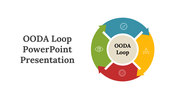
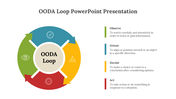
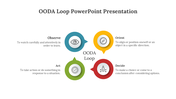
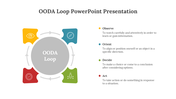
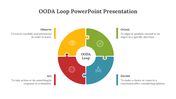
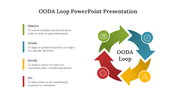
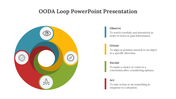
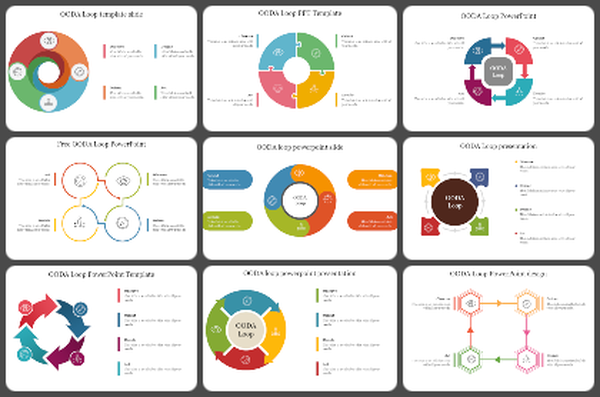
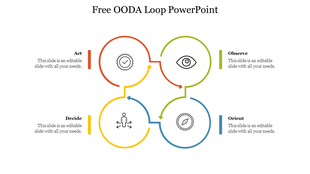
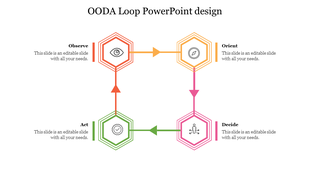
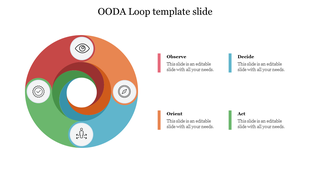
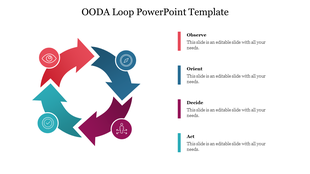
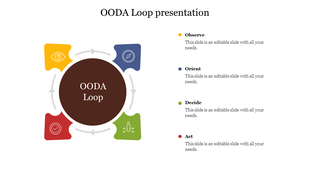
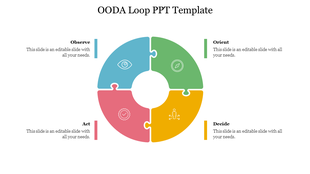
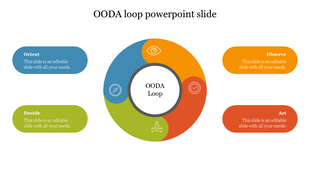
OODA Loop: Observe, Orient, Decide, Act. Make the best decision-making presentations to visualize the four-step processes with our OODA loop PowerPoint presentation template. It is creatively designed with a circle design, which has four segments with arrows and icons. It is creatively designed with multicolor infographics to captivate your audience's eyes. It also has four step blocks to present the process in detail. It is 100% editable and highly flexible. Try today!
Features of the template
- 100% customizable slides and easy to download.
- Slides are available in different nodes & colors.
- The slide contains 16:9 and 4:3 formats.
- Easy to change the colors of the slide quickly.
- Well-crafted template with instant download facility.
- Graceful infographic slide.

You May Also Like These PowerPoint Templates

Showing36 of69,218 templates