Free - Creative Cause Effect Diagram PPT And Google Slides
Free





 Canva
Canva
Best Cause Effect Diagram Presentation Slide
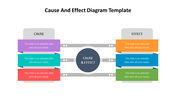
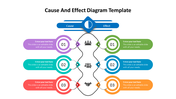
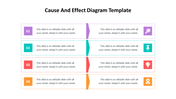
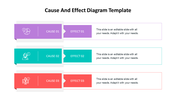
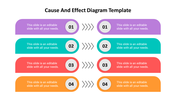
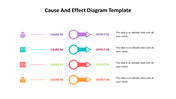
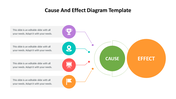
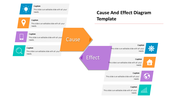
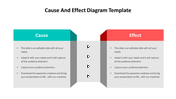
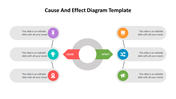
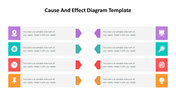
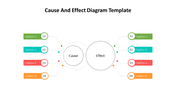
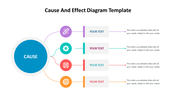
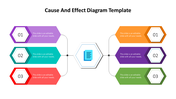
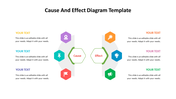
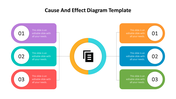
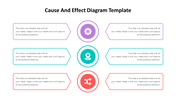
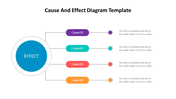
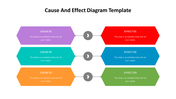
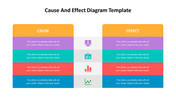
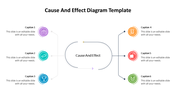
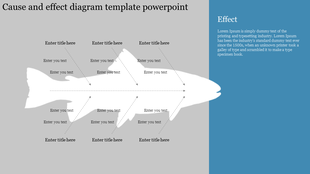
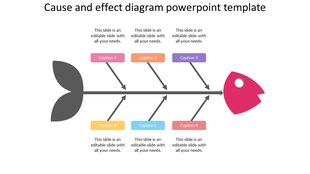
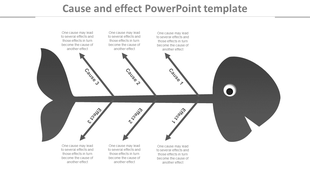
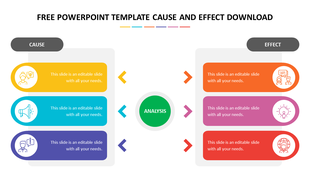
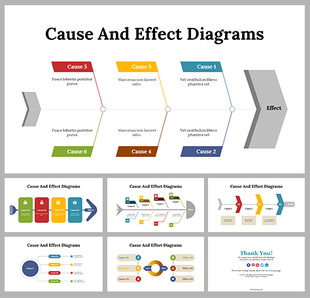
Did you know that the cause-effect diagram, also known as the Ishikawa diagram was first developed by Japanese engineer Kaoru Ishikawa in the 1960s? This powerful tool is used to identify and analyze the root causes of a problem or issue.
With its visual representation of the potential causes and effects, the cause-effect diagram can help teams to brainstorm, prioritize, and address the factors that are most relevant to their objectives. Use our editable cause-effect diagram template to create engaging and informative presentations that will drive your message home.
Features of this templates
- 100% customizable slides and easy to download.
- The slide contains 16:9 and 4:3 formats.
- Easy to change the colors of the slide quickly.
- Highly compatible with PowerPoint and Google Slides.










You May Also Like These PowerPoint Templates
Showing36 of69,218 templates