
Posts by Arockia Mary Amutha
 Google Slides Tutorials
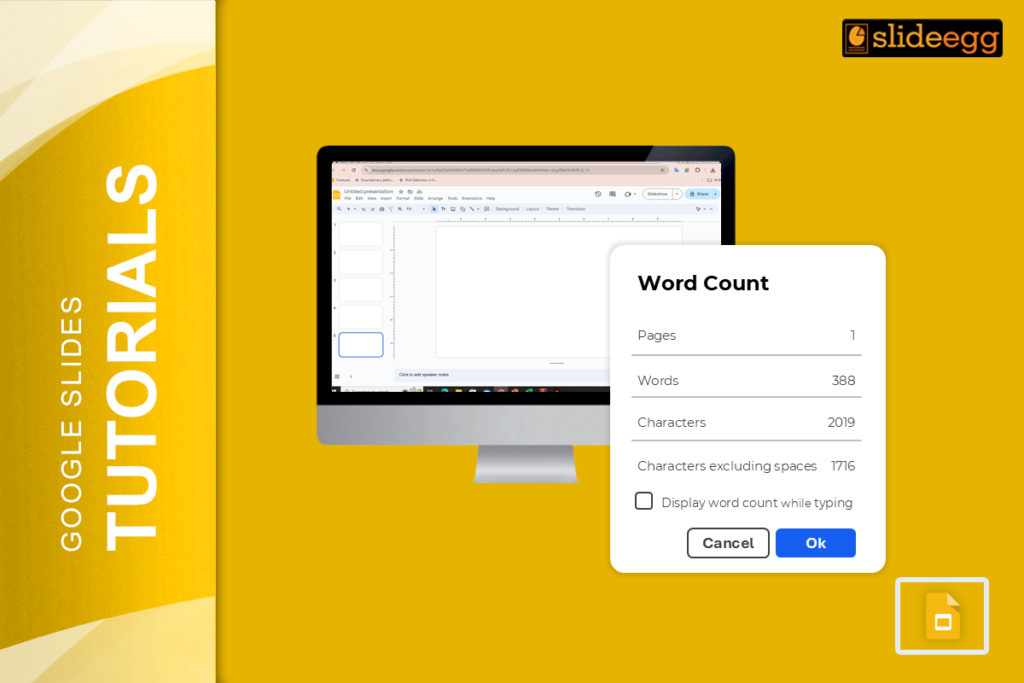
Google Slides has no built-in word count tool and in 2026, that is still the case. If you have been hunting through the menus expecting...
 Google Slides Tutorials
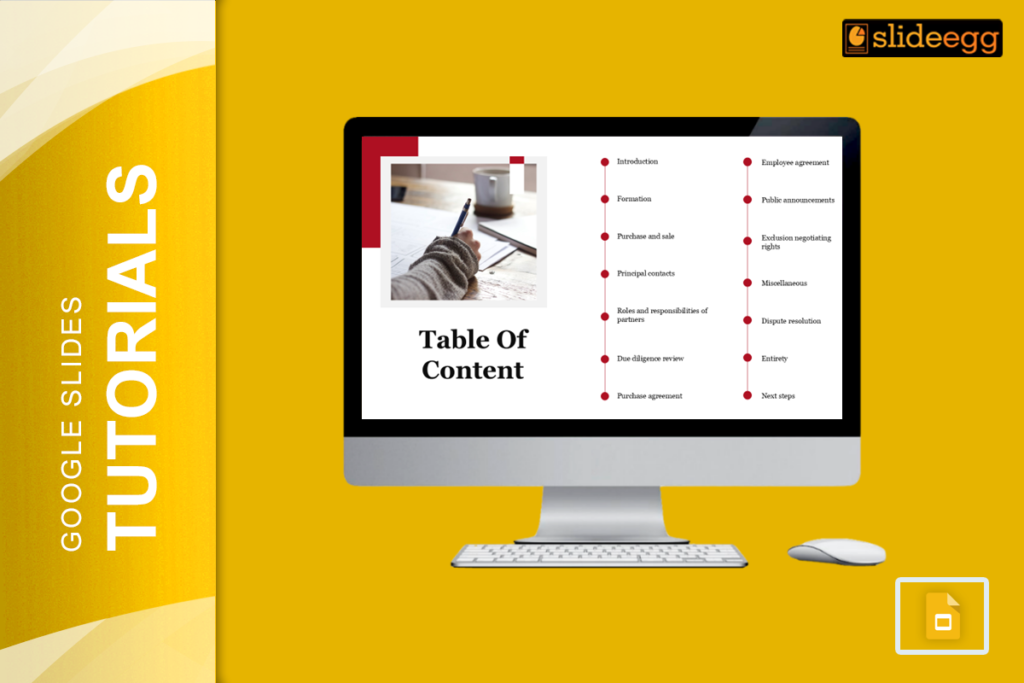
Google Slides is a great choice for creating presentations, but when one has many slides, audiences will find it difficult to trace out where they...
 Google Slides Tutorials
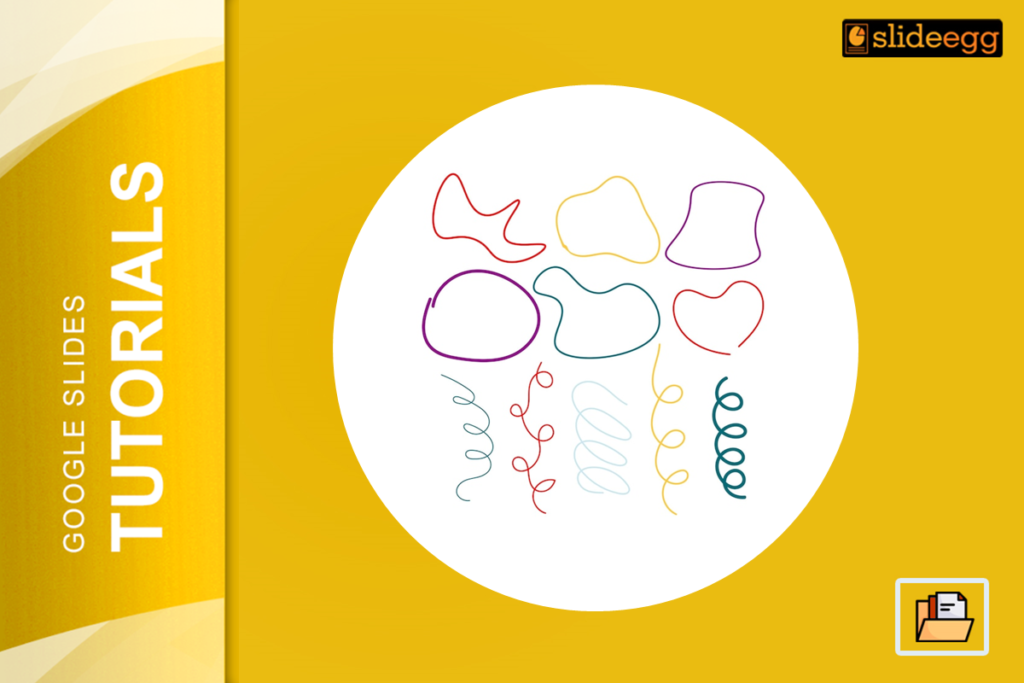
Google Slides offers a fantastic tool for presentation creation, yet, not all the time does it meet our requirements where default shapes are concerned. You...
 Google Slides Tutorials
Presentations are one of the best ways to get your message across as pitching an idea, teaching a lesson, or telling a story. While images...
 Google Slides Tutorials
If you’re already using Google Slides for the presentation, you would have already noticed that default fonts are typically not the most engaging way of...
 Powerpoint Tutorials
Sometimes, you have a slide that’s just too busy. Sometimes, they’re just too wordy, and you lose your presentation in all of it. Don’t worry;...
 Powerpoint Tutorials
All of us who are familiar with this multifaceted presentation software, Microsoft PowerPoint create the slideshow. With text, pictures, charts, videos, and animations, you will...
 Powerpoint Tutorials
Picturesque slides are the key to delivering a flawless presentation in PowerPoint. Most asked is how to wrap text in PowerPoint. It is pretty easy...
 Powerpoint Tutorials
Creating an awesome presentation is not so easy, and it becomes even harder when you have to translate that for an audience who speaks a...
 Powerpoint Tutorials
It is exciting to build a PowerPoint presentation, but it does indeed become a headache after you have finished it. Its file size will cause...
Recent Blogs

Have you ever tried to compare three competitors in a single, disorganized spreadsheet? By the time you get...

Gemini puts Google’s AI right inside the Slides editor, so you can draft, design, and polish a presentation...

Quick Take: SlideEgg’s Christmas collection holds 474+ templates across PowerPoint, Google Slides, and select Canva formats, Santa-and-nativity scenes...