
Posts by Arockia Mary Amutha
 Google Slides Tutorials
One of the easiest and free presentation tools available today, Google Slides is a fantastic tool. It can save you time and effort in designing...
 Google Slides Tutorials
Adding music can do a great deal to round out a presentation and help set the mood, captivate an audience, or make something a little...
 Google Slides Tutorials
Google Slides is one of the fantastic presentation tools. Most of us use it daily, be it preparing for work or school or for an...
 Google Slides Tutorials
An interesting dynamic and vibrant presentation makes all the difference, especially if you’d like to hold your audience’s interest. The best way of making your...
 Google Slides Tutorials
Google Slides is the best tool to create a presentation. You get it free and is very easy to use and accessible anywhere, but let’s...
 Google Slides Tutorials
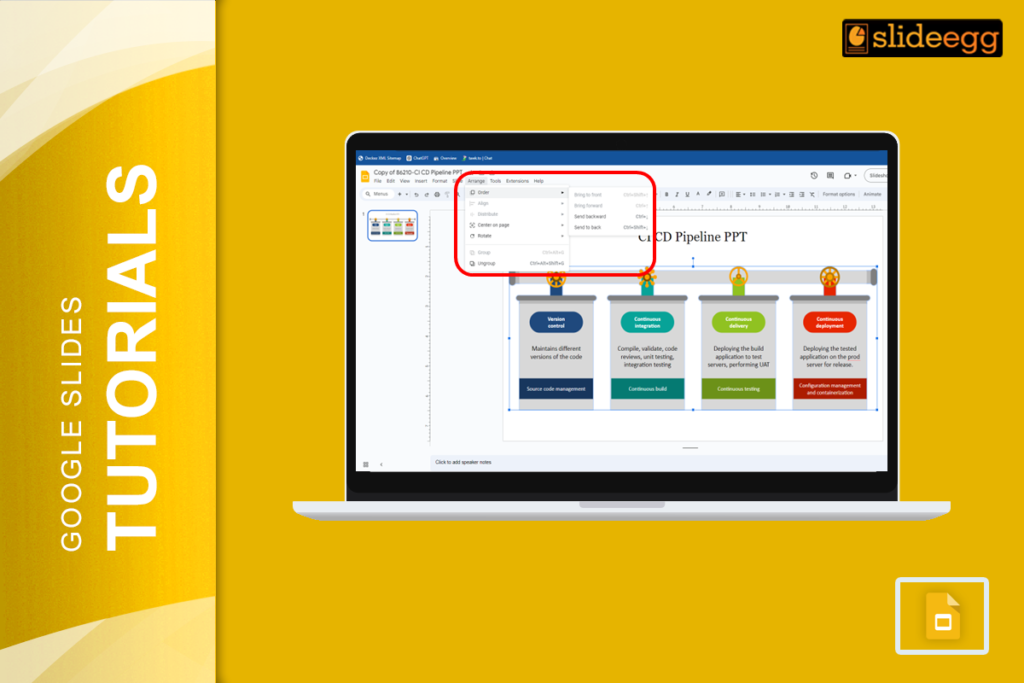
Google Slides offers amazing possibilities for creating slides but is sometimes really hard to handle if you need to work with a lot of objects...
 Google Slides Tutorials
If you have ever done work in Google Slides, you have probably added many images, text boxes, or shapes to your slides. However, you might...
 Powerpoint Tutorials
A timeline in any presentation is a very important aspect, as it conceptually presents how things happen over time. This tutorial will guide you through...
 Google Slides Tutorials
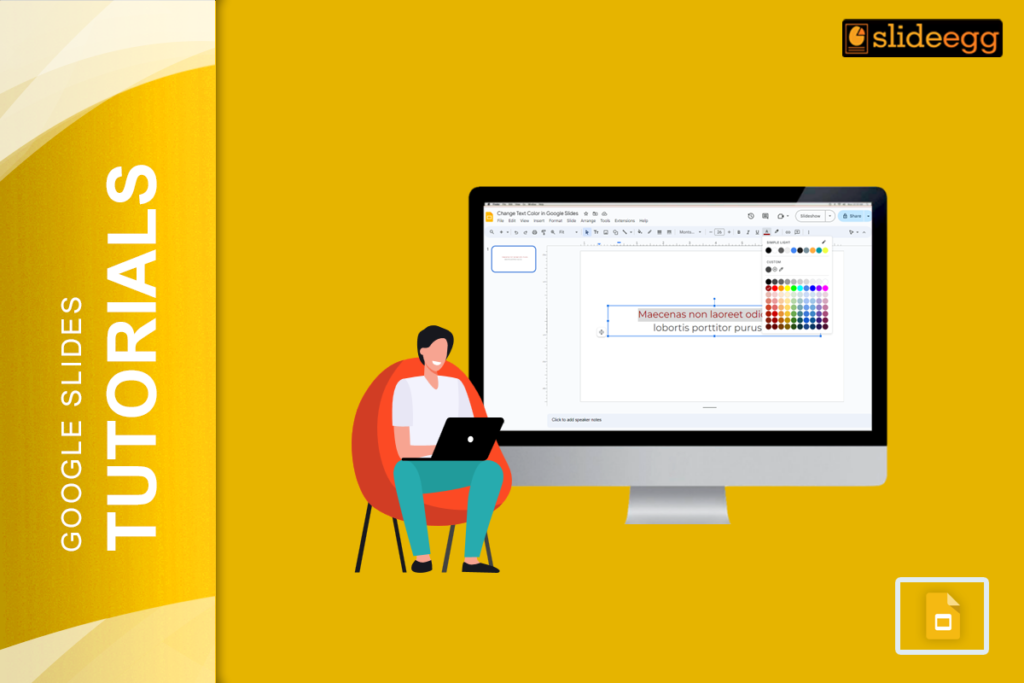
Google Slides, though a very powerful tool, is very easy to use for making presentations. Whatever you may be writing, whether a school project or...
 Google Slides Tutorials
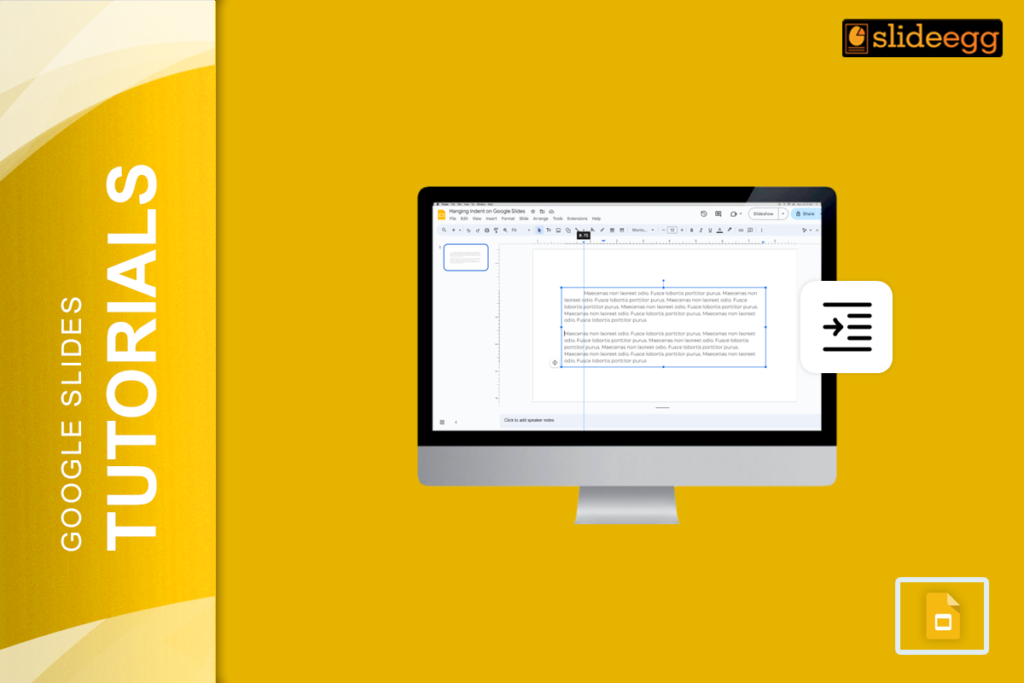
Making clear, uncluttered slides is a part of any good presentation-from a school project to a business pitch. A small formatting tool called hanging indent...
Recent Blogs

Have you ever tried to compare three competitors in a single, disorganized spreadsheet? By the time you get...

Gemini puts Google’s AI right inside the Slides editor, so you can draft, design, and polish a presentation...

Quick Take: SlideEgg’s Christmas collection holds 474+ templates across PowerPoint, Google Slides, and select Canva formats, Santa-and-nativity scenes...