The Best Arrow Design PowerPoint Presentation For You





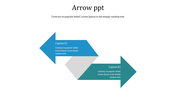

Two Majestic Arrows Inserted Template
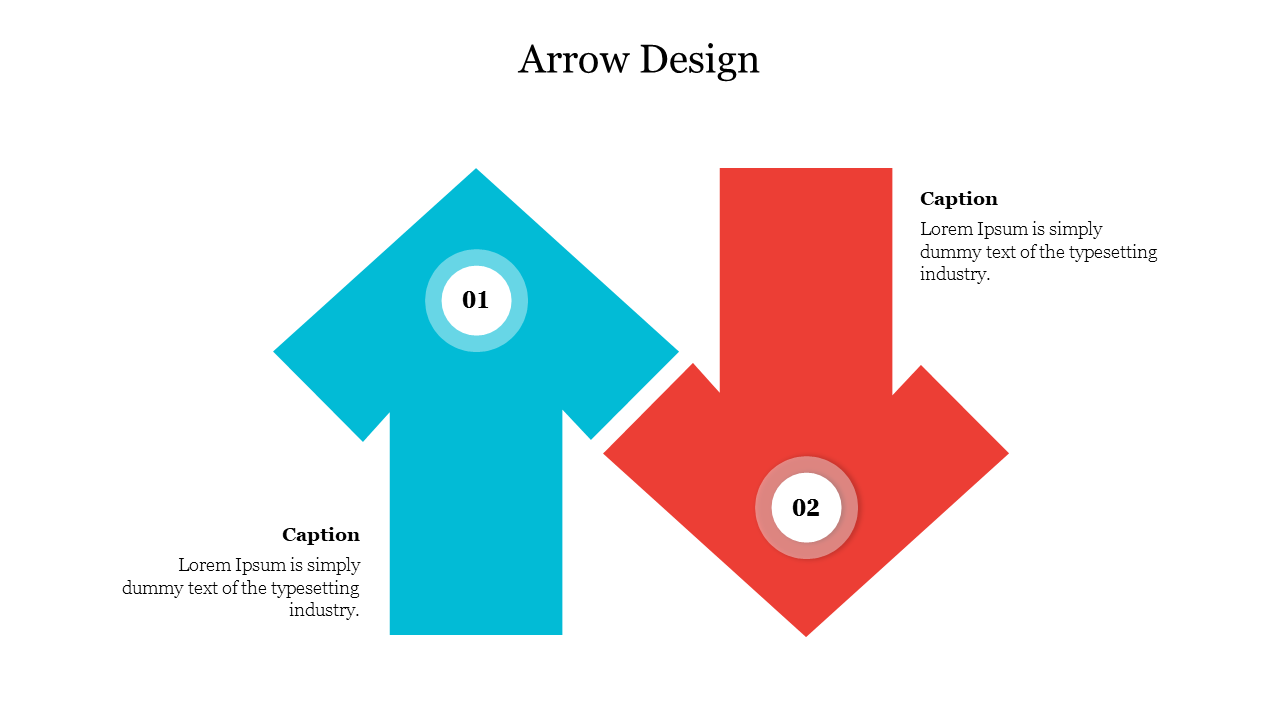
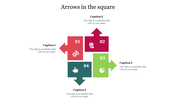
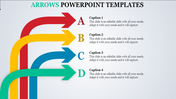
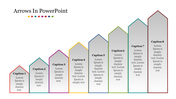
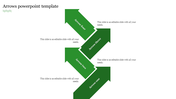
Make use of these two big arrows to explain your desired topics vividly. The two nodes occupy the majority of the template, highlighting that it is visible even to a person sitting in the last row. You can even save this template for future use as well. This affordable template can be edited according to your needs using the options provided by SlideEgg. So, soon get it downloaded.
Features of this template
- 100% customizable slides and easy to download
- Slides are available in different nodes & colors.
- The slides contained 16:9 and 4:3 formats.
- Easy to change the slide colors quickly.
- Well-crafted template with instant download facility.
- Crisp and elegant font style.
- The best template with attractive nodes.









You May Also Like These PowerPoint Templates
















Showing20 of69,218 templates