Editable Arrow Clipart PPT Template For Presentation
Nodes

Colors
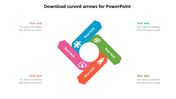
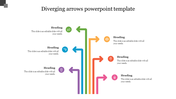

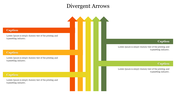

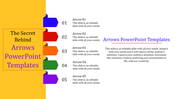


Arrow Diagram For Presentations
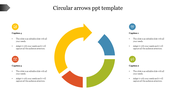
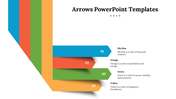
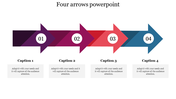
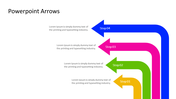
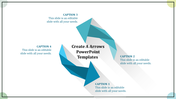
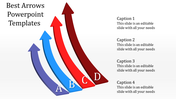
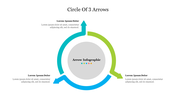
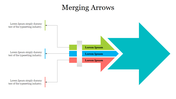
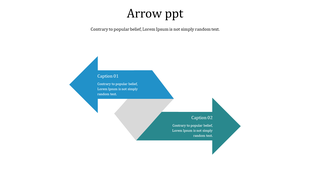
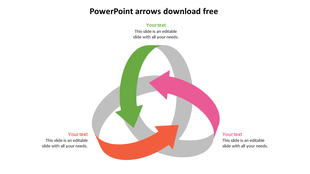
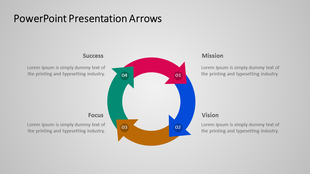
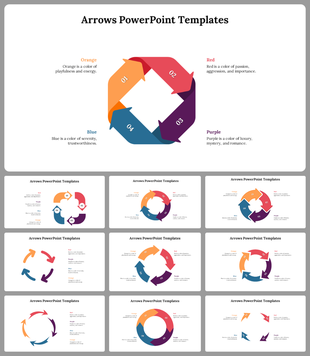
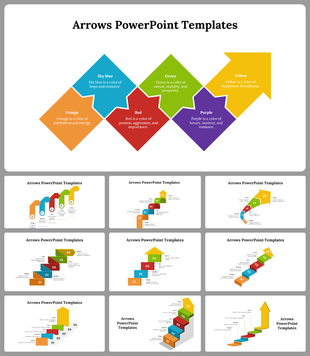
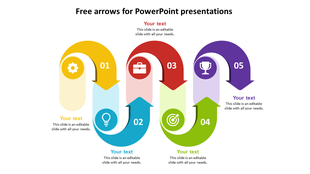
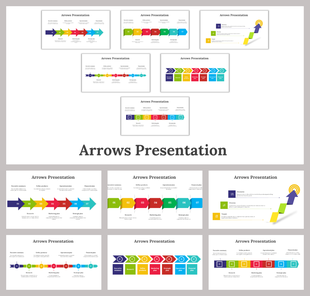
Get these colorful arrow design PPT templates to create an attractive business process presentation. We have added an alluring design to add your information. It can be entirely reshaped as per the need. Arrows are the best tool to target. Use these creative designs and spot the ways to move forward in business deals. These shaft layouts can be used at business meetings, project presentations, and official meetings for a simple discussion. This slide has five nodes and holds a simple look but adds an elegant touch. Try it!!
Features of the template
- 100 % customizable slides and easy to download.
- Slides are available in different nodes & colors.
- The slide contained 16:9 and 4:3 formats.
- Easy to change the slide colors quickly.
- It is a well-crafted template with an instant download facility.
- It is designed with a stunning theme design.
- Best template for PowerPoint presentations.
More Collections for Editable Arrow Clipart PPT Template
Recommended based on this template.
Similar Templates to Editable Arrow Clipart PPT Template


Showing20 of69,218 templates