Free - Attractive Timeline Arrow PowerPoint Template Design
Free
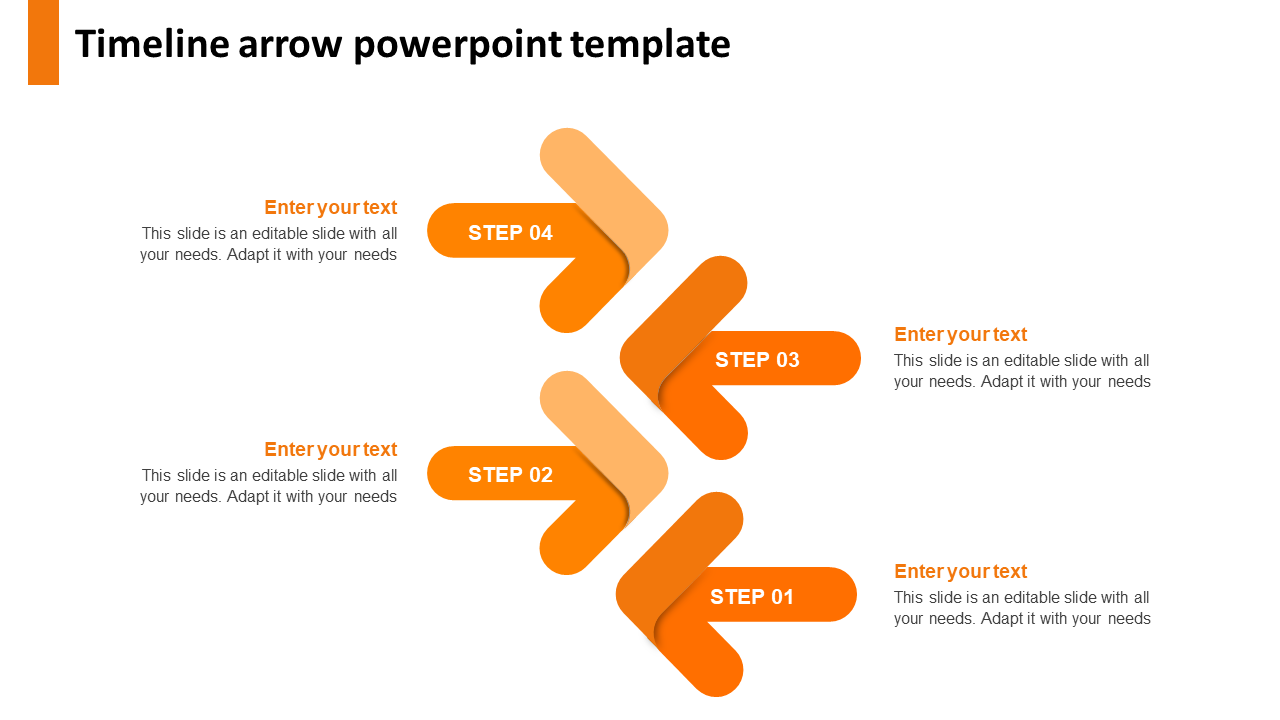
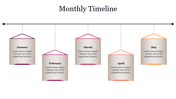
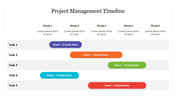
Four Node Timeline Template
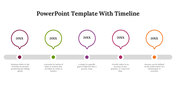
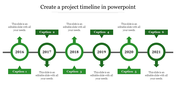
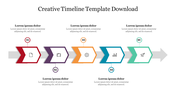
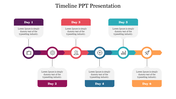
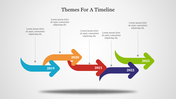
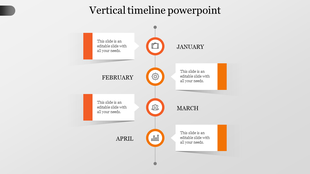
The orange shade with the timeline with design can be the best choice for your compelling presentation. As the central theme, the arrows give a vibrant change to the topic presentation. The timeline design is mainly used for denoting the time taken or the period spent on a particular project or work. The timeline can also be of the year-end type with denoted years to pass on. The four nodes are customized and can be edited with user-friendly features. This free template is worth a try! Download now!
Features of the Template:
- 100% customizable slides and easy to download.
- The slide contains 16:9 and 4:3 formats.
- Slides are available in different nodes & colors.
- Easy to change the colors of the slide quickly.
- Well-crafted template with an instant download facility.
- Orange shade with four nodes.









You May Also Like These PowerPoint Templates

Showing20 of69,218 templates