Profit and loss presentation in powerpoint slide
 Canva
Canva


Best Profit and Loss Presentation in PowerPoint
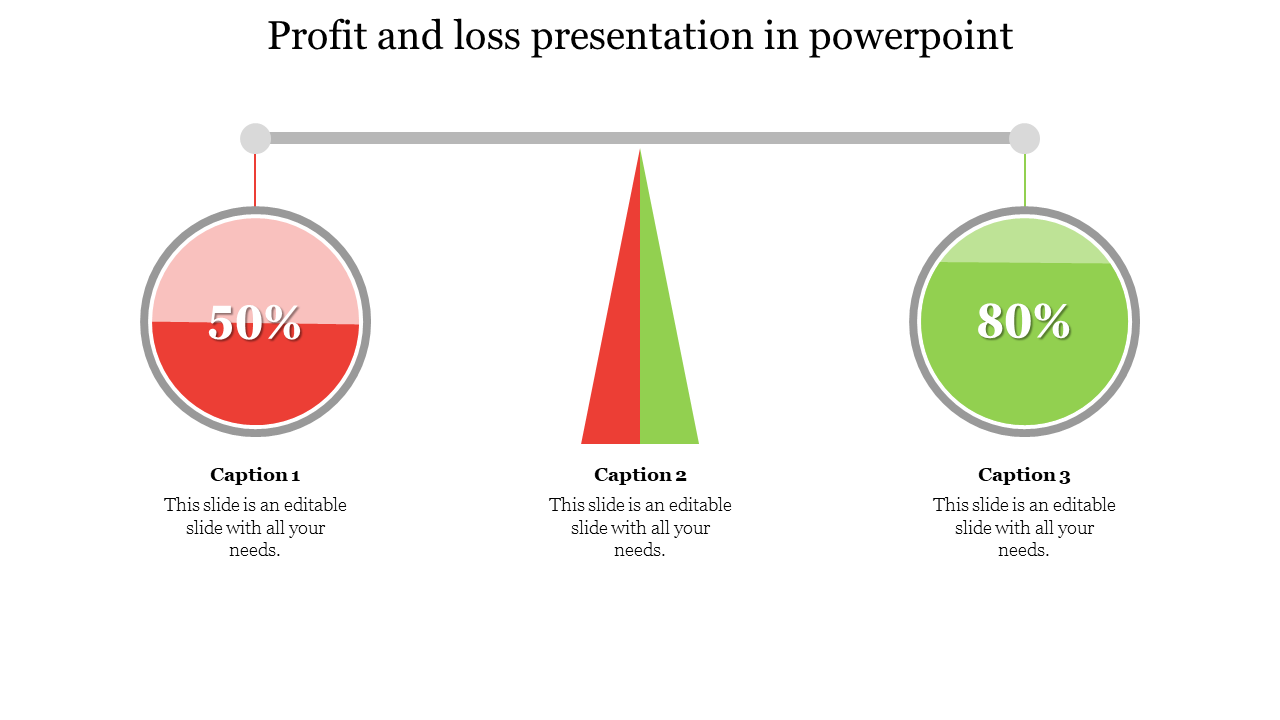
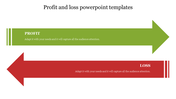
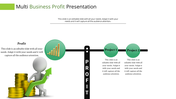
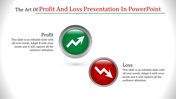
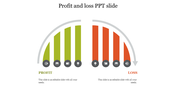
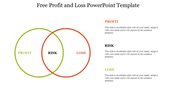
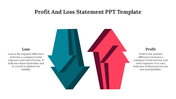
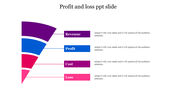
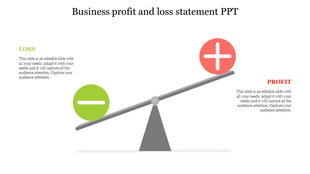
This Profit and Loss Presentation in PowerPoint is one of the most successful templates. This template is a three nodded simple slide. There are two circles and one triangle for node representation. The red-green color combination gives a vibrant outlook.
This Profit and Loss PowerPoint template is such a handy one for three featured data components.
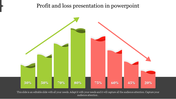
The captions and descriptions are easily editable. They are 100% instantly downloadable. It also displays proportional data components. It is apt for triple-themed data components. Use this template to impress the audience.
Features of the template:
- 100% customizable slides and easy to download.
- Slides available in different nodes & colors.
- The slide contained 16:9 and 4:3 format.
- Easy to change the slide colors quickly.
- Well-crafted template with instant download facility.
- Suitable for three featured data components.
- Bright and contrast color combination.









You May Also Like These PowerPoint Templates
Showing20 of69,218 templates