Arrows PPT And Google Slides Template Themes
Free
Nodes

Colors


Curved Arrow PowerPoint Template
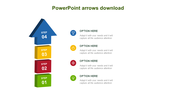
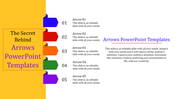
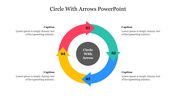
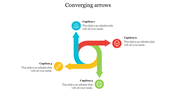
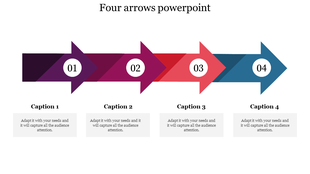
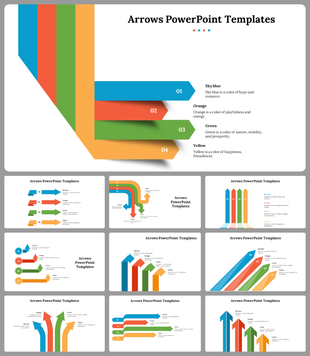
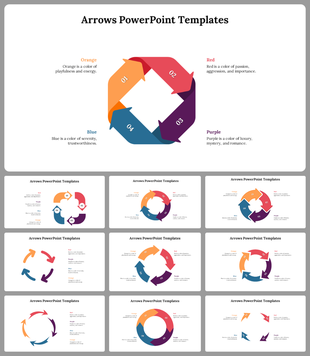
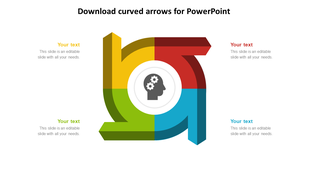
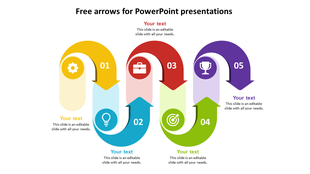
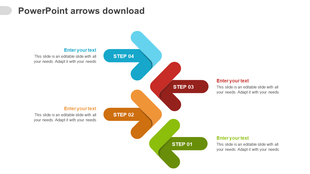
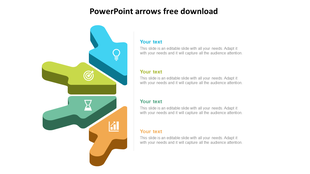
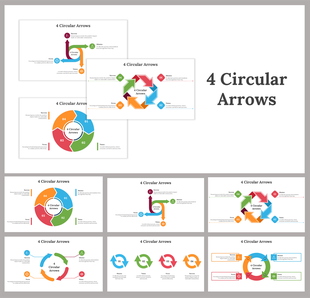
Improve the position of your presentation to the right audience, by introducing our Arrows PPT And Google Slides Template. The slide has four curved arrows arranged vertically. Each of them are numbered and accompanied by ample space for detailed text. It helps to offer insightful context and guide the audience through the presentation's concept.
Ideal for project managers, business analysts, educators and consultants. Helpful for illustrating processes, workflows, timelines and sequential steps. Suitable for outlining project milestones, demonstrating workflow diagrams or presenting procedural steps. Download now to make your content both accessible and compelling for various audiences.
PPT And Google Slides
Features of the template
- The slide contains 16:9 and 4:3 formats.
- Compatible with Google slide themes and PowerPoint.
- 100% customizable slides and free to download.
- It is easy to change the colors of the slide quickly.
- Well-crafted template with an instant download facility.
More Collections for Arrows PPT And Google Slides Template Themes
Recommended based on this template.
Similar Templates to Arrows PPT And Google Slides Template Themes


Showing20 of69,218 templates