Editable Arrows PPT Templates and Google Slides Themes
 Canva
Canva





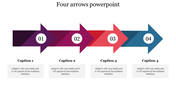
Arrows PowerPoint Template with Three Nodes
Arrows are essential in presentations to demonstrate direction, flow, and processes. They help guide the audience's attention and make complex information more digestible.
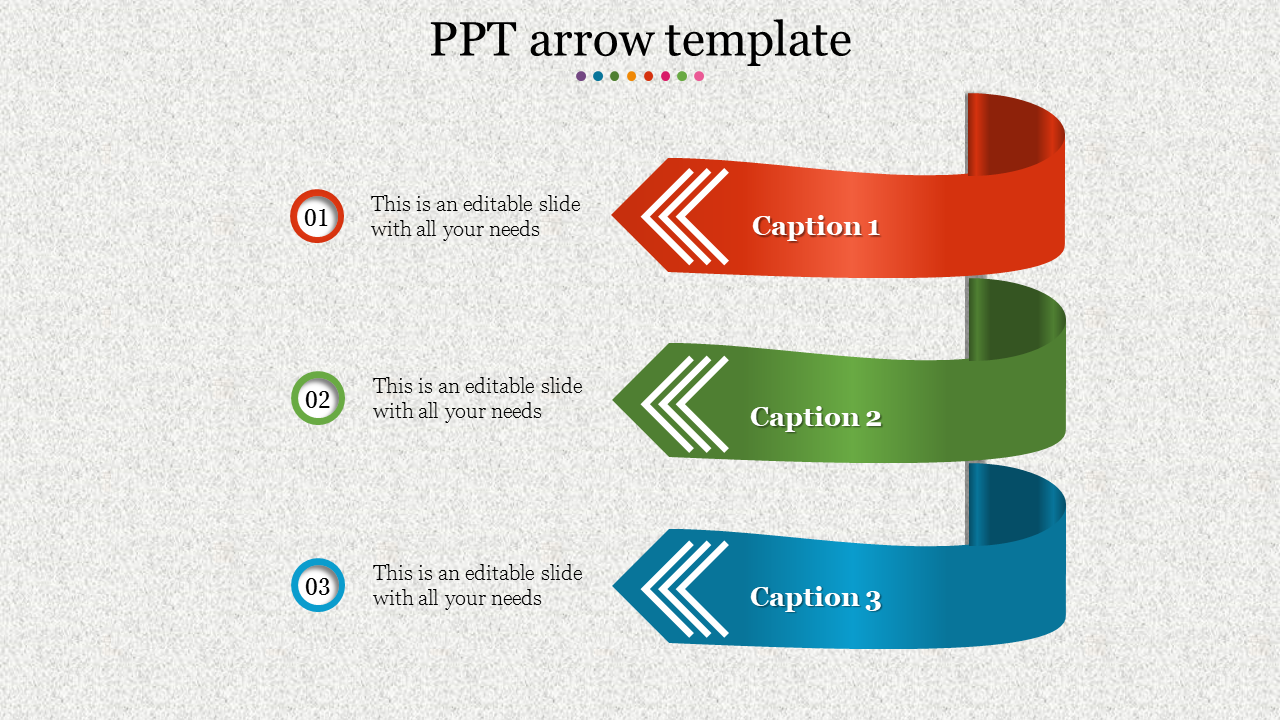
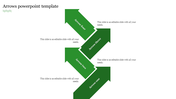
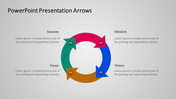
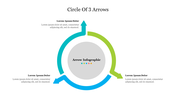
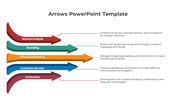
The Arrows PPT Templates and Google Slides Themes feature three curved arrows, each accompanied by a caption and a text area. This template offers a multicolor option, allowing customization to match your presentation's theme or brand colors.
This template is perfect for project managers, educators, business professionals, and marketers who need to illustrate steps, sequences, or directional processes. You can use this slide in meetings, classrooms, workshops, and webinars to clarify ideas and enhance understanding.
Use these arrow templates to create dynamic and engaging presentations.
Features of the template
- 100% customizable slides are easy to download.
- Slides are available in different colors.
- The slide has 4:3 and 16:9 formats.
- It is easy to change the slide colors quickly.
- It has a cute design to impress an audience.
- Create feature-rich, animated presentations.









You May Also Like These PowerPoint Templates













Showing20 of69,218 templates