PPT Arrow Template For Directional And Progression Charts
Nodes

Colors
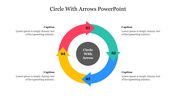
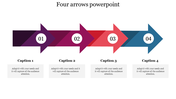
Arrow PowerPoint Template and Google Slides Themes
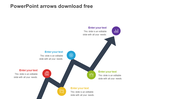
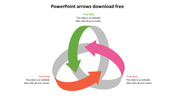
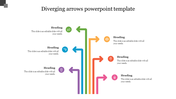
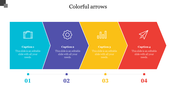
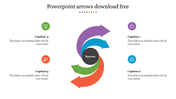
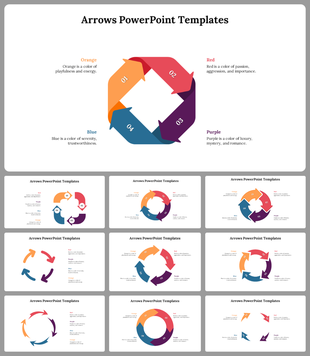
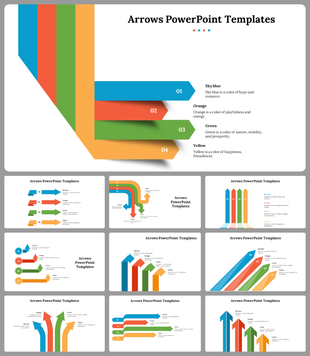
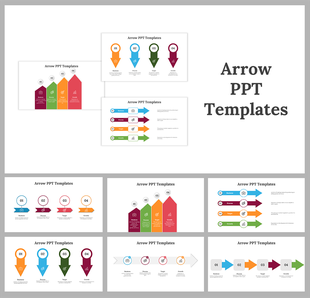
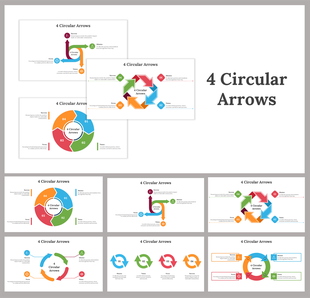
Dive into dynamic presentations with our arrow PowerPoint template and Google Slides theme! Featuring four vibrant arrows seamlessly connected in a captivating upward direction – Purple, Orange, Blue, and Red – against a pristine white background, this template promises to elevate your slideshows with its engaging design.
Ideal for professionals, educators, and creatives, our template offers a visually striking platform to convey concepts, processes, and strategies with clarity and impact. Whether you're outlining growth plans, highlighting key milestones, or emphasizing sequential steps, these arrows provide a clear visual guide to your audience.
With its versatile design, you have the flexibility to customize text, fonts, and colors to match your branding and messaging needs effortlessly. Transform your presentations and captivate your audience from the first slide.
Features of the template
- 100% customizable slides and easy to download.
- Slides are available in different nodes & colors.
- The slide contains 16:9 and 4:3 formats.
- It is easy to change the colors of the slide quickly.
- Well-crafted template with an instant download facility.
More Collections for PPT Arrow Template For Directional
Recommended based on this template.
Similar Templates to PPT Arrow Template For Directional
Showing20 of69,218 templates