530+ Dashboard Presentation Templates

Data without structure is just noise. Your audience sees numbers but doesn't understand what they mean. Dashboards organize scattered metrics into one clear story. They transform confusion into actionable clarity.

Got a Unique Idea? Craft with AI
PRO
Credits left : 0
Add to Wishlist
Download
AI Customize
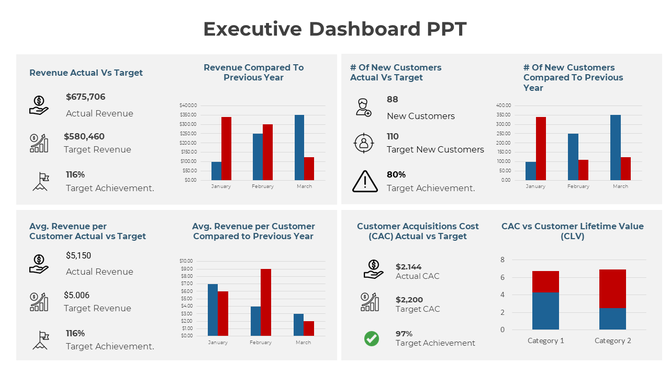
Executive Dashboard slide showing key performance metrics such as revenue vs. target, customer acquisition, and CAC vs. CLV.
Add to Wishlist
Download
AI Customize
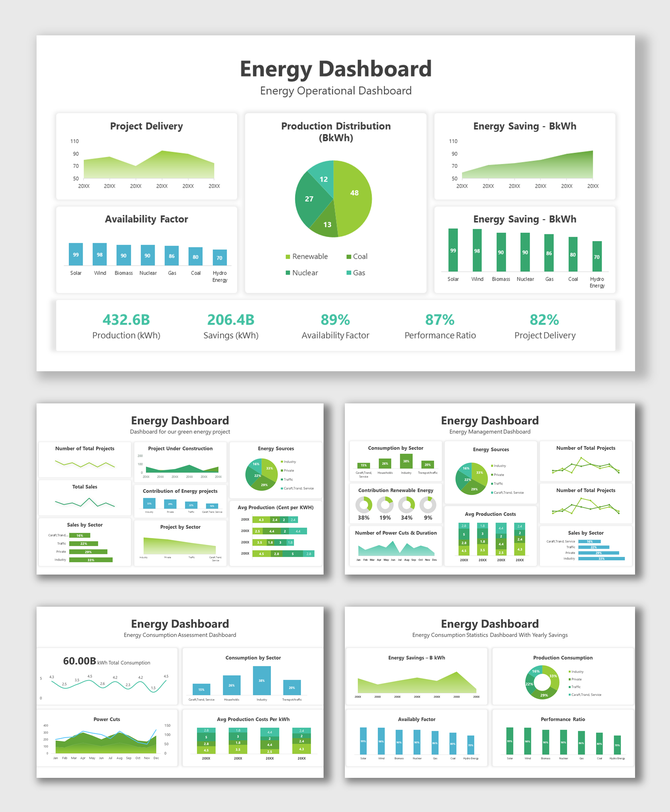
Slide deck of energy dashboards displaying data visualizations like pie charts, bar and line graphs, in green shades.
Add to Wishlist
Download
AI Customize
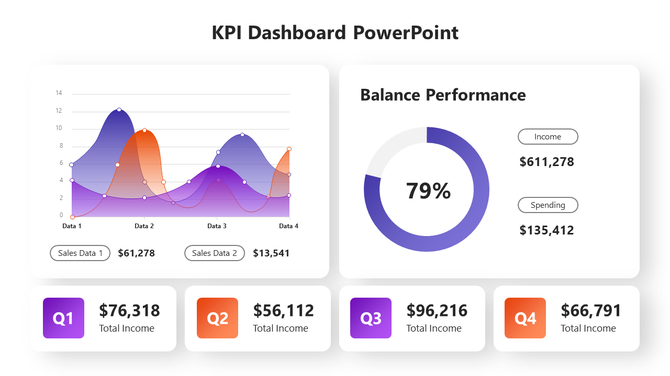
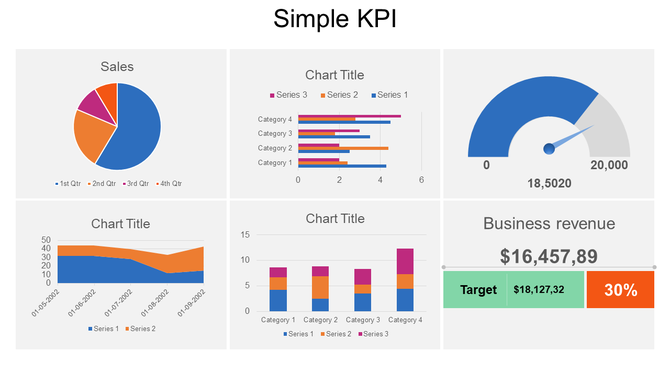
KPI dashboard with a dual-line graph, balance performance gauge, and quarterly income metrics.
Add to Wishlist
Download
AI Customize
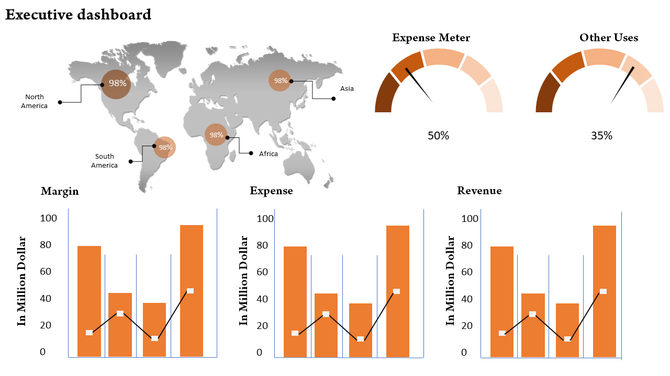
Dashboard with a world map and percentage markers, semi circle expense meters, and orange bar charts showing metrics.
Free
Add to Wishlist
Download
AI Customize
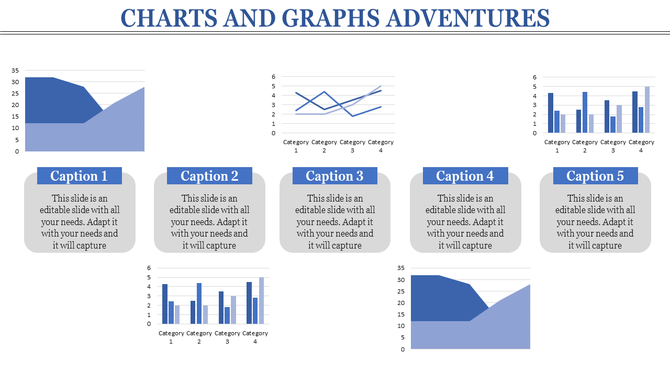
Visual layout of various charts, including area and bar graphs, arranged in a grid format with caption areas.
Add to Wishlist
Download
AI Customize
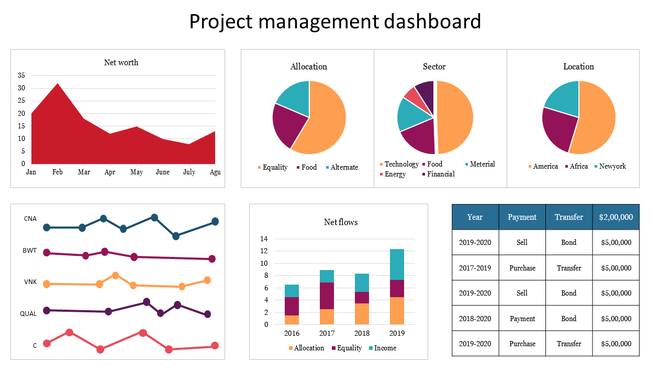
Project management dashboard slide showing colored charts for net worth, sector allocation, and various financial metrics.
Free
Add to Wishlist
Download
AI Customize
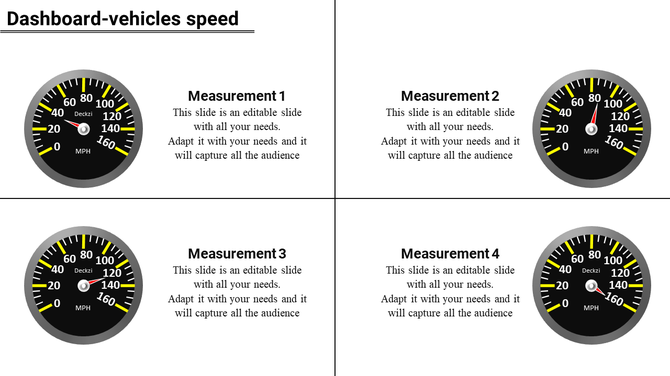
Four black speedometers with white numbers and yellow markers arranged in a two by two grid with descriptions.
Free
Add to Wishlist
Download
AI Customize
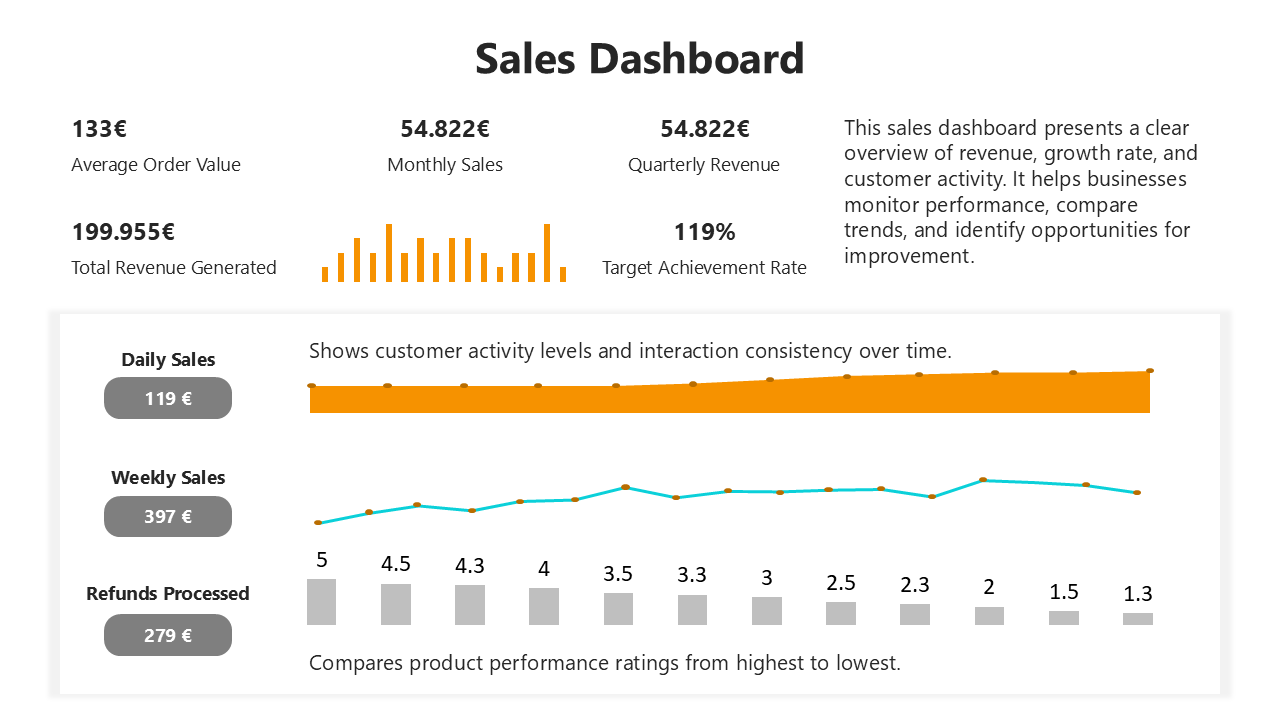
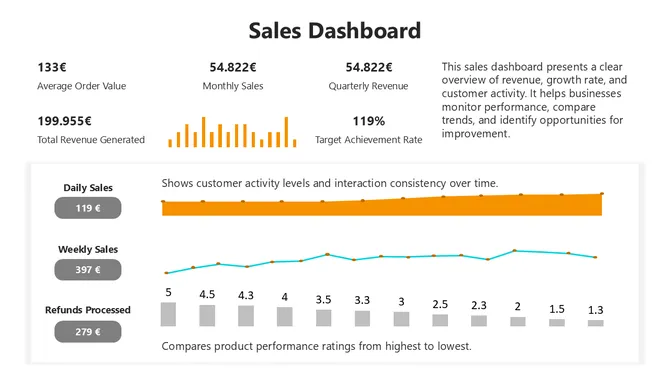
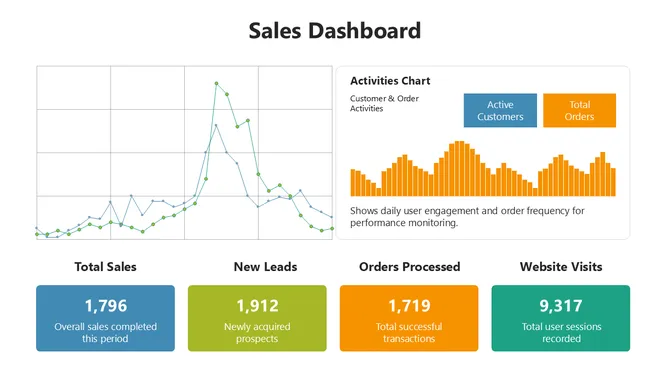
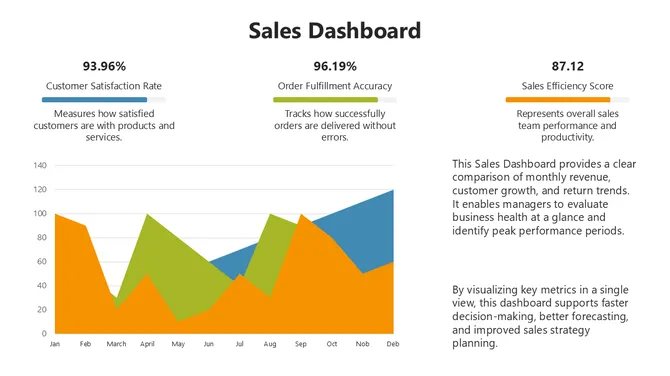
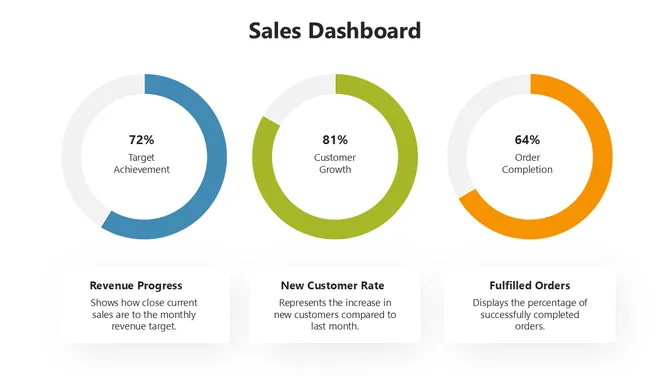
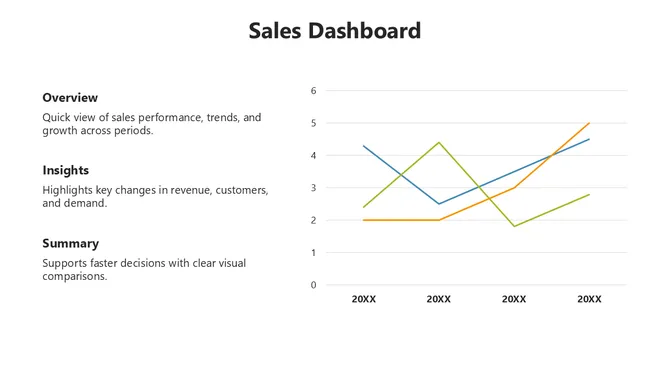
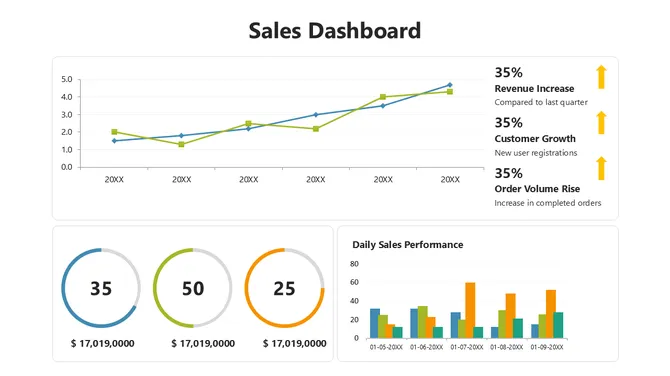
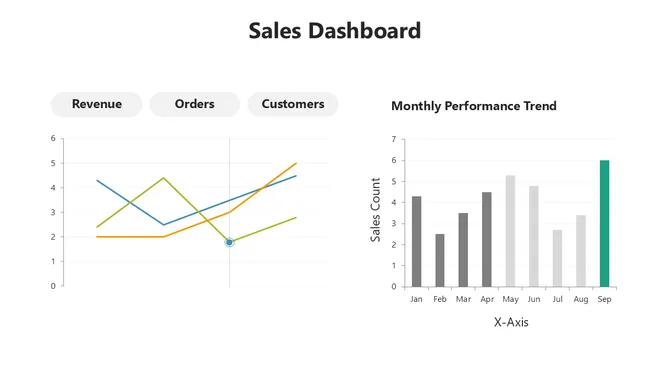
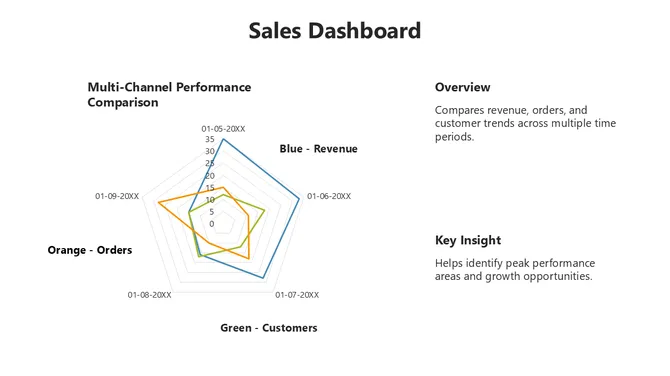
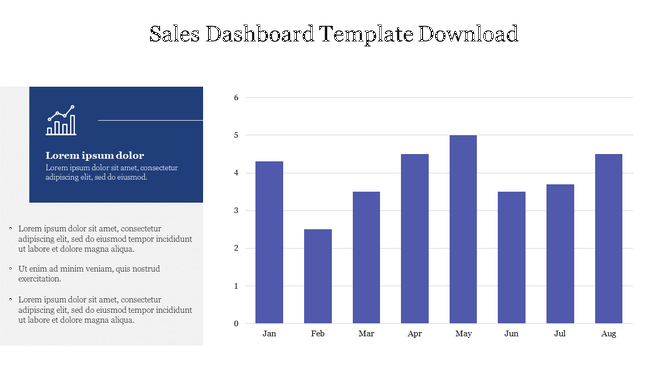
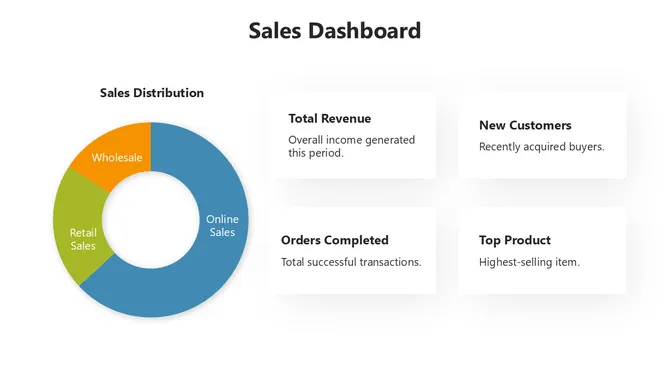
 Sales Dashboard PPT Template & Google Slide Themes
Free
Add to Wishlist
Download
AI Customize
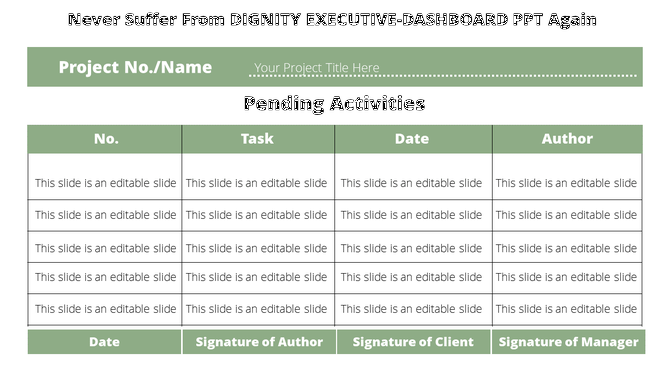
Project dashboard with a table containing rows for tasks, dates, and signature for author, client, and manager approval.
Add to Wishlist
Download
AI Customize
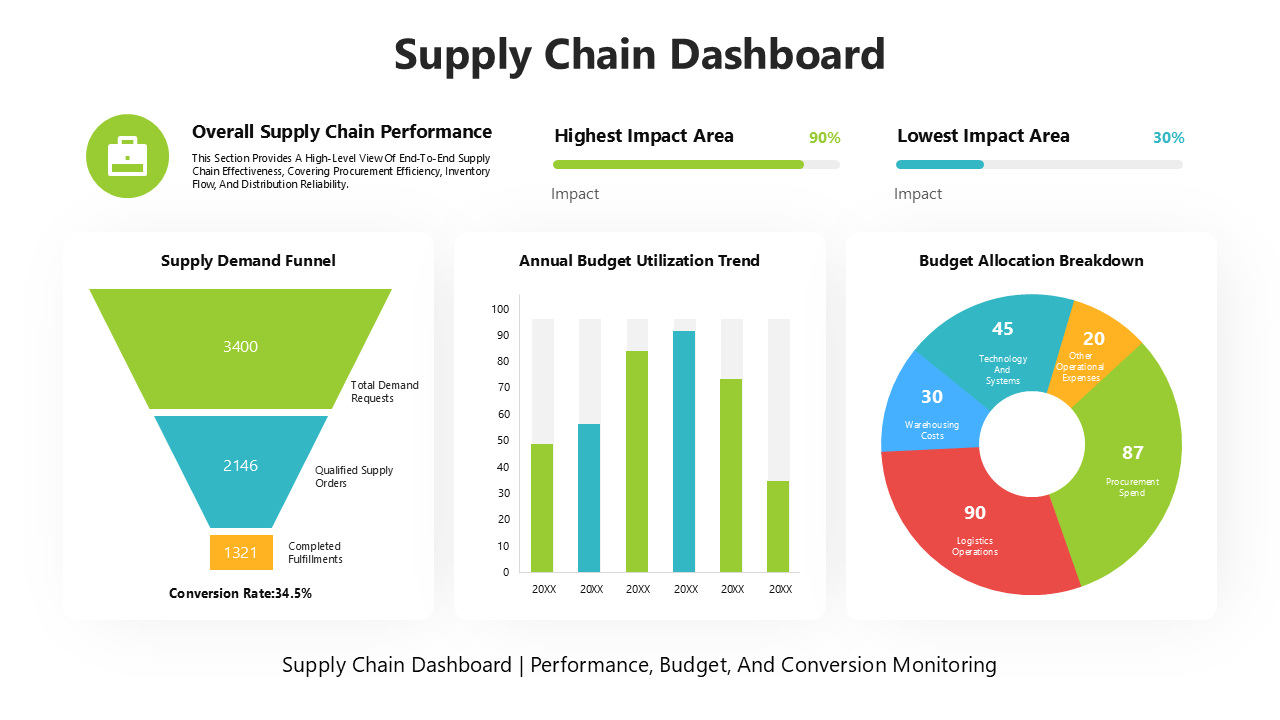
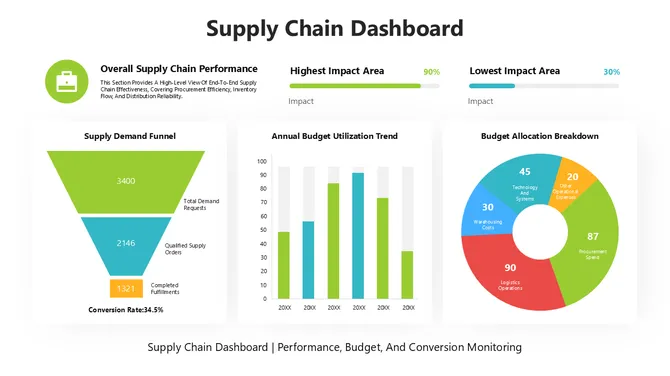
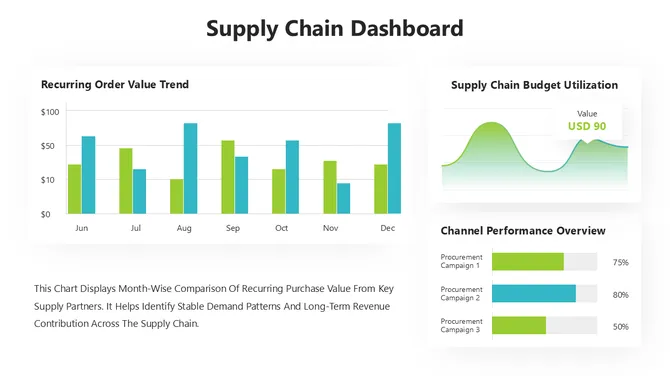
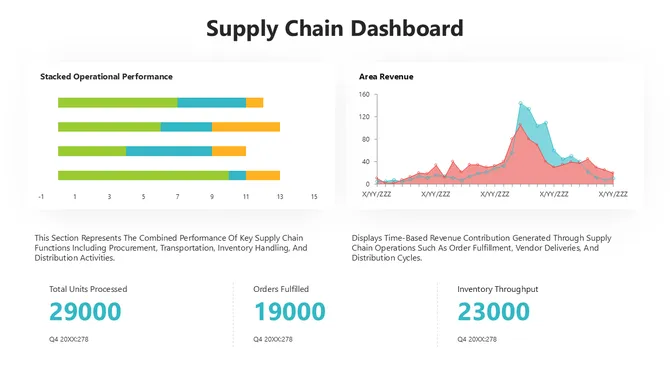
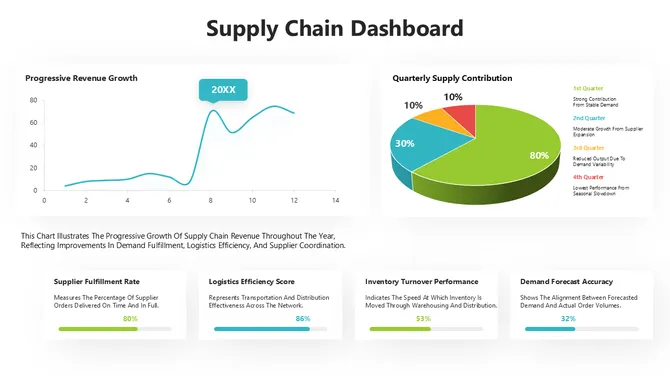
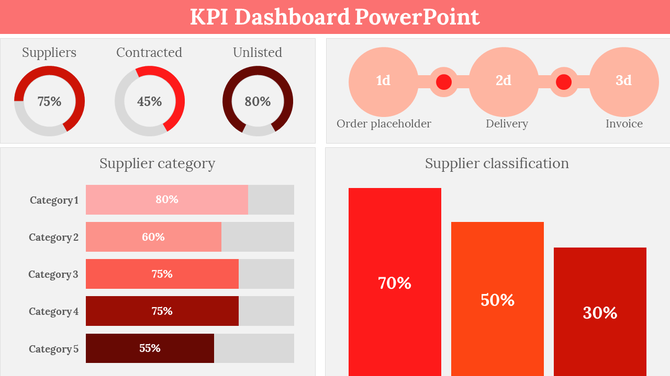
KPI dashboard slide displaying supplier metrics with colorful pie charts, bar graphs, and a process flow with percentages.
Free
Add to Wishlist
Download
AI Customize
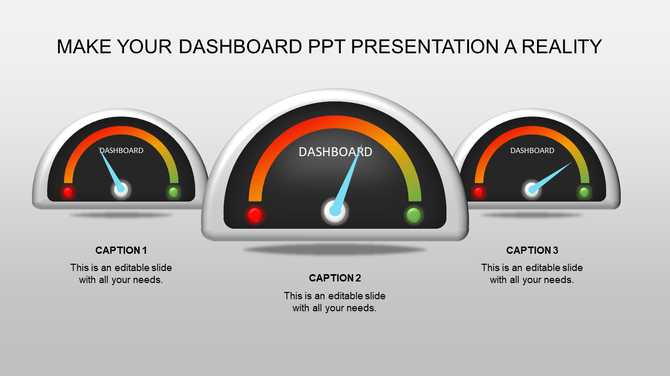
Colorful dashboard style meters PPT slide with captions and placeholder text.
Add to Wishlist
Download
AI Customize
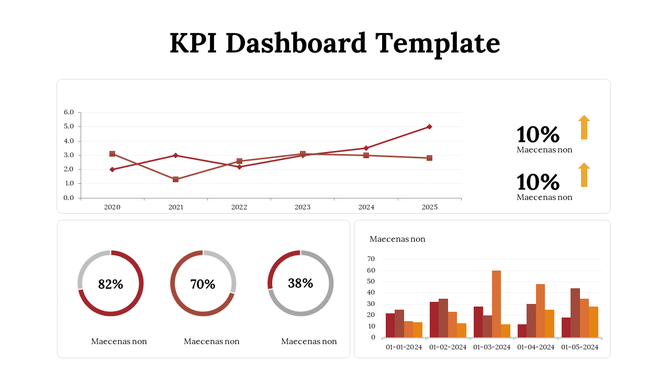
KPI dashboard template with a line chart, progress indicators, and bar graphs showing different performance metrics.
Free
Add to Wishlist
Download
AI Customize
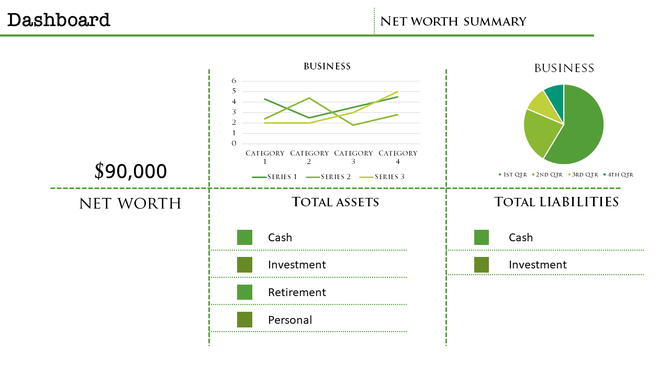
Dashboard layout featuring a line graph, pie chart, net worth value, and categorized assets and liabilities in green theme.
Free
Add to Wishlist
Download
AI Customize
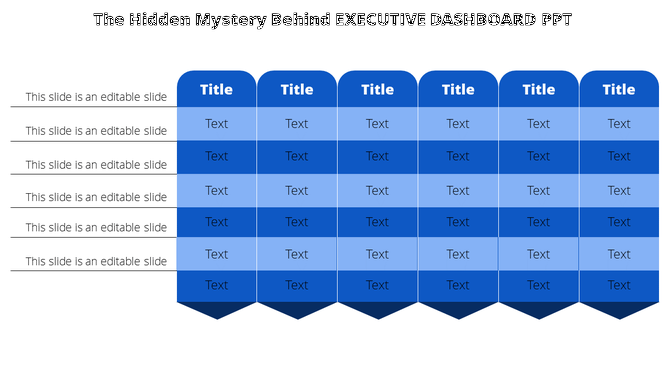
Executive dashboard template featuring six blue columns with titles and alternating light and dark blue text boxes.
Free
Add to Wishlist
Download
AI Customize
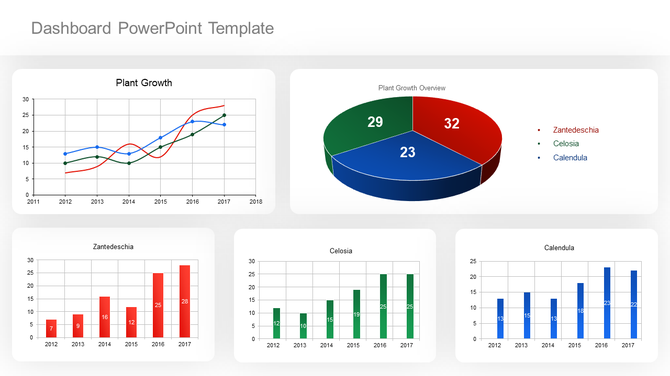
Dashboard layout includes a line graph, pie chart, and three bar graphs, all colored in red, green, and blue.
Free
Add to Wishlist
Download
AI Customize
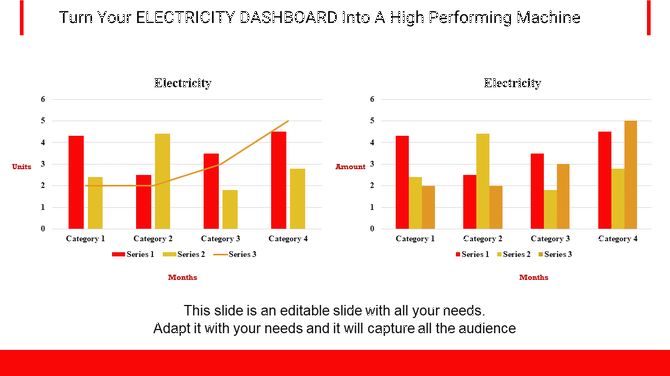
Project dashboard slide for electricity data with bar graphs showing units and amounts for different categories and months.
Add to Wishlist
Download
AI Customize
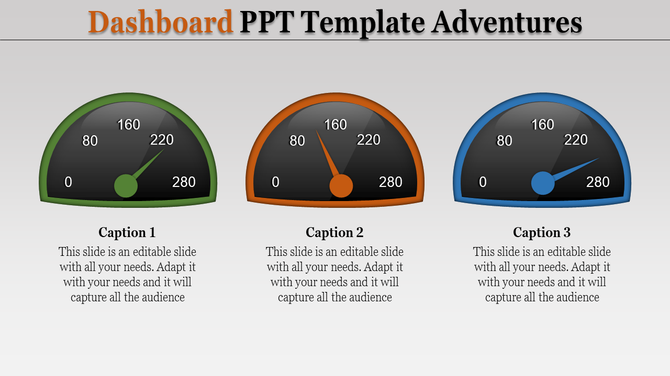
Three dashboard speedometer graphics in green, orange, and blue, each with a needle pointing at different values.
Free
Add to Wishlist
Download
AI Customize
Real estate KPI dashboard showing quarterly data in a green colored pie chart and bar graphs across various categories.
Add to Wishlist
Download
AI Customize
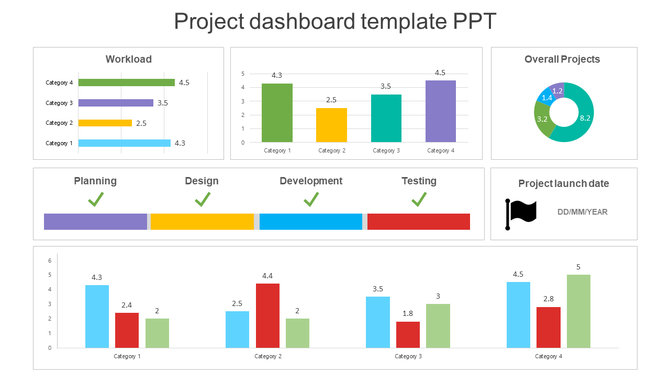
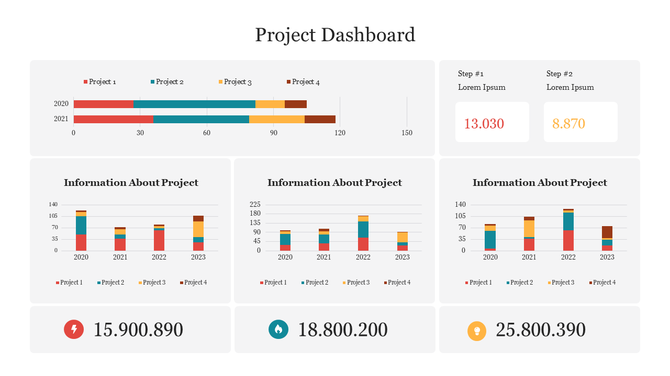
Dashboard slide displaying data through colorful bar charts, a pie chart, and a project timeline with phase completions.
Free
Add to Wishlist
Download
AI Customize
Effective Project Dashboard PowerPoint Presentation
Free
Add to Wishlist
Download
AI Customize
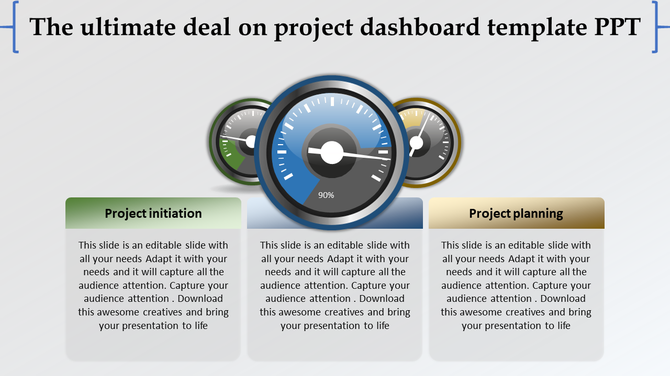
Dashboard template with three colorful gauge icons in the center and text boxes in green, blue, and gold.
Add to Wishlist
Download
AI Customize
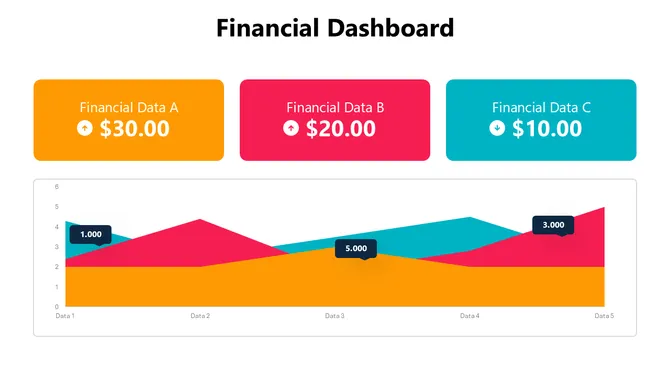
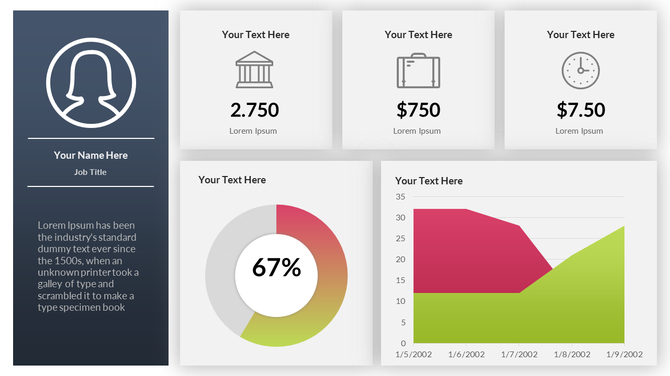
Business dashboard featuring a profile card, three financial metrics, a 67% circular chart, and a dual-colored area graph.
Enhance your data visualization with our free dashboard PowerPoint templates and Google Slides themes!

A dashboard is essentially a visual representation of complex data, allowing users to grasp insights swiftly. It displays key metrics, gauges your progress, and reveals what's working (and what's not) at a glance. In presentations, dashboards do the same for your data. They condense complex information into visually stunning, easy-to-grasp formats that captivate your audience and drive your message home.
But crafting a captivating dashboard can be tricky. Data alone doesn't tell the story; it needs a stage, a framework that illuminates its meaning and sparks action. That's where our dashboard presentation templates come in for converting dry data into dynamic presentations.

What We Offer:

Our vast library of dashboard PowerPoint templates caters to every need. Whether you're presenting:

  • Performance Dashboards: Track goals, smash targets, and celebrate milestones with vibrant speedometer designs and progress bars.
  • KPI Dashboards: Keep your key performance indicators front and center with clear, concise displays that tell the story behind the numbers.
  • Financial Summary Dashboards: Impress investors and stakeholders with sleek, professional layouts that showcase your financial prowess.
  • Project Dashboards: Manage projects like a pro with visual roadmaps, milestone trackers, and task completion meters.

Why Choose Our Dashboard Slides?

Our editable dashboard slides are crafted with creativity and clarity in mind. Multicolor designs make your information pop, while intuitive layouts ensure everyone understands your message with ease. Our templates are hassle-free – no copyright worries with royalty-free use. They're super editable, letting you adjust everything to fit your brand and data just right. Pick the perfect fit with multiple formats – 4:3 or 16:9, portrait or landscape. And the best part? Take a test run with our free dashboard slides before making any commitments. It's that simple!

Where and who can use these dashboard slides?

Our slides are for everyone with a story to tell through data – whether you're a CEO updating investors or a team leader sharing project progress. They're helpful for board meetings, impressing stakeholders with insights. Win deals in client presentations by showcasing your expertise. Keep your team aligned and promote collaboration in team meetings with clear data visualization. For internal reports, share insights and track progress effortlessly across departments. The possibilities are endless!

Don't let your data drown in obscurity. Unleash the power of captivating dashboards with our extensive collection of presentation templates. Start browsing our templates today!

Related Collections

Frequently Asked Questions

1. I have data in Excel—can I actually use these dashboard templates or do I need special software?

Yes. Download the template, open it in PowerPoint or Google Slides, and paste your numbers into the editable fields. The charts update automatically. No special software needed. If your data is in Excel, just copy and paste the numbers. The template handles the visualization.

2. I'm not a designer—can I really customize this template to match my company's colors and branding?

Completely. All templates are 100% editable. Select any color element, right-click, and change it. Change fonts, logos, text—everything. You don't need design skills. The template's structure is already professional; you just swap in your brand colors and logo.

3. Which dashboard template should I pick—I have sales data, budget data, and customer metrics. Do I need three different templates?

One template works. Most dashboard templates have multiple slides, each showing different metric types. One Financial Dashboard might have slides for revenue, costs, profit, and forecasts. Check the slide pack before downloading. You might find everything you need in one template.

4. Can I edit the charts in these templates or are they locked?

Fully editable. Click any chart, change the data, and it updates instantly. Want to switch from a bar chart to a line chart? Right-click, change chart type. Want different chart labels? Edit them directly. Nothing is locked. Everything adapts to your needs.

5. My data updates weekly—do I have to rebuild the dashboard every week or does it update automatically?

If you link the template to a live data source (Excel sheet, Google Sheets, database), it updates automatically. If you manually paste data, just replace the numbers each week—takes 5 minutes. Either way, you're not rebuilding. The structure stays the same; only numbers change.

6. These templates show specific metrics like revenue and profit. What if my business tracks different KPIs?

Delete the metrics you don't need and add your own. The template's power is the STRUCTURE and LAYOUT, not the specific metrics. You control what data appears. Swap out "Revenue" for "Website Traffic" or "Customer Satisfaction Score." The visual format works for any metric.

7. Can I use the same template for different audiences—like one version for executives and one for my team?

Yes. Duplicate the slide, keep different metrics on each version. Executives might see high-level KPIs (revenue, profit margin). Your team might see operational details (daily sales, conversion rates). Same template structure, different data. Save both versions for different presentations.