SPOOKY SALE Grab Spooky Halloween Deals – Up to 80% OFF

Compare Presentation Templates

Need to compare what you're doing to your competitors? Why not put a little inspiration in between? Make your job easier with these powerful Free Comparison PowerPoint Templates and Google Slides Themes. As an expert, do not worry! Every cloud has a silver lining!
Free
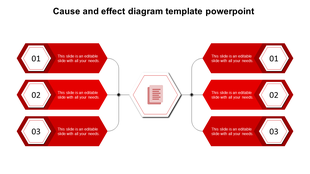
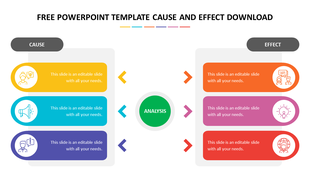
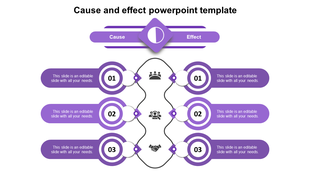
Three blue circular elements with numbers and text areas connected to a central document icon in a cause and effect layout.
Free
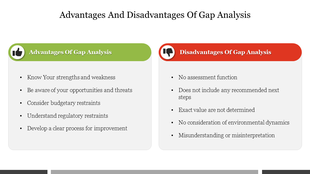
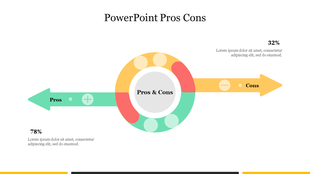
Two triangles in green with a checkmark and red with a cross, representing pros and cons in a horizontal layout.
Free
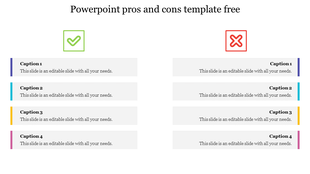
Pros and cons slide with a green checkmark and red cross at the top, and four horizontal text boxes with colored edges.
Free
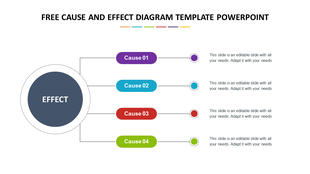
Central dark blue circle linked to four colored rectangles in purple, blue, red, and green with dashed outlines.
Free
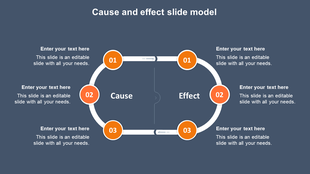
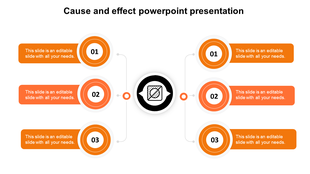
Cause and effect diagram with three orange circles, connected by a white loop, and labeled sections for text.
Free
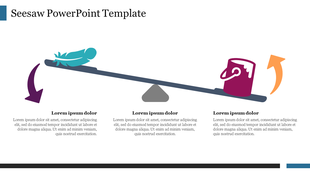
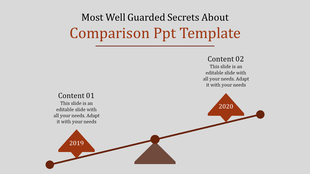
Seesaw illustration with a feather and a bucket, showing directional arrows in purple and orange.
Free
Orange themed cause and effect diagram PowerPoint template with circular steps connected to a central node.
Free
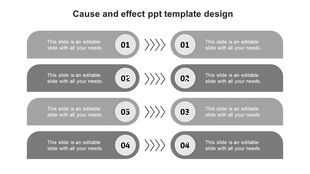
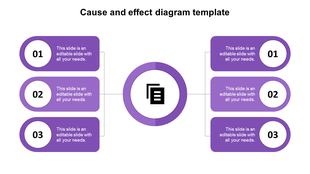
Four gray horizontal sections in two columns with numbered circles and arrows, each labeled with text.
Free
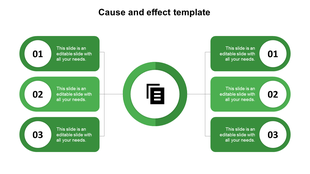
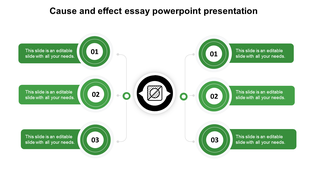
Green themed cause and effect PPT slide diagram with a circular center and six connected placeholder text boxes.
Free
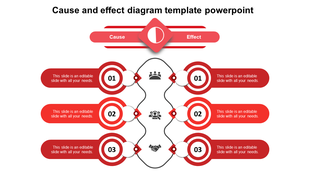
Red cause-and-effect layout with wavy lines connecting two columns, each having three sections, with placeholder text.
Free
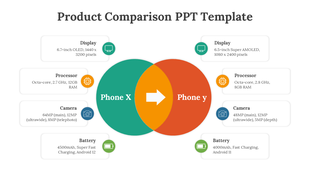
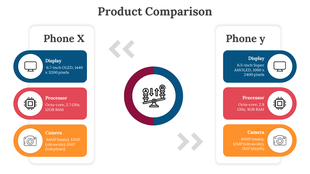
Two overlapping circles comparing Phone X and Phone Y, with text boxes outlining key features listed on either side.
Free
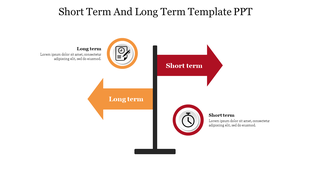
A diagram slide with two arrows representing short-term and long-term goals, with relevant icons and text area.
Free
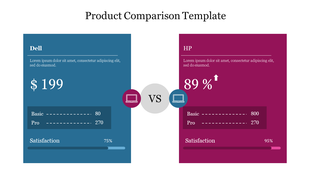
Comparison of Dell and HP laptops: Dell $199, HP 89% satisfaction, basic vs pro details.
Free
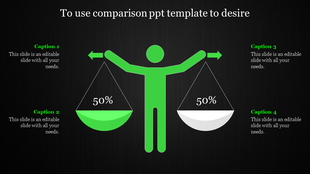
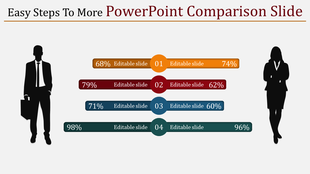
Illustrated figure holding balanced scales with green and white bowls, arrows on a black background with four caption areas.
Free
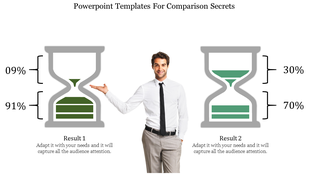
A slide comparing two results with hourglass icons, showing a percentage breakdown with a man presenting the comparison.
Free
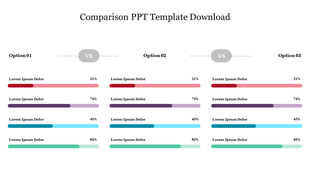
Slide showcasing three options for comparison, highlighting their respective performance metrics in color coded bars.
Free
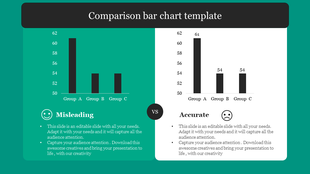
A split layout with green and white, each displaying a bar chart, with icons and text below.
Free
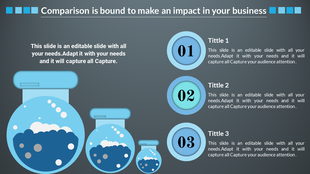
Three blue circular containers paired with numbered circles and text sections on the right, against a gray background.
Free
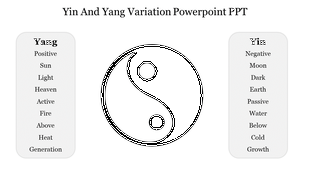
Slide showing Yin and Yang symbol flanked by lists of characteristics for each side Yang on the left and Yin on the right.
Free
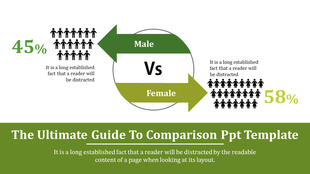
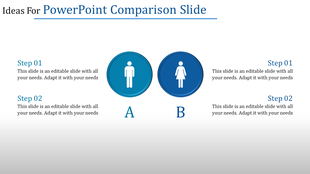
Comparison slide with male icon in Circle A and female icon in Circle B, flanked by steps 01 and 02 on both sides.
Free
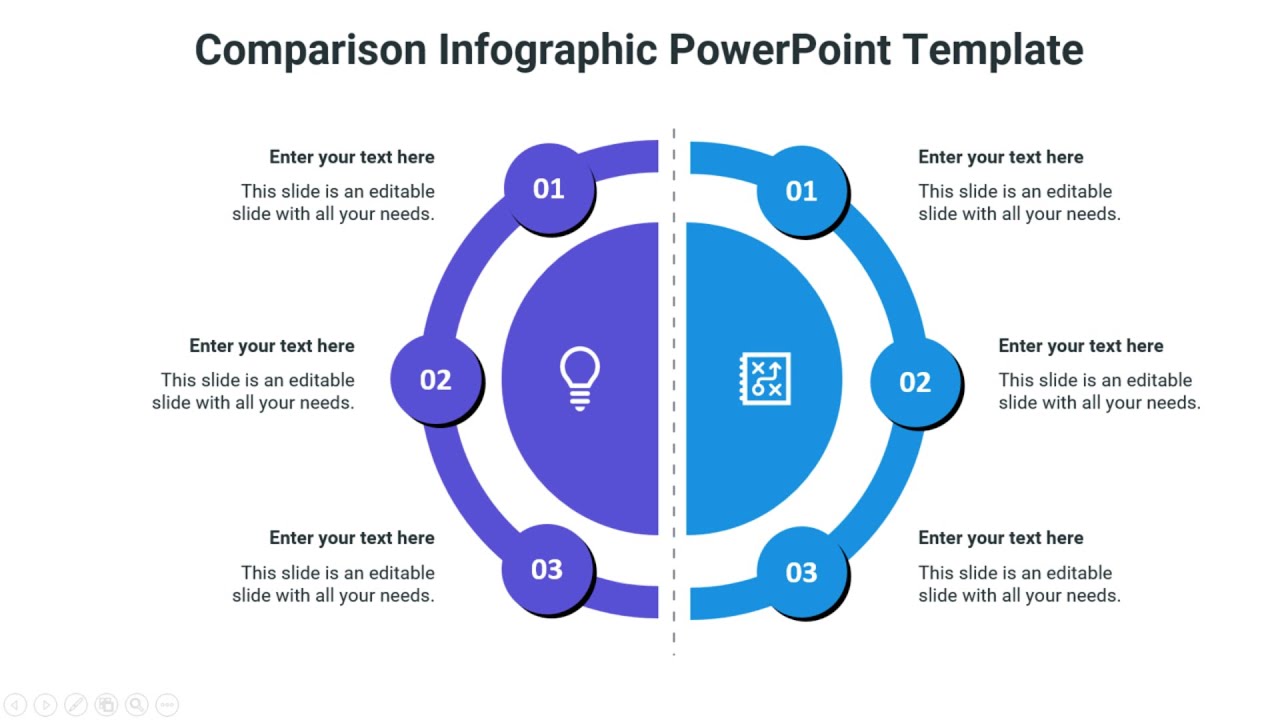
Two Node Comparison PPT Presentation Template
Free
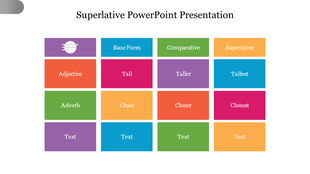
Template for superlative adjectives and adverbs, featuring a table with columns for base form, comparative, and superlative.

Showing48 of391

Simplifying Choices: Explore our Free Compare PowerPoint Templates And Google Slides Themes!
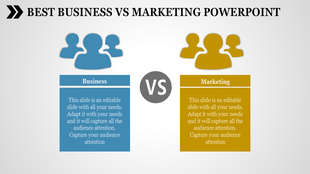
Ever felt overwhelmed when comparing options? Choosing between this or that can be like navigating a maze. Our compare presentation templates are here to simplify the complex and make your decisions clearer.

What We Offer:

In our collection, you'll find the perfect tool to compare and contrast. From data vs. info to coaching vs. mentoring, we have slides for presenting all your comparisons. Our creative, colorful, and multi-noded infographics, comparison charts, tables, and diagrams are designed to bring clarity to your choices. Explore themes like strengths vs. weaknesses, Yin And Yang variation, impact vs. effect, cause and effect, program vs. project, new product comparison, and many more. These slides are your companions in presentations, reports, and projects.

Wondering where you can use these creative comparison PPT slides?

Anywhere and everywhere! Whether you're a student, professional, or someone in between, our templates cater to everyone. 

Why Choose Our Slides:

  • Royalty-Free: No need to worry about copyright issues. Our slides are yours to use without any extra hassle.
  • 100% Editable: Tailor the slides to fit your unique needs. Customize colors, fonts, and content effortlessly.
  • Multiple Formats and Orientations: Whether you prefer the standard 4:3 or the widescreen 16:9, and whether you like portrait or landscape, we've got you covered.
  • Free Slides Available: Try our free compare slide templates to test the quality before purchase.

Ready to simplify your choices and enhance your presentations? Dive into our comparison PowerPoint slides category now! Explore the creative, colorful, and insightful slides that are not just templates but decision-making companions. Click, compare, and conquer your next presentation!

Become an expert with SlideEgg

Watch quick, practical walkthroughs and level up your presentation design skills in minutes.
Frequently Asked Questions

Are the comparison slides compatible with both PowerPoint and Google Slides?

Yes, absolutely! Our templates are designed to be compatible with both PowerPoint and Google Slides. This ensures that you can seamlessly create and present your comparisons on the platform that suits you best.

Can I use these slides for commercial purposes?

Yes, you can. All our templates come with a royalty-free license, allowing you to use them for both personal and commercial projects without worrying about additional fees or licensing complications.

How often is the library updated with new comparison slides?

Our template library is regularly updated with new comparison slides, ensuring that you have access to the latest and most engaging design options.

Are there any free comparison slides available?

Absolutely! We believe in letting you explore the quality of our templates before committing. We offer a selection of free comparison slides that you can download and use to get a feel for our design style and functionality.

Can I customize the colors and fonts of the slides to match my brand?

Yes, customization is a key feature of our slides. You can easily adjust the colors, fonts, and other design elements of our slides to align with your brand identity and create a cohesive presentation.

How do I download and access these slides?

Accessing our slides is simple. Once you've selected the desired template, click on the download button.