1100+ Agenda Presentation Templates

Meetings feel disorganized when people don't see the flow. The presenter knows what's coming. The audience doesn't. You're thinking about pacing. They're confused about direction. You're out of sync from the start.
Free
Add to Wishlist Download Edit
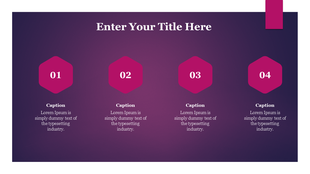
Vibrant microsoft design with pink hexagons for numbered points and text placeholders on a purple gradient background.
Free
Add to Wishlist Download Edit
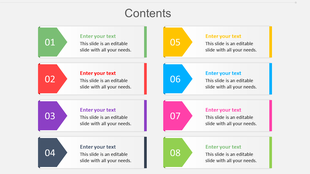
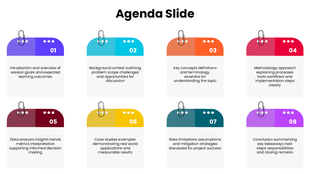
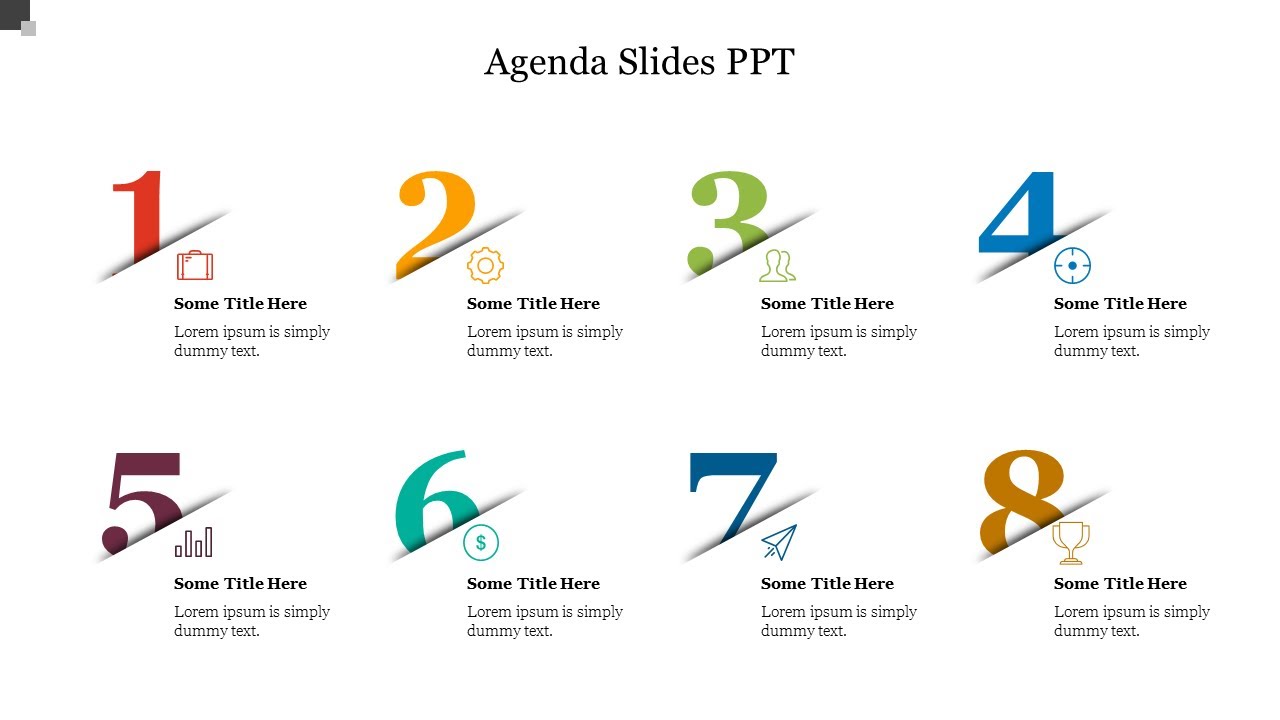
Colorful contents slide with numbered sections from 1 to 8, each with a placeholder text.
Free
Add to Wishlist Download Edit
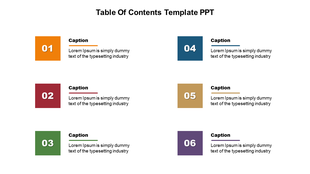
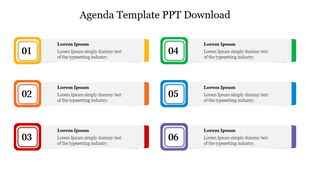
Table of contents template with six color-coded sections for organizing and displaying key content visually.
Free
Add to Wishlist Download Edit
Get the Best PowerPoint Agenda Slide for Presentation
Free
Add to Wishlist Download Edit
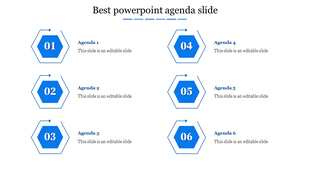
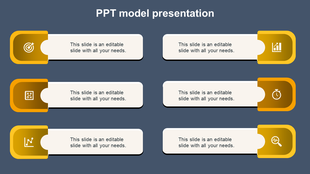
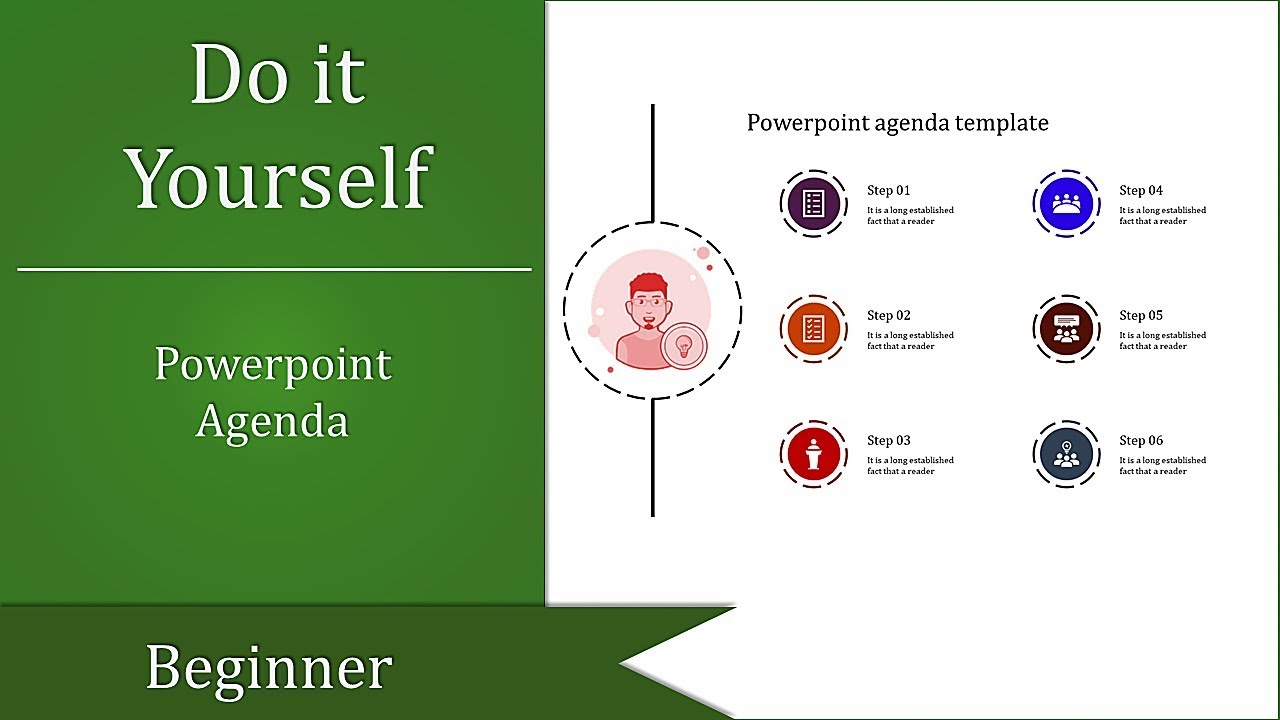
PowerPoint model presentation template with six sections, each containing an icon and text field.
Free
Add to Wishlist Download Edit
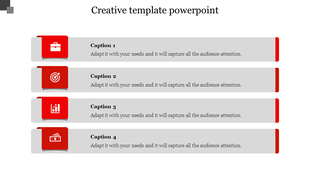
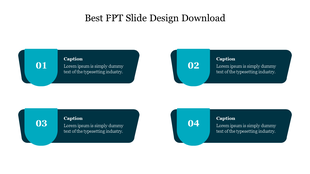
Creative slide layout featuring four caption boxes with red icon tabs and gray content areas for placeholder text.
Free
Add to Wishlist Download Edit
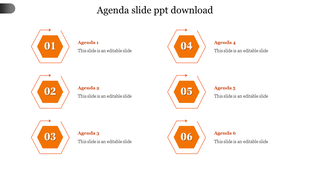
Vertical list of six orange hexagonal agenda items, each with an outlined arrow and a numbered step.
Free
Add to Wishlist Download Edit
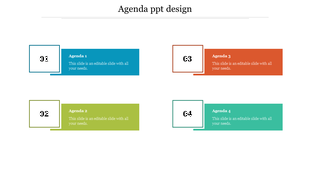
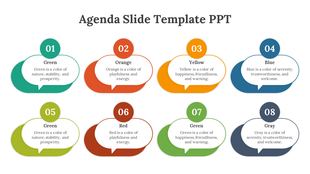
Colorful agenda PPT slide with four numbered sections in blue, green, orange, and teal, each labeled from 1 to 4.
Free
Add to Wishlist Download Edit
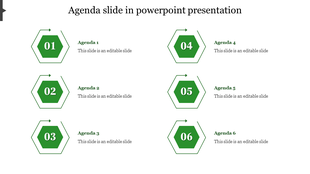
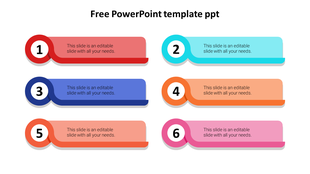
Agenda slide with six sections, each labeled with a different number and color with placeholder text.
Free
Add to Wishlist Download Edit
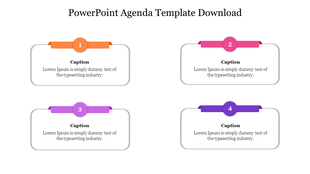
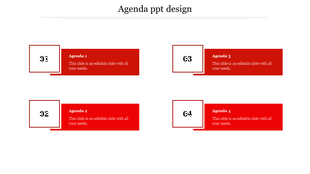
Four text boxes with numbered labels in orange, pink, purple, and blue, arranged in a grid on a white background.
Free
Add to Wishlist Download Edit
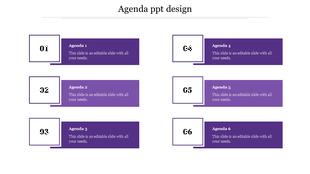
Agenda slide layout featuring six purple rectangular boxes, each paired with a white numbered square in a clean format.
Free
Add to Wishlist Download Edit
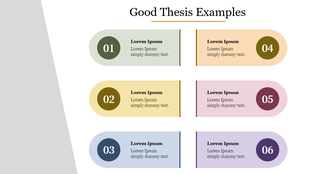
Graphic design showcasing various thesis examples, organized in colorful boxes with placeholder text.
Free
Add to Wishlist Download Edit
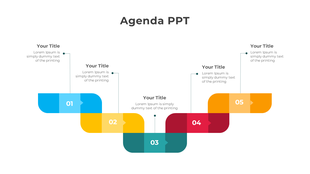
Agenda layout with five sections, each numbered and featuring vibrant colors in blue, yellow, green, red, and orange.
Free
Add to Wishlist Download Edit
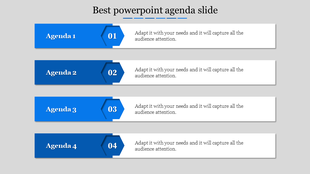
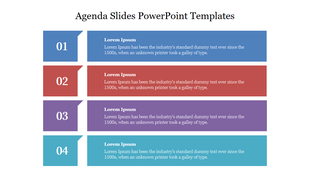
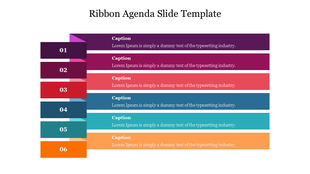
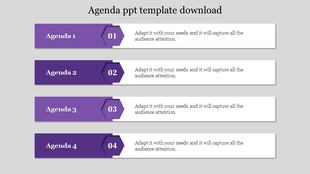
Agenda slide with four horizontal rows of numbered colored banners in blue, red, purple, and teal, each with title and text.
Free
Add to Wishlist Download Edit
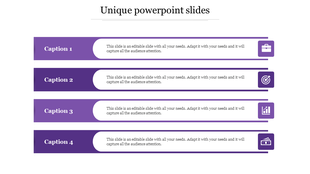
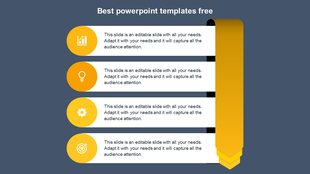
Unique layout with stacked purple blocks, editable white centers, and icons for briefcase, target, chart, and money.
Free
Add to Wishlist Download Edit
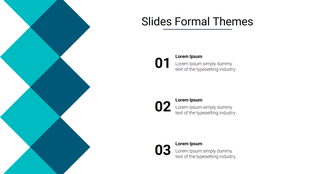
A formal theme showing three numbered points and placeholder text, alongside a blue geometric pattern on the left.
Free
Add to Wishlist Download Edit
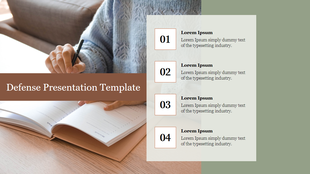
Corporate layout showing a person analyzing charts on a tablet and a numbered list of three text boxes for key points.
Free
Add to Wishlist Download Edit
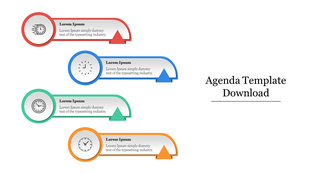
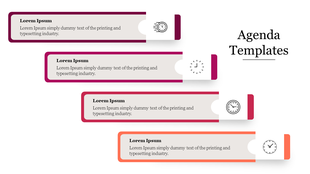
Agenda slide with four colorful arrow shaped segments in red, blue, green, and orange, each with clock icons and text.
Free
Add to Wishlist Download Edit
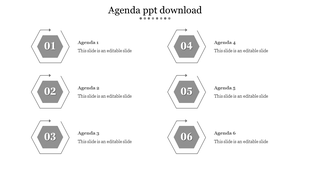
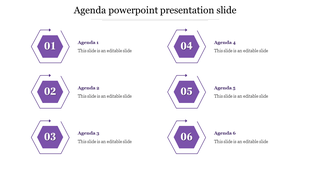
Agenda PPT slide with six grey hexagonal numbered sections, each linked to a corresponding agenda item on a white backdrop.
Free
Add to Wishlist Download Edit
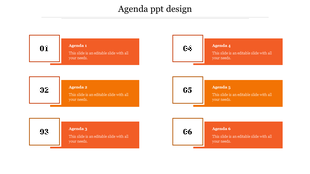
Agenda PPT design slide with six orange boxes labeled 1 to 6, with placeholder text.
Free
Add to Wishlist Download Edit
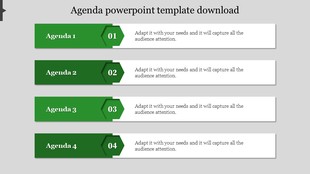
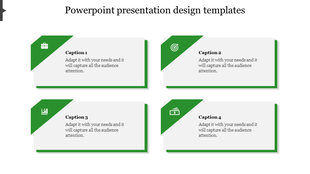
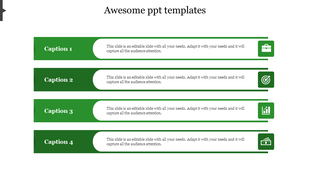
PowerPoint slide with four green caption boxes, each with a descriptive icon and text space.
Free
Add to Wishlist Download Edit
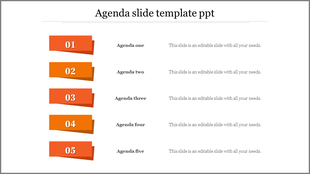
Agenda slide with five orange banners numbered 1 to 5, each paired with a agenda title and description aligned in a row.
Free
Add to Wishlist Download Edit
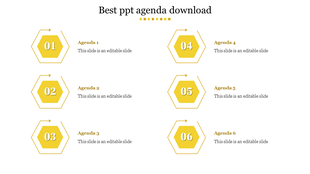
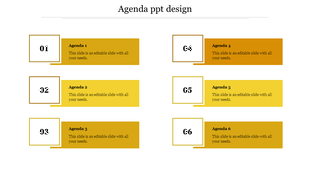
Agenda PPT design slide with six yellow and gold boxes labeled 1 to 6, with placeholder text.
Free
Add to Wishlist Download Edit
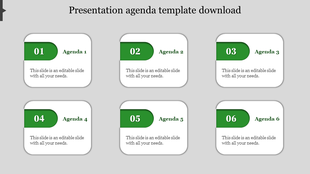
Agenda layout with six rounded rectangles labeled 01 to 06, each featuring a green header and white body for content.
Free
Add to Wishlist Download Edit
Agenda slide with six numbered steps in a grid layout, featuring bold green text boxes paired with caption areas.
Free
Add to Wishlist Download Edit
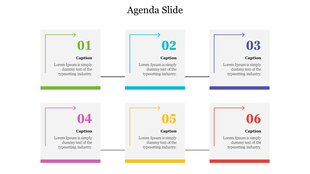
Bright and colorful numbered list template with six sections, each containing text placeholders for outlining key points.
Free
Add to Wishlist Download Edit
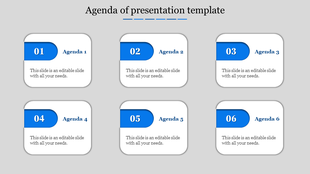
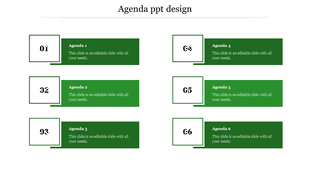
Monochrome agenda slide with six rounded rectangles labeled Agenda 1 to 6, each with a gray number badge on top left.
Got a Unique Idea? Craft with AI
Credits left : 0
The Best Agenda PowerPoint Templates and Google Slides Themes for Your Next Presentation

In the digital age, presentations play an indispensable role in conveying information, driving decision-making, and creating lasting impressions. And what's the foundation of a solid presentation? An organized agenda. Introducing the agenda presentation templates from Slide Egg – your one-stop solution for all things presentation!

Understanding the Power of an Agenda

An agenda, at its core, is a roadmap. Whether you're navigating a business meeting, directing a workshop, or setting the mood for an event, an agenda provides direction. It offers structure, ensures key points aren’t missed, and helps attendees anticipate what’s next.

Agendas encapsulate the plan, purpose, and trajectory of your presentation. They work as a snapshot, showing the broad strokes and specifics in one view.

Why Agendas are Important?

The thin line between a standout performance and a forgettable one in presentations is frequently marked by attention to the nuances. One such critical nuance is the incorporation of an effective agenda. It's the anchor of your presentation. Let's check the reasons behind its significance:

  • Organization: A well-structured agenda means an organized presentation. It sets the tone, making sure you’re on track and your audience knows where the journey is heading.
  • Engagement: By providing a clear overview, an agenda lets your audience mentally prepare for each segment, maintaining interest and engagement.
  • Time Management: An agenda is like a timekeeper. It ensures you spend the right amount of time on each topic, preventing overruns and rushed endings.


What is an Agenda in a PowerPoint Presentation?

In a PowerPoint presentation, an agenda acts as a table of contents. Typically placed near the beginning, it outlines the subjects you’ll cover. By providing an agenda, you're informing your audience that these topics will be covered, and in the order presented.

Elevate Your Presentations with Slide Egg’s Agenda Templates

Our agenda PowerPoint templates can help you make your agenda presentations visually appealing and effective. Whether you need agenda slides for a meeting checklist, a business conference, a workshop, a special event, or a daily agenda, we've got you covered. Our templates are aesthetically pleasing, functional, as well as 100% editable.

And if you're wondering about variety, rest assured. From the classic templates to the more specific agenda slides, our collection boasts a diverse range. For those who lean towards Google Slides, we have tailored themes just for you under our collection.

What's even better? You can try it before you buy. We also offer a free download option for many of our agenda templates. This allows you to get a feel of the design, and understand how it aligns with your content.

In conclusion, every presentation deserves a solid start. With the right agenda, you set the stage for success, clarity, and engagement. With Slide Egg’s vast array of Agenda PowerPoint Templates and Google Slides Themes, creating that perfect agenda is just a few clicks away. Explore, download, and elevate your presentations today!
Explore Similar Collections

Agenda DIY Videos

Watch quick, practical walkthroughs and level up your presentation design skills in minutes.
Frequently Asked Questions

1. How many agenda items should I include?

4-8 items work best. Fewer than 4 feels too simple. More than 8 overwhelms people. People remember 5-7 items easily. Match your time — if you have 60 minutes, 5 items gives 12 minutes each. If you have 90 minutes, 6-7 items works. Keep it proportional.

2. Should I show timing for each agenda item?

Yes, especially for longer meetings. Show start time or duration. People use timing to understand pacing and prepare mentally. Without timing, they don't know if something takes 5 minutes or 30 minutes. Timing creates alignment between what you plan and what they expect.

3. Should the agenda be the first slide after the title?

Yes. Show it immediately. That's when people need alignment most — at the beginning. They form expectations from the agenda. If you wait until mid-presentation to show it, people have already made wrong assumptions about where you're going.

4. What if my presentation changes mid-way?

Acknowledge the change. Say "We're adjusting the agenda because..." Then show the new order. Don't pretend nothing changed. People notice. When you acknowledge adjustments, you stay aligned with your audience even though the plan shifted.

5. Do I need to reference the agenda during the presentation?

Yes. As you move between topics, say "Next on the agenda..." or "We're now at item 3." This keeps the audience anchored. They remember seeing it on the first slide and now they know exactly where you are. It maintains alignment throughout.

6. Should different audiences see different agendas?

Maybe. Board meetings need different agendas than team meetings. Client presentations need different agendas than internal meetings. Think about what each audience needs to know about the structure. Alignment depends on showing them what matters to THEM.

7. What if my presentation is short — do I still need an agenda?

Yes, but simpler. Even a 15-minute presentation benefits from showing 3-4 agenda items. People want to know the structure immediately. It takes 10 seconds to show but saves confusion for 15 minutes. Short presentations still need alignment between presenter and audience.