Slidea Logo
Try it now — the new, easy way to turn your slides into an interactive experience.
Explore Now

1100+ Agenda Presentation Templates

Meetings feel disorganized when people don't see the flow. The presenter knows what's coming. The audience doesn't. You're thinking about pacing. They're confused about direction. You're out of sync from the start.
Not Happy with Our Editor’s Choice? Create with AI
PRO
Credits left : 0
Hire an Expert
Free
Add to Wishlist
Download
AI Customize
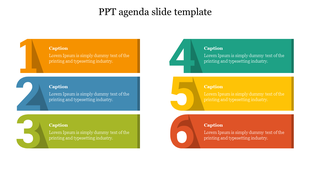
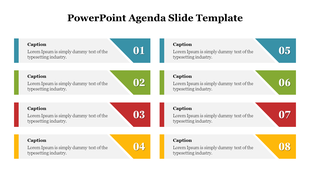
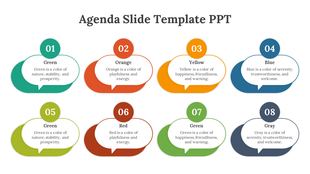
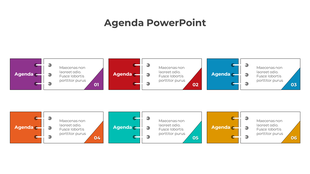
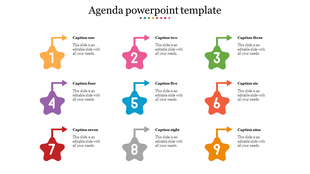
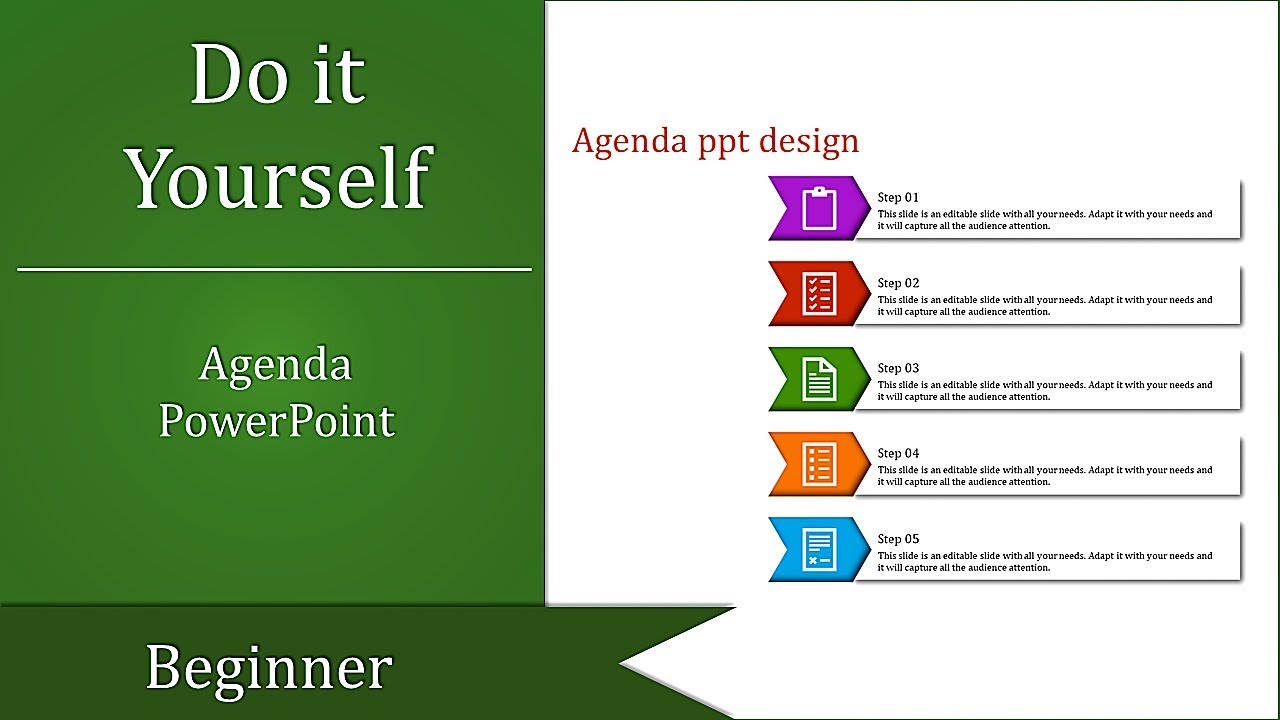
Ribbon style agenda slide with six numbered sections, each with a vibrant color and a placeholder caption for text.
Free
Add to Wishlist
Download
AI Customize
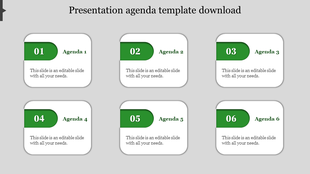
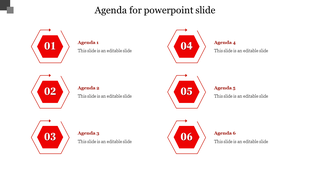
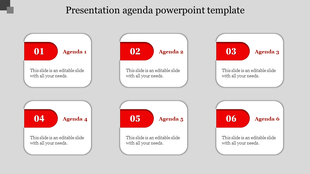
Colorful PowerPoint agenda template with six hexagon shaped sections for different agenda items.
Free
Add to Wishlist
Download
AI Customize
Unique layout with stacked purple blocks, editable white centers, and icons for briefcase, target, chart, and money.
Free
Add to Wishlist
Download
AI Customize
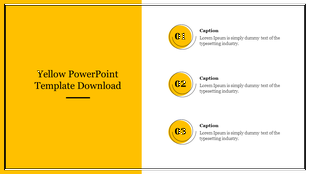
A formal theme showing three numbered points and placeholder text, alongside a blue geometric pattern on the left.
Free
Add to Wishlist
Download
AI Customize
Corporate layout showing a person analyzing charts on a tablet and a numbered list of three text boxes for key points.
Add to Wishlist
Download
AI Customize
Agenda layout with numbered colorful circles from 01 to 05 on a curved path beside a keyboard and pen image.
Free
Add to Wishlist
Download
AI Customize
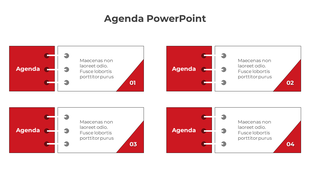
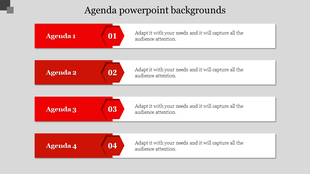
Agenda slide with four numbered white boxes linked to red text boxes, arranged in two rows for structured content layout.
Free
Add to Wishlist
Download
AI Customize
Green and white agenda PowerPoint template with four numbered sections with placeholder text.
Free
Add to Wishlist
Download
AI Customize
Green design template with four rectangular boxes each placed with  caption areas placed in white backdrop.
Add to Wishlist
Download
AI Customize
Professional agenda PowerPoint slide with numbered sections and red design elements on a white theme.
Free
Add to Wishlist
Download
AI Customize
Best PPT design slide featuring a four part content layout with blue accents with captions on a white backdrop.
Add to Wishlist
Download
AI Customize
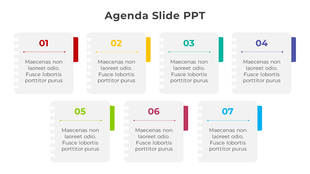
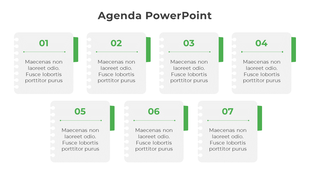
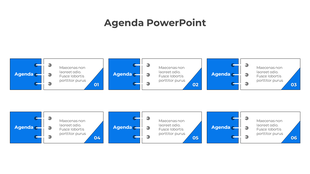
Meeting agenda template with seven numbered blocks arranged in two rows, each containing placeholders text areas.
Free
Add to Wishlist
Download
AI Customize
Agenda template showing four horizontal rows with numbered hexagon icons and titles, followed by text in a clean layout.
Free
Add to Wishlist
Download
AI Customize
Agenda slide with four colorful arrow shaped segments in red, blue, green, and orange, each with clock icons and text.
Free
Add to Wishlist
Download
AI Customize
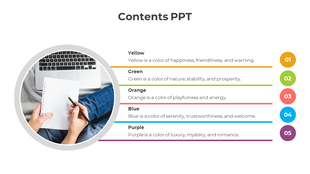
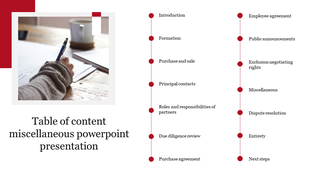
A defense slide featuring a woman writing in a notebook, accompanied by numbered sections for content on the right.
Free
Add to Wishlist
Download
AI Customize
PowerPoint slide with four green caption boxes, each with a descriptive icon and text space.
Free
Add to Wishlist
Download
AI Customize
Agenda slide with five orange banners numbered 1 to 5, each paired with a agenda title and description aligned in a row.
Free
Add to Wishlist
Download
AI Customize
Agenda PPT design slide with six orange boxes labeled 1 to 6, with placeholder text.
Free
Add to Wishlist
Download
AI Customize
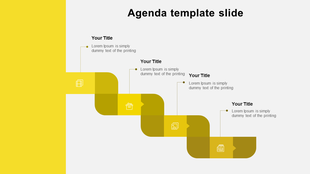
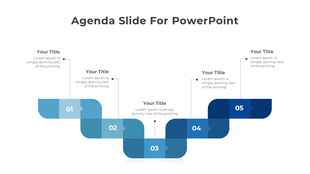
Agenda slide with a grayscale zigzag path, five numbered steps, and text boxes connected to each step with dotted lines.
Add to Wishlist
Download
AI Customize
Impressive Event Agenda PPT And Google Slides Template
Add to Wishlist
Download
AI Customize
Slide design with four colored square icons on the left and matching accent bars on the right of gray text boxes.
Add to Wishlist
Download
AI Customize
Colorful agenda slide showing six sections with numbers, placeholders, and binder rings on the left side.
Free
Add to Wishlist
Download
AI Customize
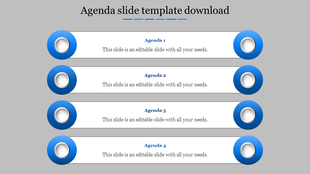
Agenda layout with four stacked white bars, each titled and bordered by purple circular icons, set on a gray background.
Free
Add to Wishlist
Download
AI Customize
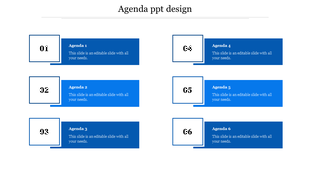
Agenda PPT slide with six grey hexagonal numbered sections, each linked to a corresponding agenda item on a white backdrop.

Related Collections

Frequently Asked Questions

1. How many agenda items should I include?

4-8 items work best. Fewer than 4 feels too simple. More than 8 overwhelms people. People remember 5-7 items easily. Match your time — if you have 60 minutes, 5 items gives 12 minutes each. If you have 90 minutes, 6-7 items works. Keep it proportional.

2. Should I show timing for each agenda item?

Yes, especially for longer meetings. Show start time or duration. People use timing to understand pacing and prepare mentally. Without timing, they don't know if something takes 5 minutes or 30 minutes. Timing creates alignment between what you plan and what they expect.

3. Should the agenda be the first slide after the title?

Yes. Show it immediately. That's when people need alignment most — at the beginning. They form expectations from the agenda. If you wait until mid-presentation to show it, people have already made wrong assumptions about where you're going.

4. What if my presentation changes mid-way?

Acknowledge the change. Say "We're adjusting the agenda because..." Then show the new order. Don't pretend nothing changed. People notice. When you acknowledge adjustments, you stay aligned with your audience even though the plan shifted.

5. Do I need to reference the agenda during the presentation?

Yes. As you move between topics, say "Next on the agenda..." or "We're now at item 3." This keeps the audience anchored. They remember seeing it on the first slide and now they know exactly where you are. It maintains alignment throughout.

6. Should different audiences see different agendas?

Maybe. Board meetings need different agendas than team meetings. Client presentations need different agendas than internal meetings. Think about what each audience needs to know about the structure. Alignment depends on showing them what matters to THEM.

7. What if my presentation is short — do I still need an agenda?

Yes, but simpler. Even a 15-minute presentation benefits from showing 3-4 agenda items. People want to know the structure immediately. It takes 10 seconds to show but saves confusion for 15 minutes. Short presentations still need alignment between presenter and audience.