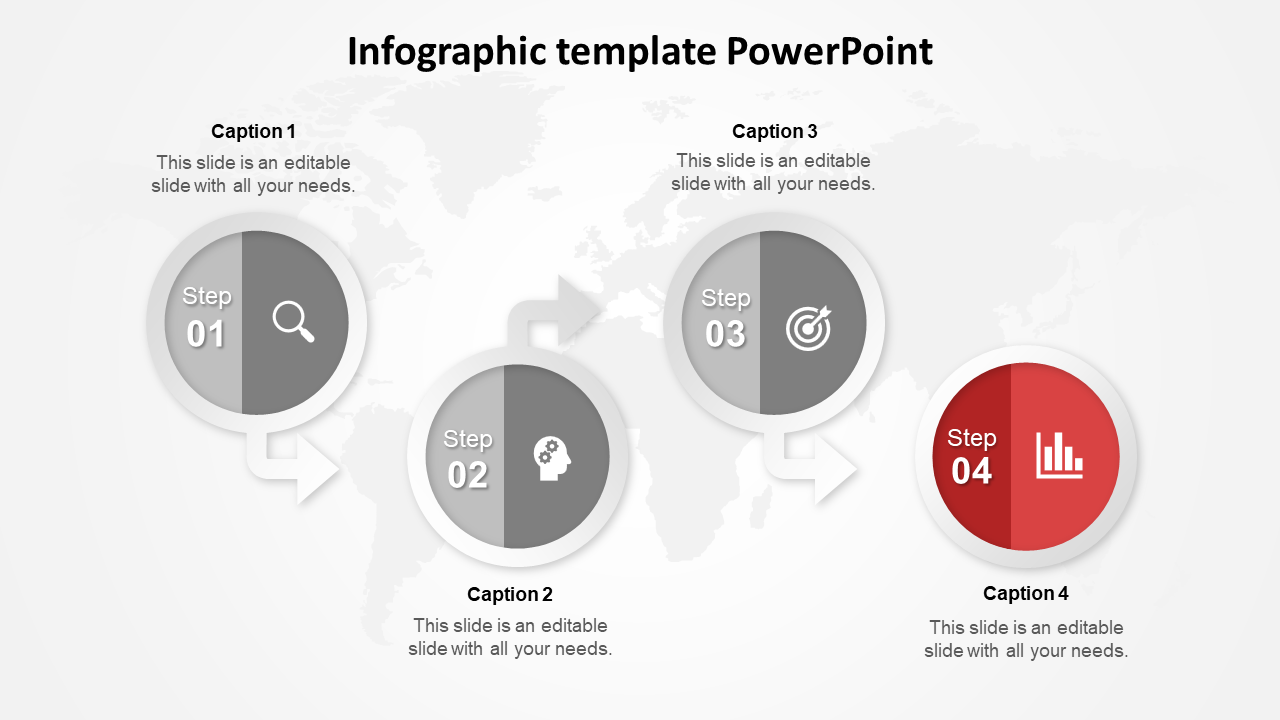
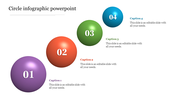
Four Sequential Infographic PowerPoint Template
Nodes
Colors
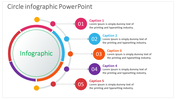
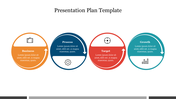
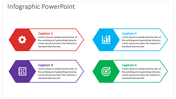
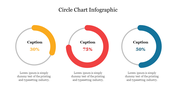
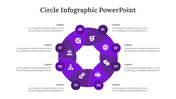
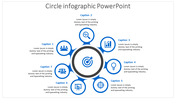
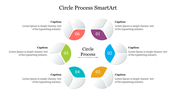
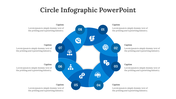
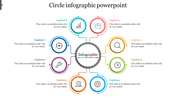
How to Create an Infographic Template
You may be familiar with the term infographic template, which refers to a template that helps to create your PowerPoint slides. The template is intended to supply you with all the graphics and information necessary to make your presentation interesting. For example, you can use these templates to create your business plan for a new startup company. This is an excellent way to let potential clients understand how you plan to turn your idea into a real, operational company. Templates are used in many fields. Many people use them to make presentations to customers or others in the business. But when it comes to creating an infographic template, one has to realize that some things should be avoided, to avoid sacrificing the quality of the final product.
Avoiding the mistakes that can damage the template is not easy. But if you are determined to succeed in your efforts, then you can do so by following a few guidelines. First, do not select a template that is already created by another person. You don't need to duplicate every single graphic element from that template. However, you have to be extra careful with the colors. Avoid using too many images, as this can lead to a cluttered, messy presentation. You should always include the main text in your presentation, but you should make sure that you still have enough space to move on with your presentation. For example, you don't need to display a lot of photographs in your PowerPoint slide. Another thing to note is that you should include slides that are functional and informative. Otherwise, people may feel bored with your presentation. Also, make sure that you display the slide without obstructing your view of the main content.
You may be familiar with the term infographic template, which refers to a template that helps to create your PowerPoint slides. The template is intended to supply you with all the graphics and information necessary to make your presentation interesting. For example, you can use these templates to create your business plan for a new startup company. This is an excellent way to let potential clients understand how you plan to turn your idea into a real, operational company. Templates are used in many fields. Many people use them to make presentations to customers or others in the business. But when it comes to creating an infographic template, one has to realize that some things should be avoided, to avoid sacrificing the quality of the final product.
Avoiding the mistakes that can damage the template is not easy. But if you are determined to succeed in your efforts, then you can do so by following a few guidelines. First, do not select a template that is already created by another person. You don't need to duplicate every single graphic element from that template. However, you have to be extra careful with the colors. Avoid using too many images, as this can lead to a cluttered, messy presentation. You should always include the main text in your presentation, but you should make sure that you still have enough space to move on with your presentation. For example, you don't need to display a lot of photographs in your PowerPoint slide. Another thing to note is that you should include slides that are functional and informative. Otherwise, people may feel bored with your presentation. Also, make sure that you display the slide without obstructing your view of the main content.
More Collections for Four Sequential Infographic PowerPoint Template
Recommended based on this template.









Similar Templates to Four Sequential Infographic PowerPoint Template

Showing20 of69,218 templates