Awesome Infographic PowerPoint Slides With Four Nodes
Nodes

Colors


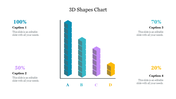
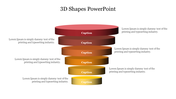
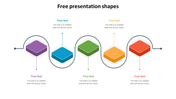
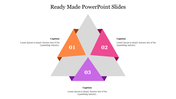
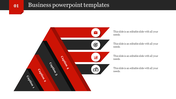

What does your toolbox contain for presentation?
One of the things that are hard to do on a Chromebook is to create graphics and infographics powerpoint presentation. But we were able to not only create an infographic but make it clickable. Add hyperlinks to it using nothing but Google Slides, and so I'm going to show you how to do that. As we go deeper into the powerpoint slides, we noticed that several slides provide a way to talk about specific content on your website.
What are the benefits of infographic HD slides?
We tend to use a lot of slide design in our powerpoint presentations because it helps us stay on track, but it also keeps the pace of the performance. By utilizing these HD infographic powerpoint design, you can certainly save your time during your slideshow and compare two or more different aspects on the go.
More Collections for Awesome Infographic PowerPoint Slides
Recommended based on this template.
Similar Templates to Awesome Infographic PowerPoint Slides
Showing20 of69,218 templates