Free Circular Arrow PowerPoint Template Slide Designs
Nodes
Colors









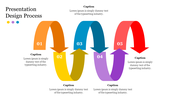



Free Slide With Creative Circular Arrows
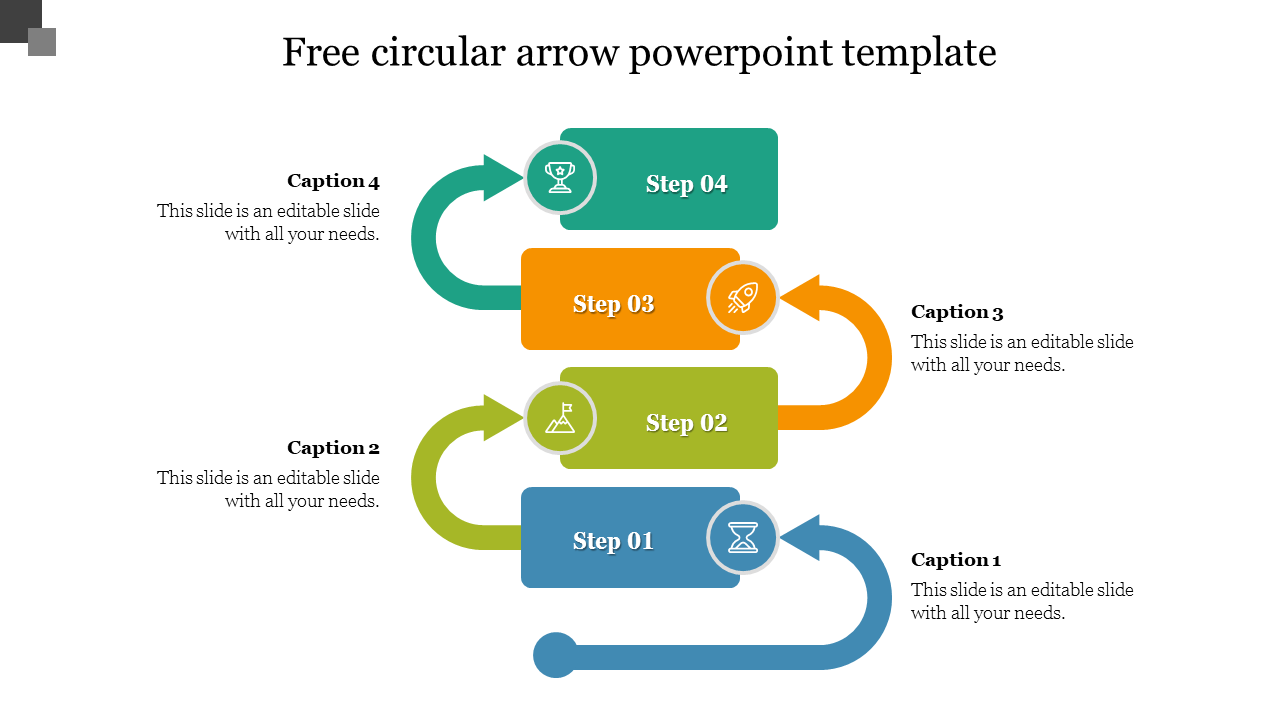
Hurry to grab this Free Circular Arrow PowerPoint Template with four multicolor nodes to present the business steps beautifully. This slide includes four colorful boxes connected with circular arrows, which are placed creatively in a zigzag manner. The captivating colors of the graphics against a white background will make your slideshow phenomenal. The special feature of this slide is that it is royalty-free and 100% editable. Get it now to make personalized, eye-catching presentations without breaking the bank!
Features of the template
- 100% customizable slides and easy to download.
- Slides are available in different nodes & colors.
- The slide contains 16:9 and 4:3 formats.
- Easy to change the colors of the slide quickly.
- Well-crafted template with an instant download facility.
- Free slide with colorful graphics.
More Collections for Free Circular Arrow PowerPoint Template Slide
Recommended based on this template.









Similar Templates to Free Circular Arrow PowerPoint Template Slide


















Showing20 of69,218 templates