Best Flow Chart PowerPoint Templates & Google Slides Themes
Nodes

Colors
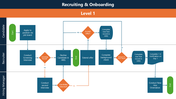
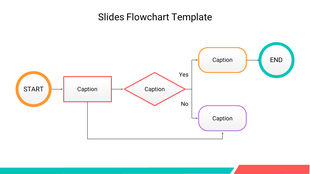
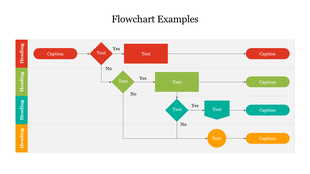
Flow Chart PowerPoint Slide
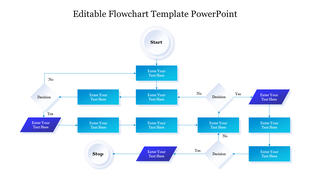
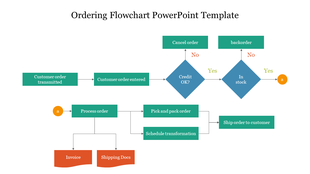
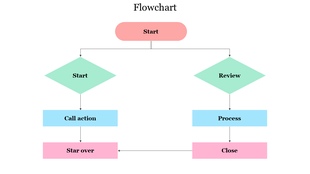
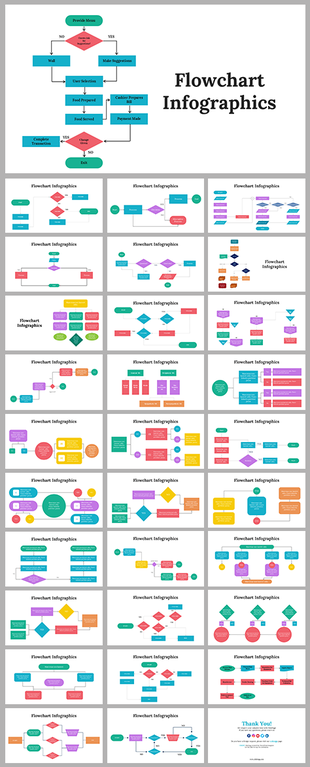
Streamline your complex processes with our visually captivating flowchart templates for PowerPoint. Elevate your presentations with clarity and impact.
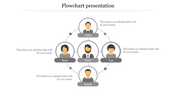
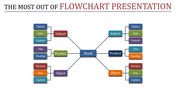
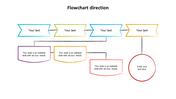
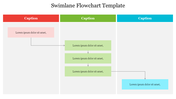
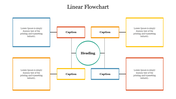
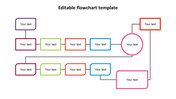
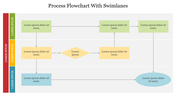
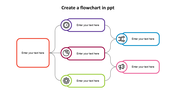
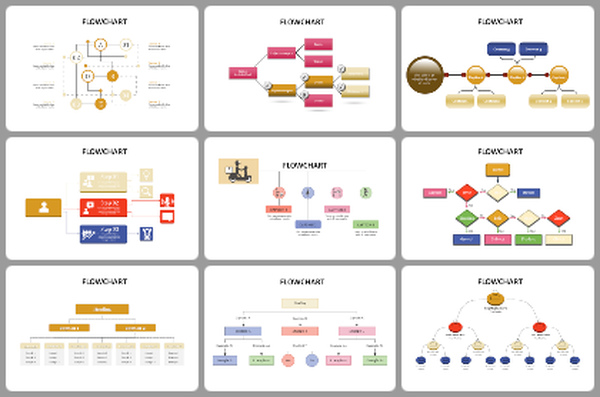
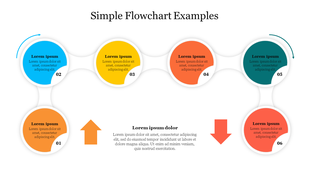
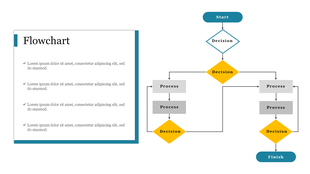
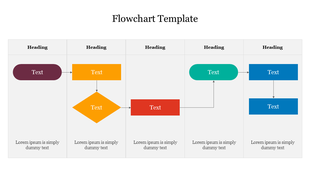
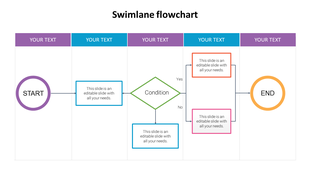
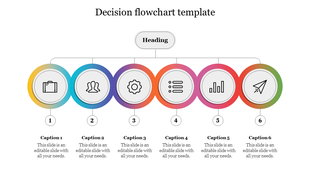
This template features a professional flowchart diagram, complete with customizable icons. Effortlessly depict step-by-step processes, workflows, and project timelines.
Whether you're a professional looking to simplify presentations or a student seeking visual aids for assignments, these templates are the perfect solution. With easy-to-use editing features, you can quickly tailor them to your unique needs.
Maximize your communication impact. Download our free flowchart templates today and unlock clarity in your presentations.
Features of the template:
- The slide contains 16:9 and 4:3 formats.
- Compatible with Google Slides Themes and PowerPoint.
- 100% customizable slides and easy to download.
- It is easy to change the colors of the slide quickly.
- Well-crafted template with an instant download facility.
More Collections for Best Flow Chart PowerPoint Templates
Recommended based on this template.
Similar Templates to Best Flow Chart PowerPoint Templates
Showing20 of69,218 templates