Beautiful Create Flowchart In PowerPoint Presentation
Nodes

Colors
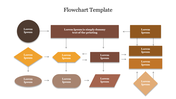
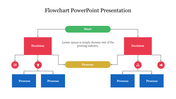
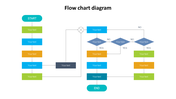
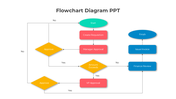
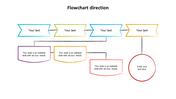

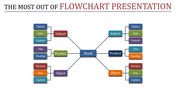
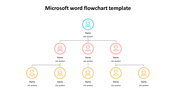


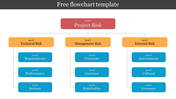
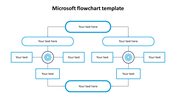
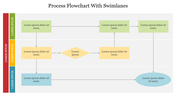
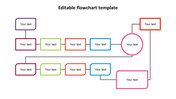
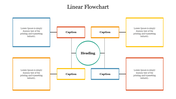
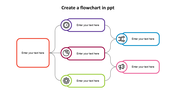
Create Flowchart In PowerPoint Template
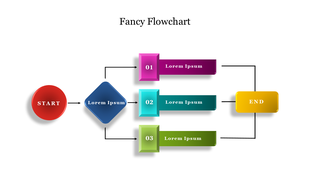
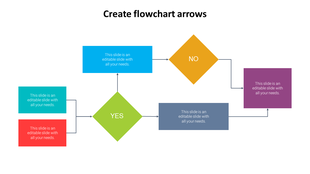
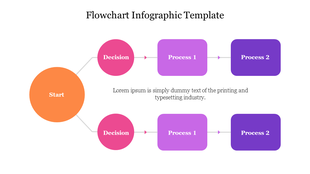
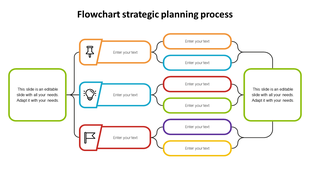
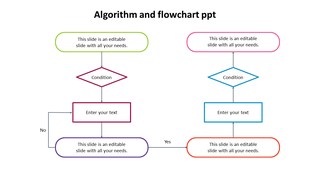
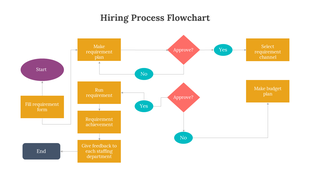
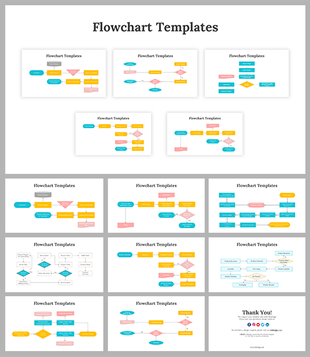
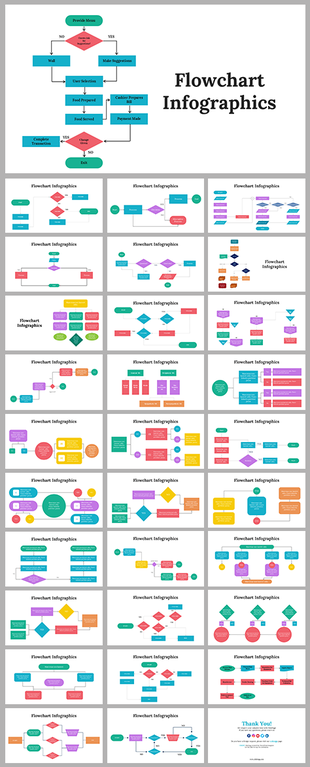
Flowcharts are essential tools for visualizing complex processes and organizing information. Introducing our creative flowchart PPT, featuring a colorful and customizable flowchart. This template is perfect for project managers, business analysts, or anyone who needs to communicate and simplify complex workflows. Simply download and customize the template to create professional and engaging flowcharts that effectively convey your ideas and improve the clarity of your message. Download now and start creating impactful flowcharts!
Features of the template
- 100% customizable slides and easy to download.
- Slides are available in different nodes & colors.
- The slides contain 16:9 and 4:3 formats.
- Easy to change the colors quickly.
- It is a well-crafted template with an instant download facility.
- Compatible with Google Slides and PowerPoint.
- This slide is designed with a creative design with a text area
- Use this to streamline your project chart creation.
More Collections for Beautiful Create Flowchart
Recommended based on this template.
Similar Templates to Beautiful Create Flowchart
Showing20 of69,218 templates