Eisenhower Prioritization Matrix PowerPoint & Google Slides
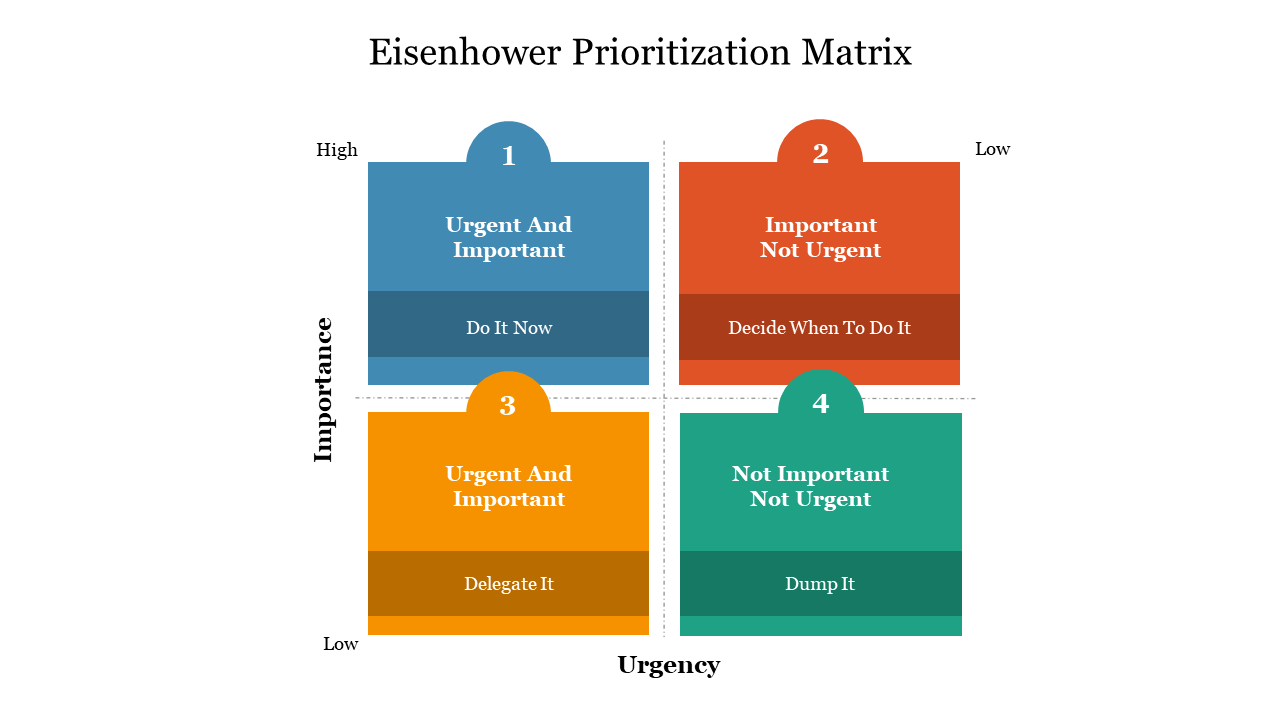
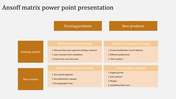
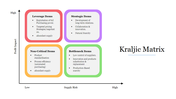
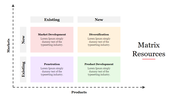
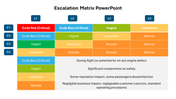
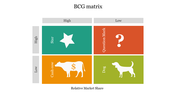

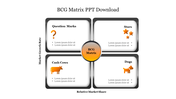
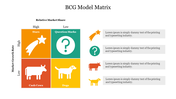
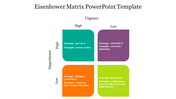
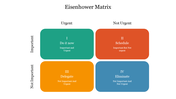
Four Noded Eisenhower Matrix Slide
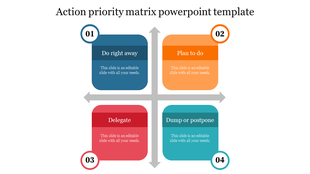
Download Now! The Eisenhower Prioritization Matrix PowerPoint Template is an excellent tool for managing tasks and setting priorities. It helps to show how tasks are prioritized by importance and urgency. It also allows you to highlight the importance of each task. Using this matrix template, you can communicate the concept of decision-making.
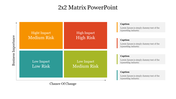
The Eisenhower Prioritization Matrix PowerPoint Template has a 2x2 matrix. It has four multicolor boxes, and each represents a task. With the help of this colorful template, you can organize your projects and assign priorities to each task. You can also try our Eisenhower Grid Template. These templates will help you prioritize your projects in a structured manner and make the best decisions for your team.
Features of this template:
1. 100% customizable slides and easy to download.
2. Slides available in different nodes & colors.
3. The slide contained 16:9 and 4:3 format.
4. Easy to change the slide colors quickly.
5. Well-crafted template with instant download facility.
6. It has eye-catching colors.









You May Also Like These PowerPoint Templates
Showing20 of69,218 templates