Impact Effort Matrix PowerPoint And Google Slides Themes

Impact Effort Matrix Presentation Slides
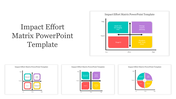
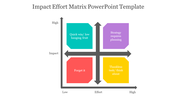
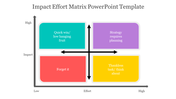
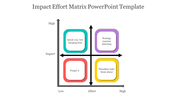
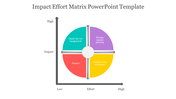
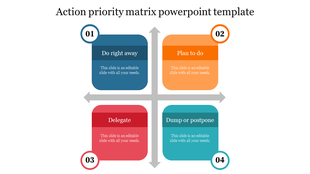
Do you want to prioritize your tasks efficiently? Look no further than the Impact Effort Matrix. This tool can help you determine which tasks will have the most significant impact with the least amount of effort. The matrix is divided into four quadrants: low impact, low effort; high impact, low effort; low impact, high effort; and high impact, high effort. By using this tool, you can identify which tasks to focus on and which ones to delegate or eliminate. With this template, you can create impactful presentations and make informed decisions.
Features of the template:
- 100% customizable slides and easy to download.
- Slides are available in different nodes & colors.
- The slide contains 16:9 and 4:3 formats.
- Easy to change the colors of the slide quickly.
- Highly compatible with PowerPoint and Google Slides.
- Well-crafted template with an instant download facility.
More Collections for Impact Effort Matrix PowerPoint
Recommended based on this template.









Similar Templates to Impact Effort Matrix PowerPoint
Showing36 of69,218 templates