Designing Infographics In PowerPoint Design Presentation
Nodes

Colors

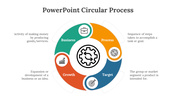

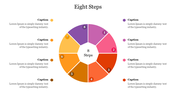


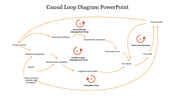
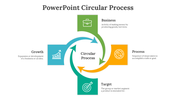
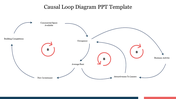
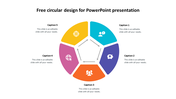


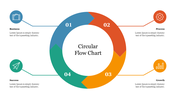
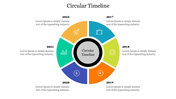

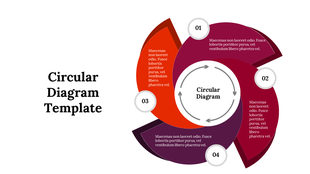
Four-Noded Infographic Slide For Presentation
Do you have business data and need to learn how to present it? Our slides are ready with their best infographic design. Our slide design holds high-quality graphics and themes to ornate your data. Present your content in a remarkable way to the audience in a flash. Adding data to this slide is very simple because it is 100 percent pre-made. Enhance the look of your presentation by customizing the layout as per your style. Give it a whirl!
Features of the template
- 100% customizable slides and easy to download.
- Slides are available in different nodes & colors.
- The slide contained 16:9 and 4:3 formats.
- Easy to change the slide colors quickly.
- It is a well-crafted template with an instant download facility.
- It is a 100% pre-designed slide.
- The slide has a spacious content place.
More Collections for Designing Infographics
Recommended based on this template.
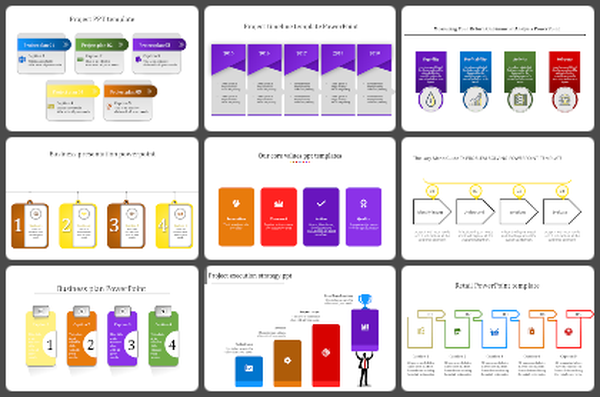
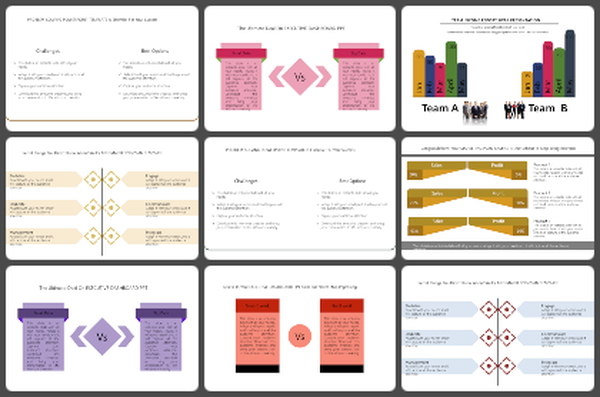
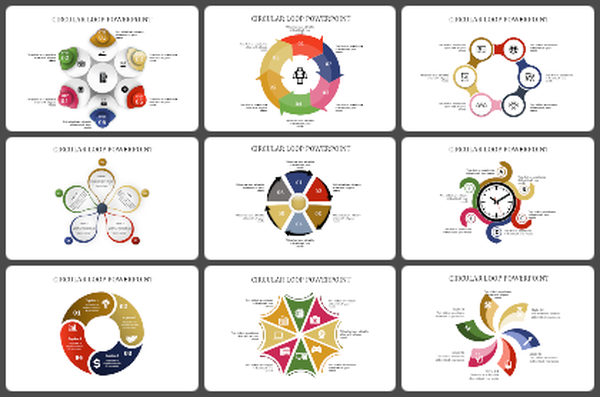
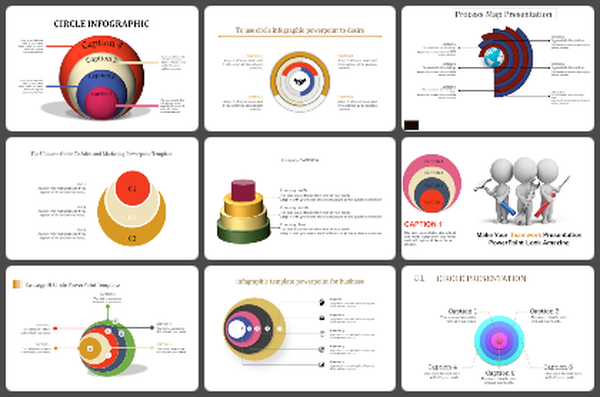
Similar Templates to Designing Infographics



Showing20 of69,218 templates