Eight Steps Multicolor Circular Process PowerPoint Template
Nodes
Colors
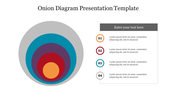
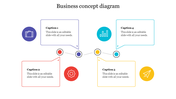
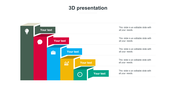
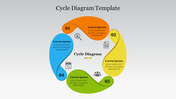
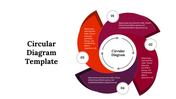
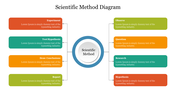
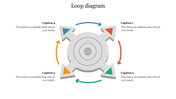
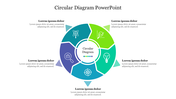
Circular Eight Stages PowerPoint Slide Template
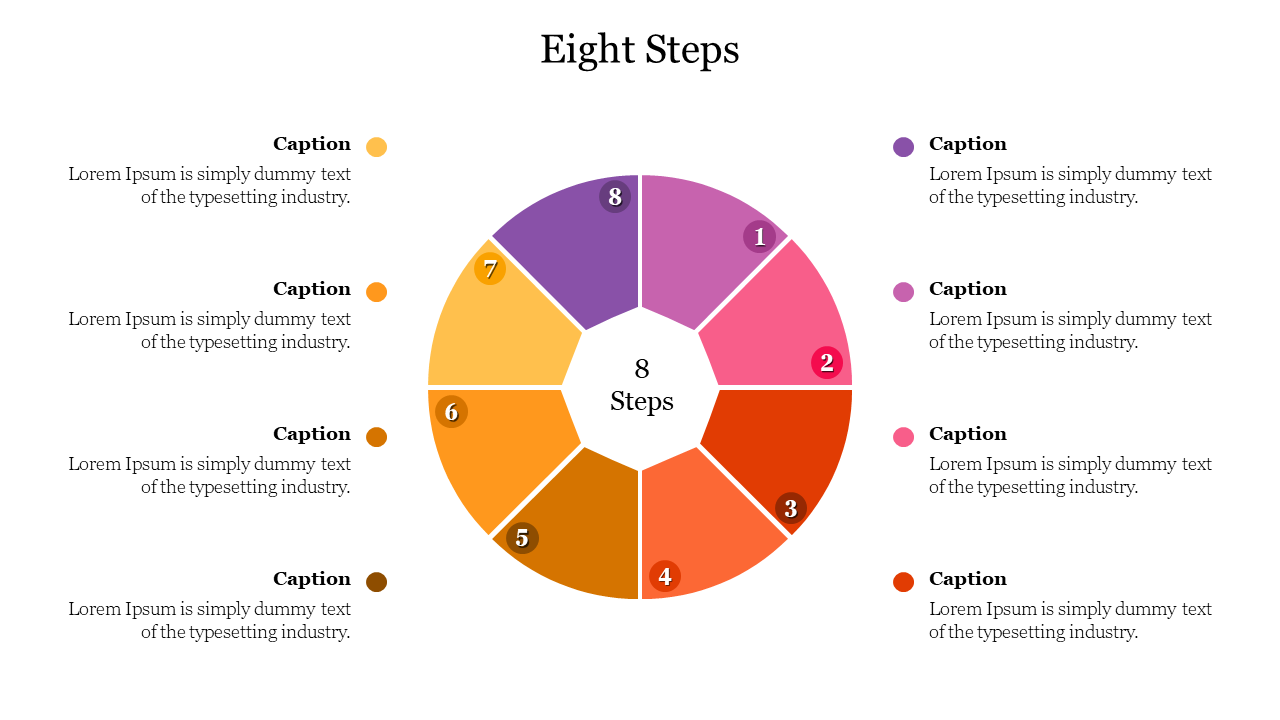
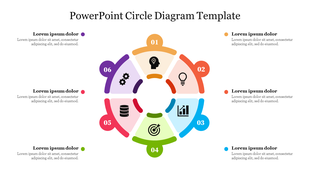
Do you think of an innovative way to show the steps of a process presentation? Here our SlideEgg offers a colorful PPT for presenting steps of a process. Here a donut shape graphic design is added at the center of the slide. It is divided into eight steps with lines. As you can see, there are eight compartments filled with different colors. Around the circle, you can add your captions neatly below your captions; text space is given for all eight. You can add your sentences neatly in that space. Get Now!!
Features of the template
- 100 % customizable slides and easy to download.
- Slides are available in different colors
- The slide has 4:3 and 16:9 formats.
- Easy to change the slide colors quickly.
- Appealing presentation to impress an audience.
- Create feature-rich slide presentations.
- An eye-pleasing color slide helps to give a catchy presentation.
- Circular graphics with colors looks impressive.
More Collections for Eight Steps Multicolor Circular Process
Recommended based on this template.








Similar Templates to Eight Steps Multicolor Circular Process
Showing20 of69,218 templates