Multicolor Loop Diagram PowerPoint Design With Four Node
Nodes
Colors
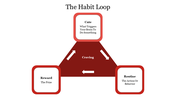
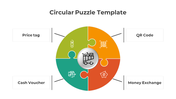
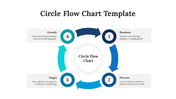
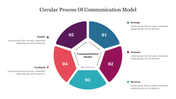
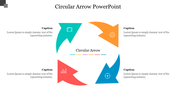
Excellent Loop Template
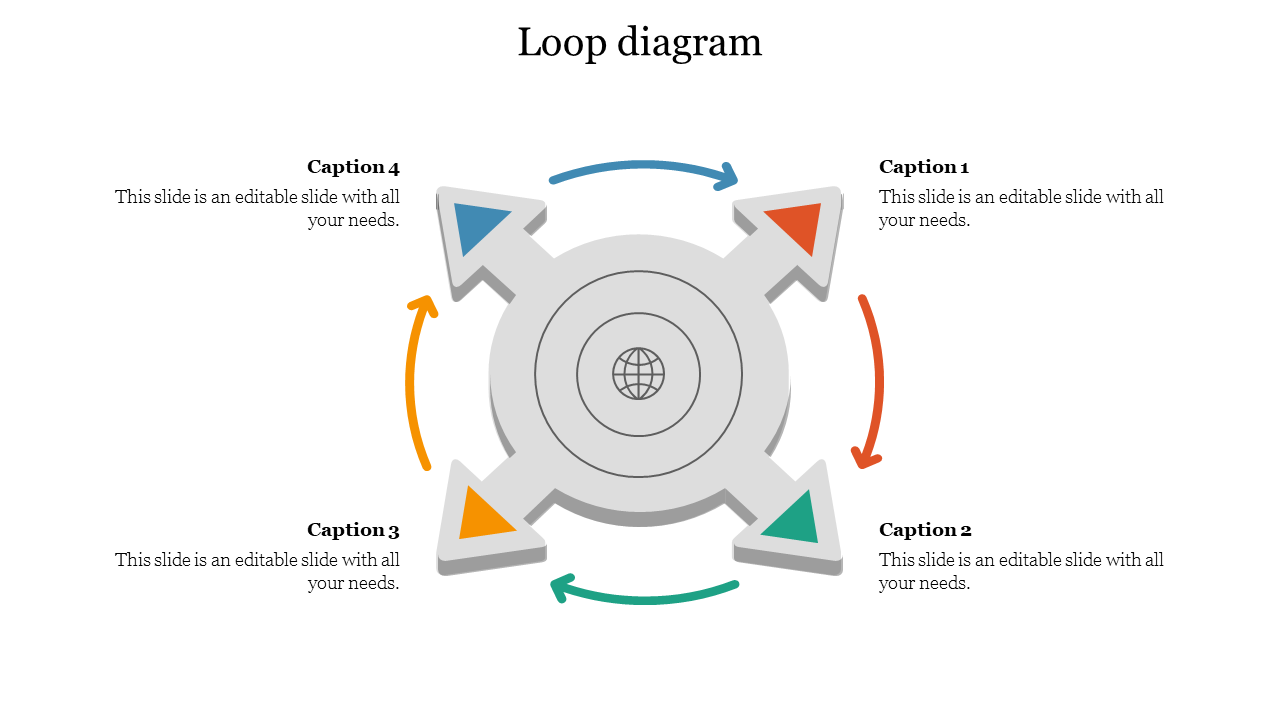
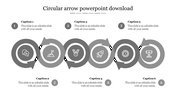
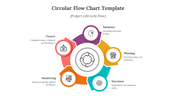
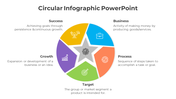
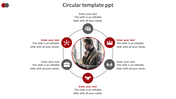
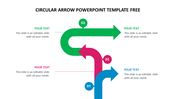
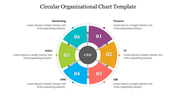
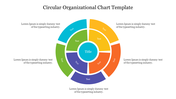
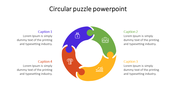
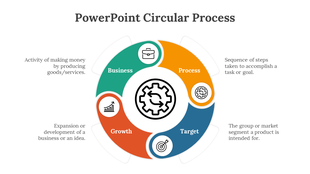
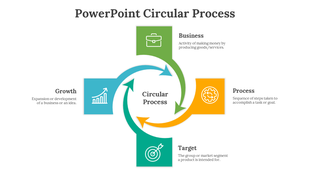
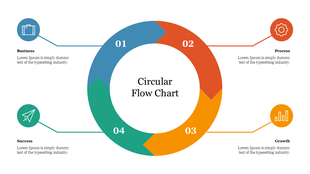
Isn't it interesting to find a new creative way to present a common topic? Yes, SlideEgg provides a creative template with four arrows that bring a lot of attention to the presentation. The template is added with a circular loop design with nodes protruding from the main base. The text area added details and made the presentation enjoyable. The loop design makes the best outcome with the fully customized design. Make it eye-catchy with this awesome template which can improvise your presentation. Download now!
Features of the Template:
- 100% customizable slides and easy to download.
- The slide contains 16:9 and 4:3 formats.
- Slides are available in different nodes & colors.
- Easy to change the colors of the slide quickly.
- Well-crafted template with an instant download facility.
- Four nodes with text area.
More Collections for Multicolor Loop Diagram PowerPoint Design
Recommended based on this template.








Similar Templates to Multicolor Loop Diagram PowerPoint Design

Showing20 of69,218 templates