Free - Cool Timeline Templates PowerPoint for Dynamic Presentations
Free






Timeline Presentation Template
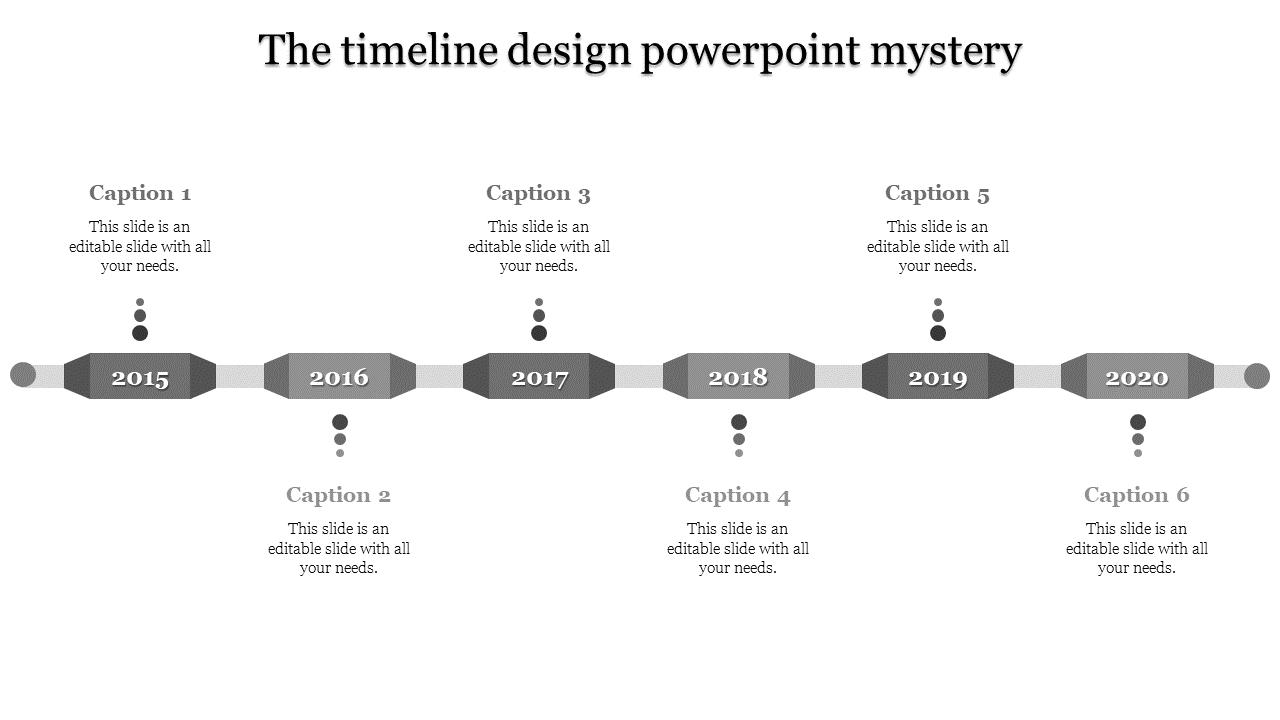
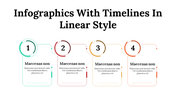
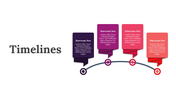
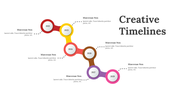
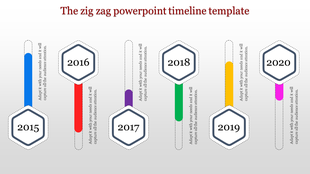
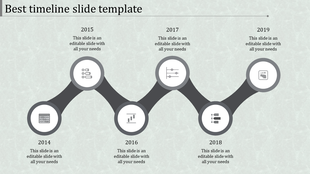
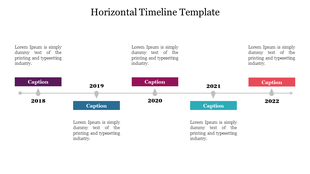
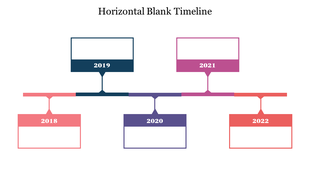
Tired of boring, same-old timeline designs? Our Cool Timeline PowerPoint Template is here to bring energy and style to your presentations. Picture this: a fun grey zigzag running across the slide, showing the years from 2015 to 2020. It has six editable spots where you can highlight important milestones, events, or achievements. Plus, you can easily customize it—change colors, and fonts, and add icons to make it your own.
Whether you're a student presenting a project, a professional showcasing your company's journey, or a teacher explaining history, this template makes timelines fresh and engaging. Just add your content, personalize the design, and you're ready to impress your audience. Visually engaging timelines can capture and maintain your audience’s attention better than text-heavy slides, making your presentation more impactful. Download the Template today and transform your presentations!
Features of the template:
- Slides are available in different nodes & colors.
- Easy to change the slide colors.
- Well-crafted template with instant download.
- Highly compatible with PowerPoint and Google Slides.









You May Also Like These PowerPoint Templates




Showing20 of69,218 templates