Effective Comparison PPT Template Slid Design-Two Node
Nodes
Colors
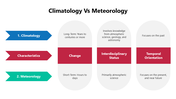
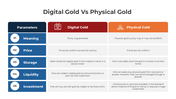
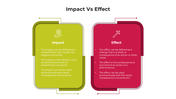
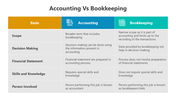
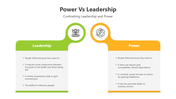
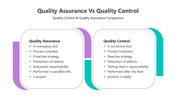

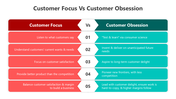

Comparison PowerPoint Templates and Google Slides
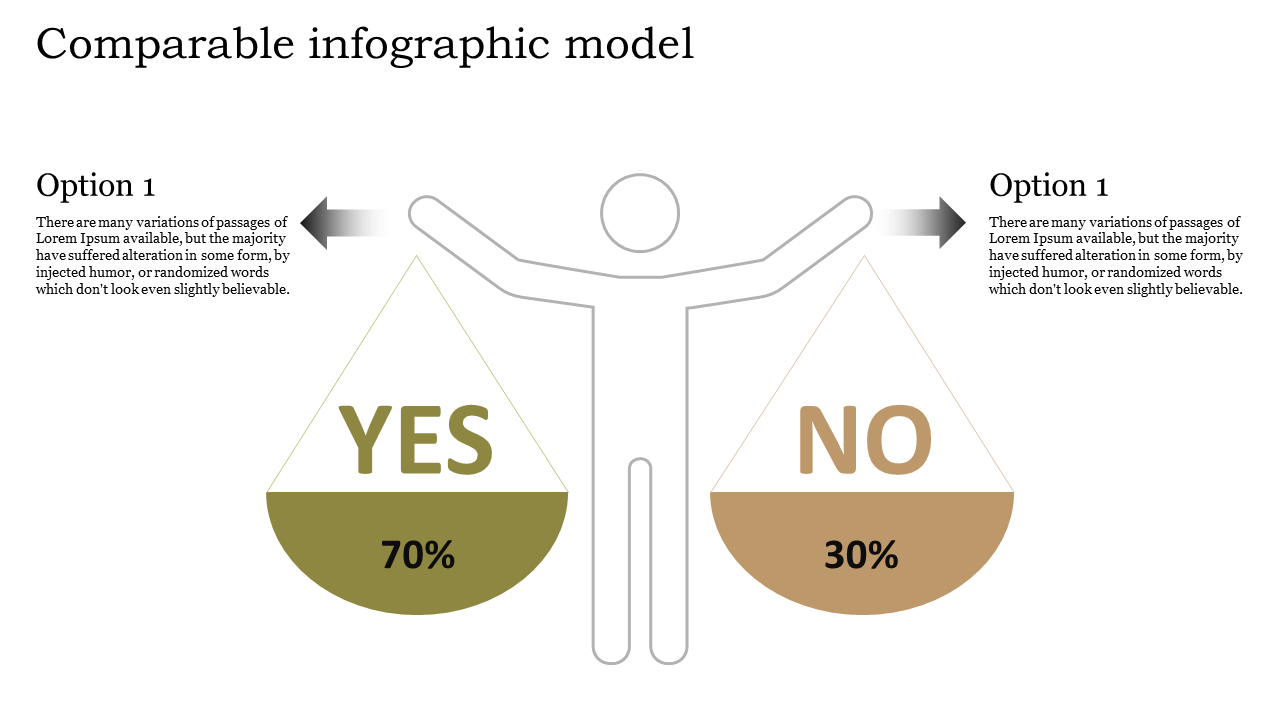
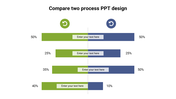
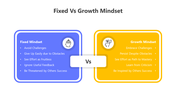
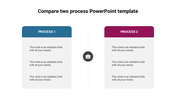
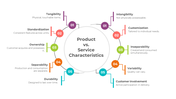
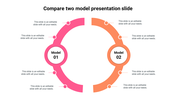
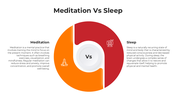
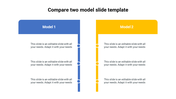
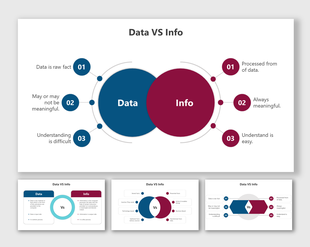
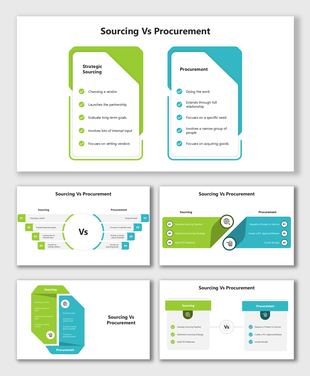
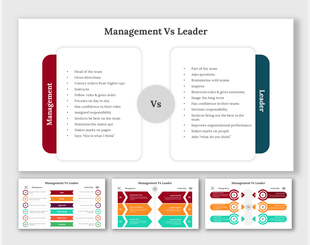
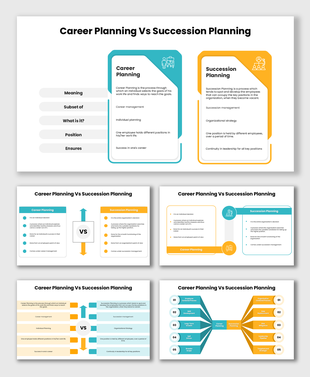
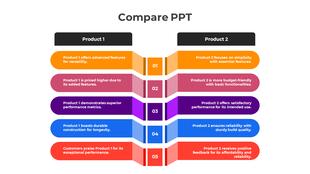
When crafting a comparison PowerPoint template, it is crucial to prioritize a balanced design, incorporating two distinct nodes for an effective visual representation. The template should seamlessly integrate professional shades and colors, creating a visually appealing and cohesive presentation. Emphasizing the importance of a competitor analysis PowerPoint slide within the template enhances its utility for businesses seeking to analyze and showcase competitive landscapes. This meticulously designed presentation tool not only serves as a visual aid for business magnets but also facilitates comprehensive and insightful comparisons, making it an invaluable asset for strategic decision-making and impactful presentations.
Feature of the template
- 100% customizable slides and easy to download.
- Slides available in different nodes & colors.
- The slide is contained in 16:9 and 4:3 format.
- Easy to change the slide colors quickly.
- Well-crafted template with instant download facility.
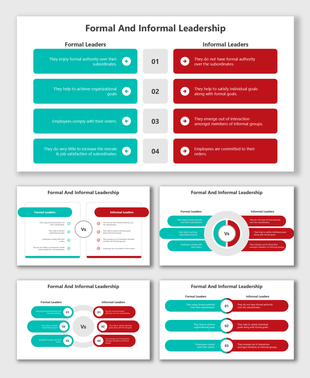
More Collections for Effective Comparison PPT Template Slid Design-Two
Recommended based on this template.










Similar Templates to Effective Comparison PPT Template Slid Design-Two
Showing20 of69,218 templates