Best Business Process Management Slides And Google Slides
Free
Nodes
Colors






Simple Business Process Management Slides
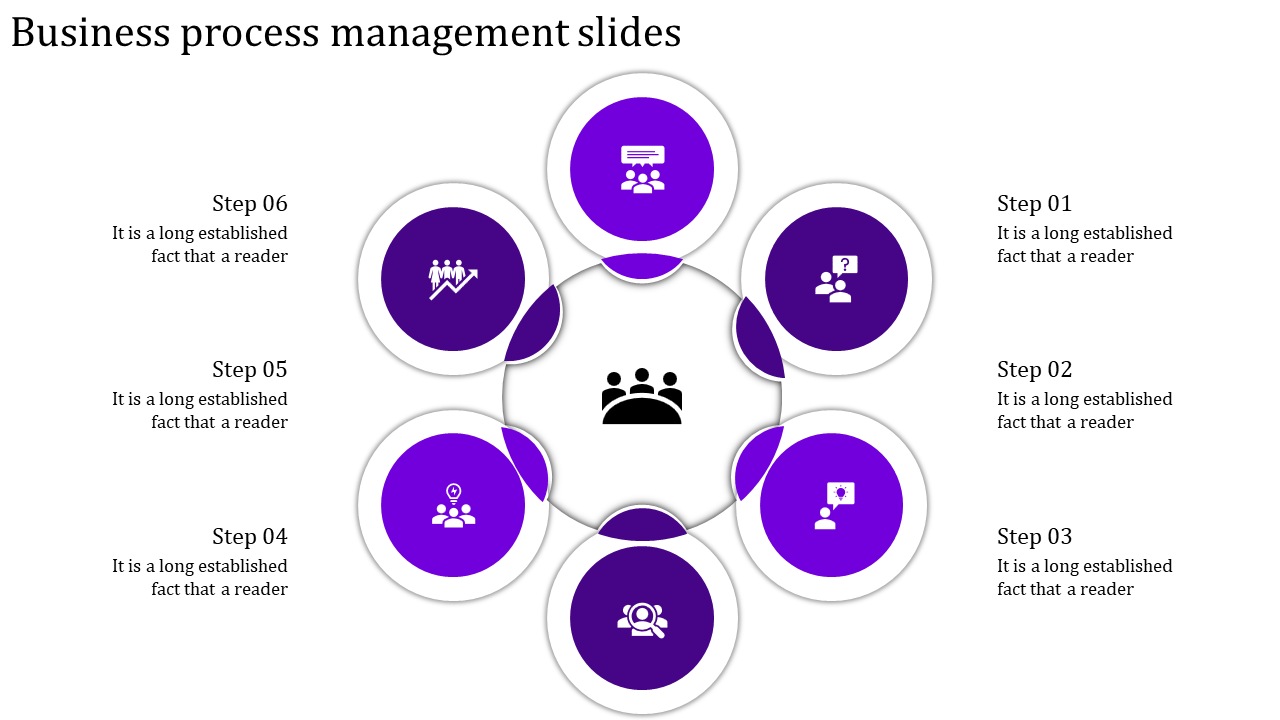
The six-stage, circular diagram, designed in a modern, clean aesthetic with calming purple hues, makes even the most intricate workflows crystal clear. Each stage has its title, caption, and text area, so you can customize it to your specific process.
If you're a business analyst, project manager, or anyone who needs to explain a process clearly, this template is for you.
Say Goodbye to Confusion: The circular diagram makes it easy to follow even cyclical or linear processes.
Focus on Your Message: Effortlessly tailor the content so your audience gets exactly what you need them to know.
Look Sharp, Present with Confidence: Impress your colleagues with a modern design that screams professionalism.
Save Time, Get Results: Stop wasting time on design - this pre-made template lets you focus on delivering a killer presentation.
Stop wrestling with complex presentations. Get your message across clearly and confidently with our Business Process Management Slides. Order yours today!
Features of the template
- 100% customizable slides and easy to download.
- The slides contain 16:9 and 4:3 formats.
- Easy to change the colors quickly.
- It is a well-crafted template with an instant download facility.
- It is a 100% pre-designed slide.
- The slide holds vibrant colors.
More Collections for Best Business Process Management Slides
Recommended based on this template.









Similar Templates to Best Business Process Management Slides







Showing20 of69,218 templates