Stunning Business PowerPoint Presentation With Purple Color







Business PowerPoint Presentation Templates and Google Slides
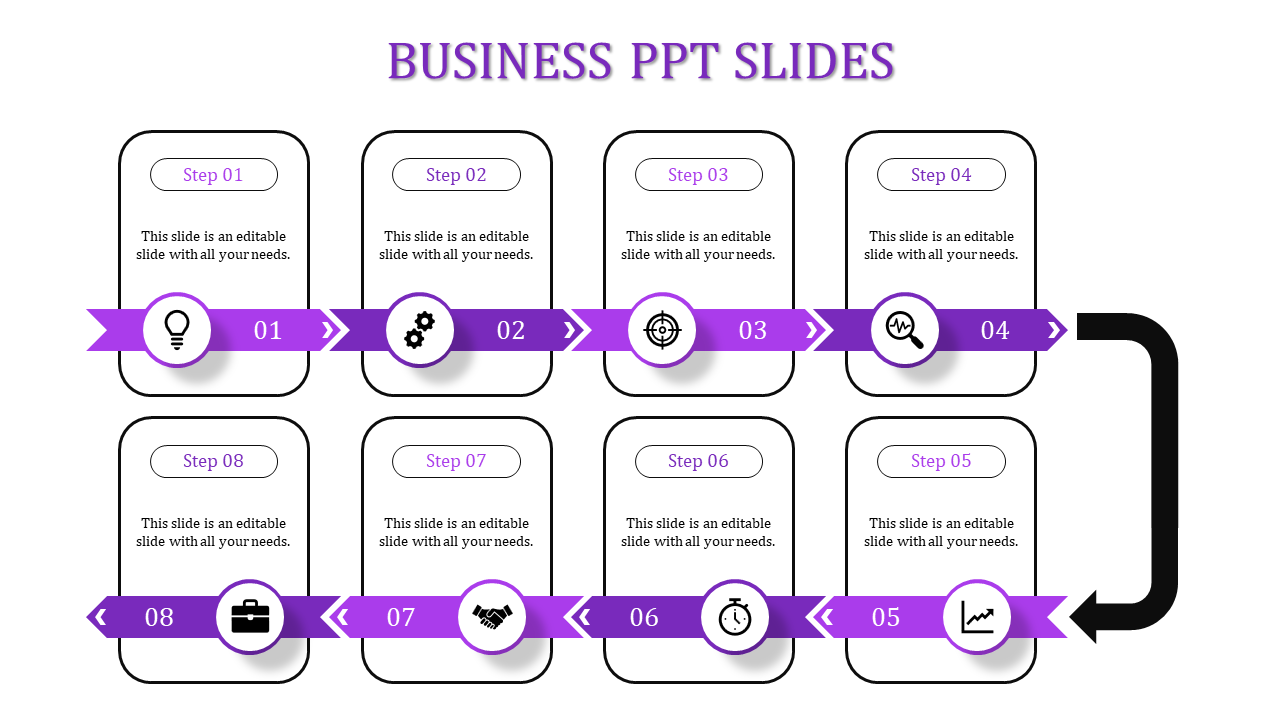
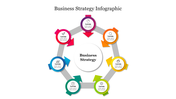
Creating a compelling business PowerPoint presentation can significantly impact your audience's engagement and understanding. When designing an eight-node presentation with professional shades and an arrow design, you create a visually appealing and structured flow that guides your audience seamlessly through your content. Here are some key tips to ensure your presentation stands out:
- Start with a strong introduction: Capture attention with a clear and concise opening slide.
- Use professional shades: Opt for muted, corporate colors like navy, gray, and white to maintain a polished look.
- Leverage arrow designs: Arrows can effectively illustrate progressions and processes, making your data more digestible.
- Organize with eight nodes: Each node should represent a key point, helping to break down complex information into manageable chunks.
- Maintain consistency: Use the same font styles, sizes, and colors throughout to create a cohesive and professional appearance.
- Incorporate visuals: High-quality images and graphics can enhance understanding and retention.
- Keep it concise: Limit text on each slide to avoid overwhelming your audience—use bullet points for clarity.
- Engage your audience: Ask questions and encourage interaction to make your presentation more dynamic.
By following these tips, you’ll create a business PowerPoint presentation that is not only visually appealing but also highly effective in conveying your message.
Features of the template
- 100% customizable slides and easy to download.
- Slides are available in different nodes & colors.
- The slide contains 16:9 and 4:3 formats.
- Easy to change the colors of the slide quickly.
- Well-crafted template with an instant download facility.









You May Also Like These PowerPoint Templates




Showing20 of69,218 templates