Latest Google-Slides-Tutorials Articles
 Google Slides Tutorials
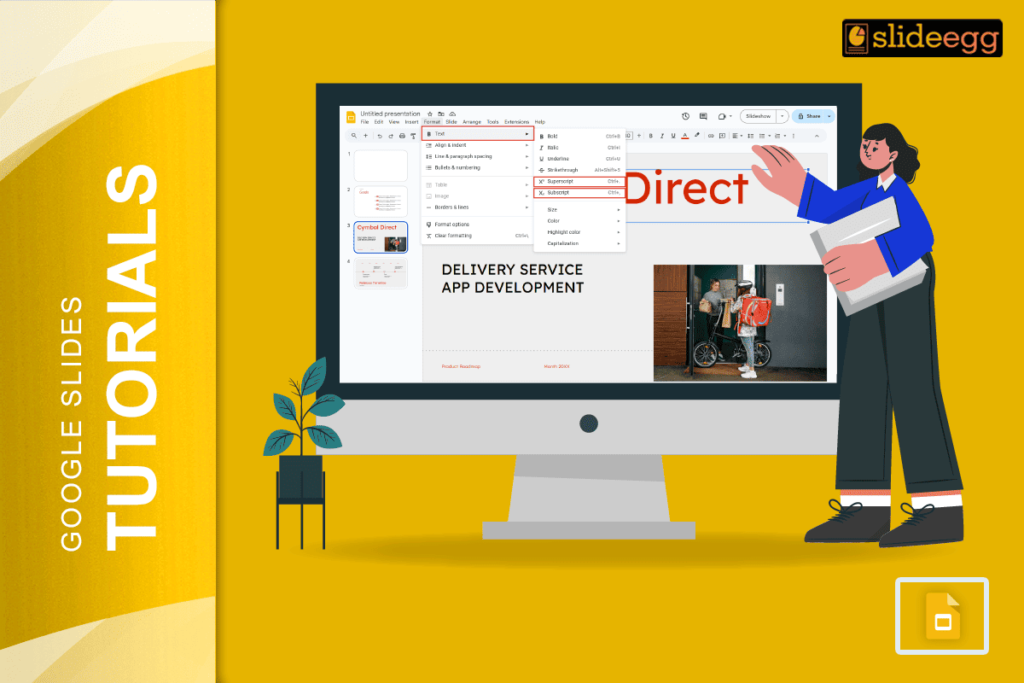
Quick Tips: How to Type an Exponent in Google Slides ⚡Click on the text box where you want to write the exponent⚡Type your number or...
 Google Slides Tutorials
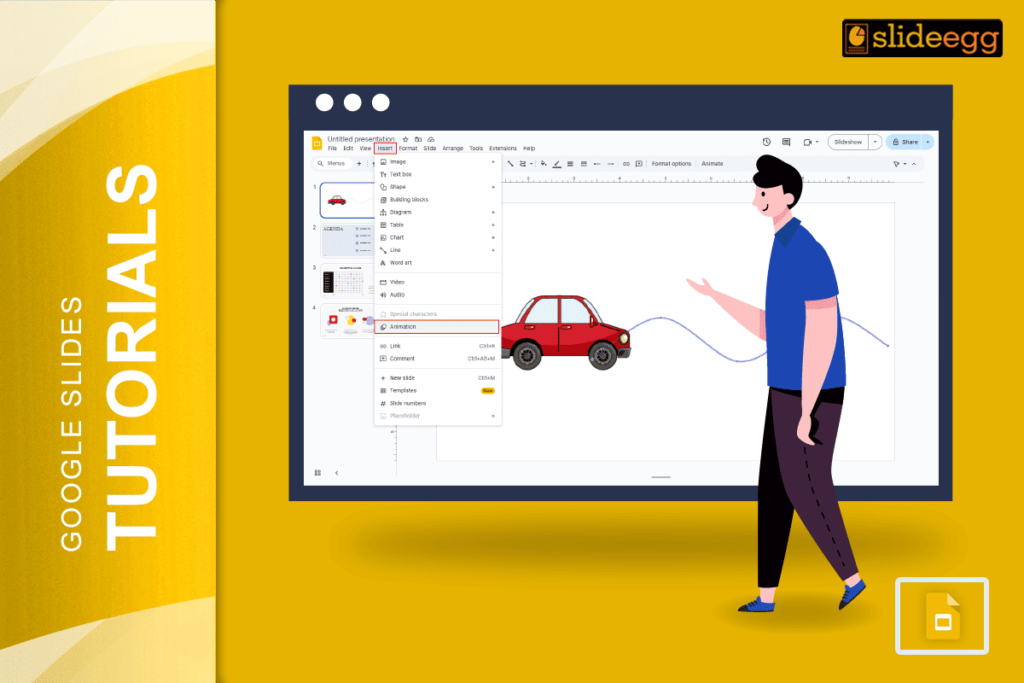
Quick Tips: How to Add Motion Path in Google Slides 🌀Open your Google Slides presentation🌀Click on the object (text, shape, image, etc.)🌀Go to Insert >...
 Google Slides Tutorials
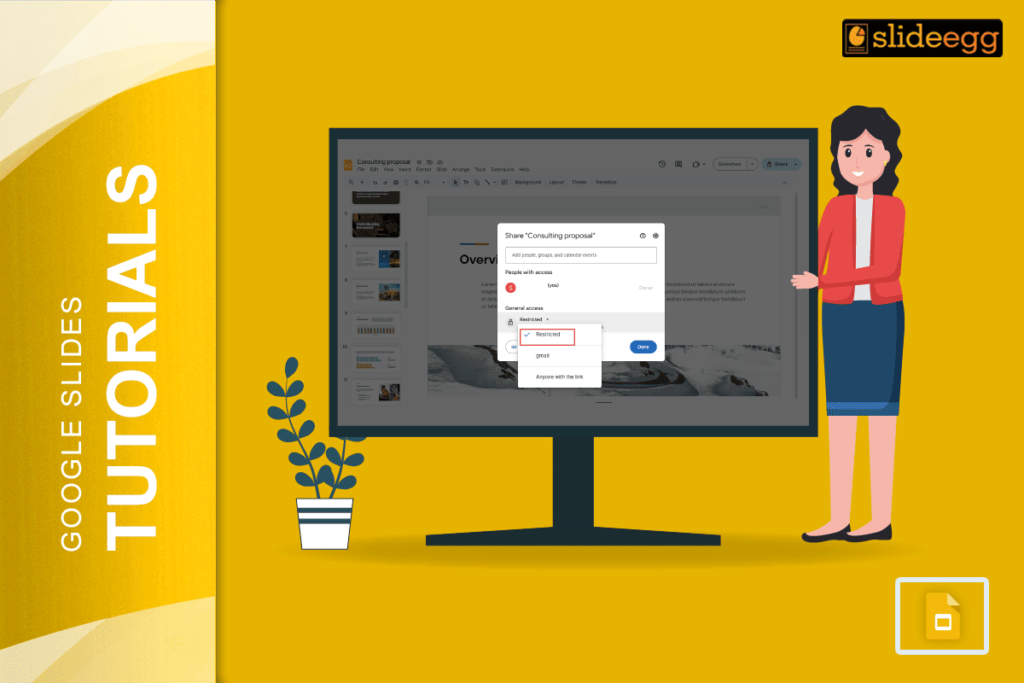
Quick Steps to Make a Google Slides View Only ✅ Open your Google Slides presentation ✅ Click the Share button (top-right corner) ✅ Under “General...
 Google Slides Tutorials
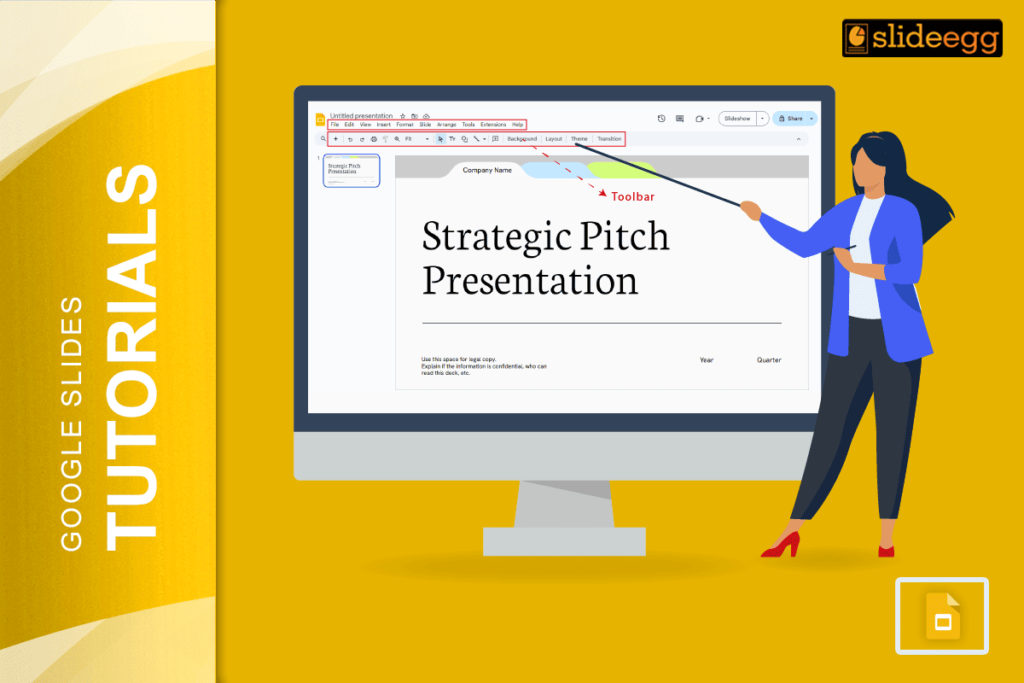
Quick Reference Steps to Get the Toolbar Back in Google Slides ✅ Press Ctrl + Shift + F (Windows/Chromebook) or Cmd + Shift + F...
 Google Slides Tutorials
Quick Tips Before We Start ⬣ You can’t directly add a Vimeo video like YouTube in Google Slides.⬣ But don’t worry! There are 2 easy...
 Google Slides Tutorials
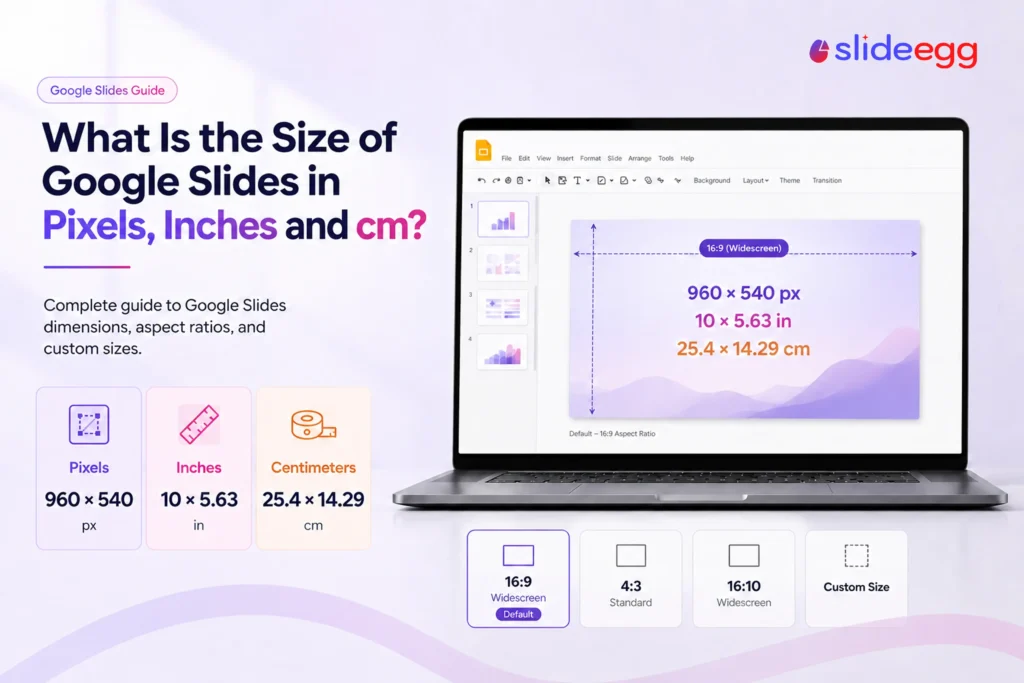
Quick answer: A Google Slides presentation is 960 × 540 pixels by default — the 16:9 widescreen canvas of 10 × 5.63 inches (25.4 ×...