Latest Google-Slides-Tutorials Articles
 Google Slides Tutorials
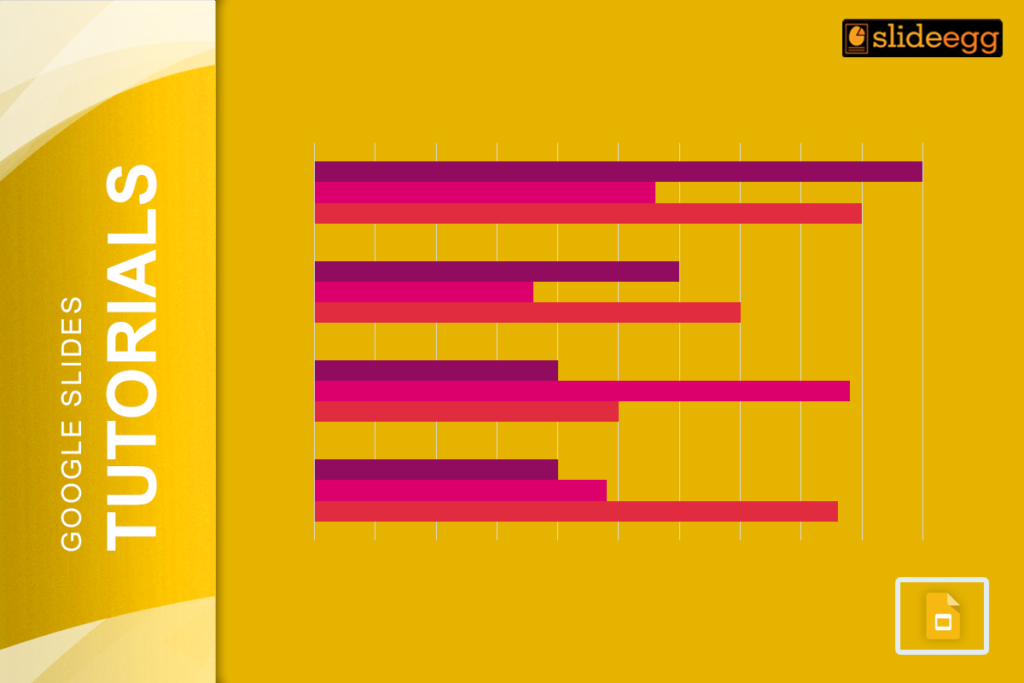
Bar charts are a great way to visualize data and make your presentations more engaging. When you add years to a bar chart, it becomes...
 Google Slides Tutorials
Have you ever felt the need to make your presentation more personal and engaging? Well, here’s some good news – Google Slides now has a...
 Google Slides Tutorials
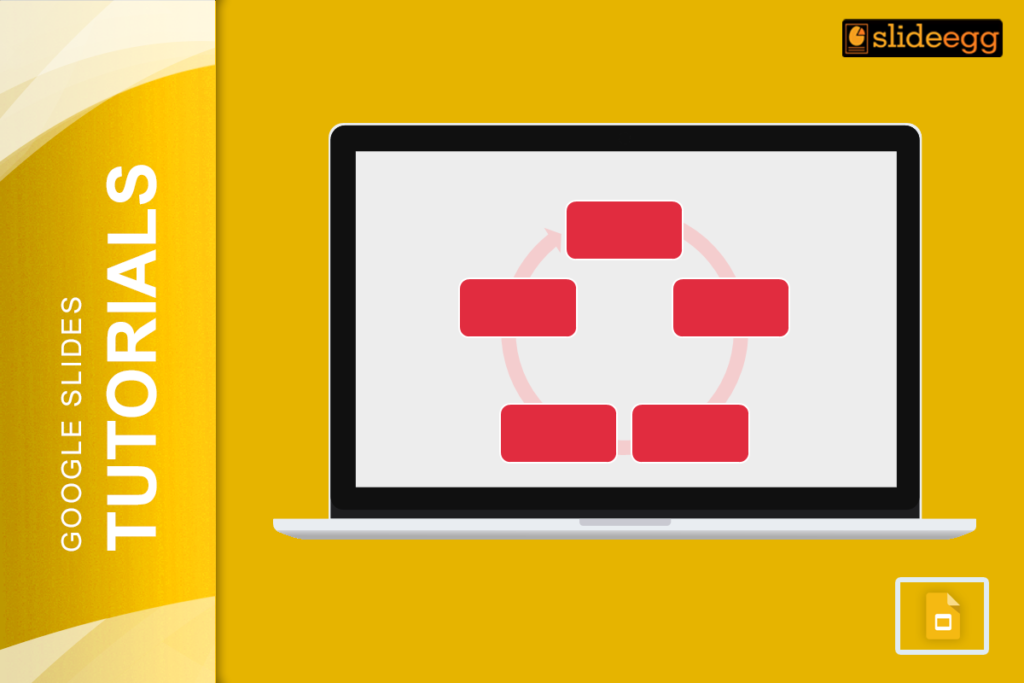
When it comes to creating a presentation, nothing beats visuals that grab attention. That’s where SmartArt in Google Slides comes in handy. It is like...
 Google Slides Tutorials
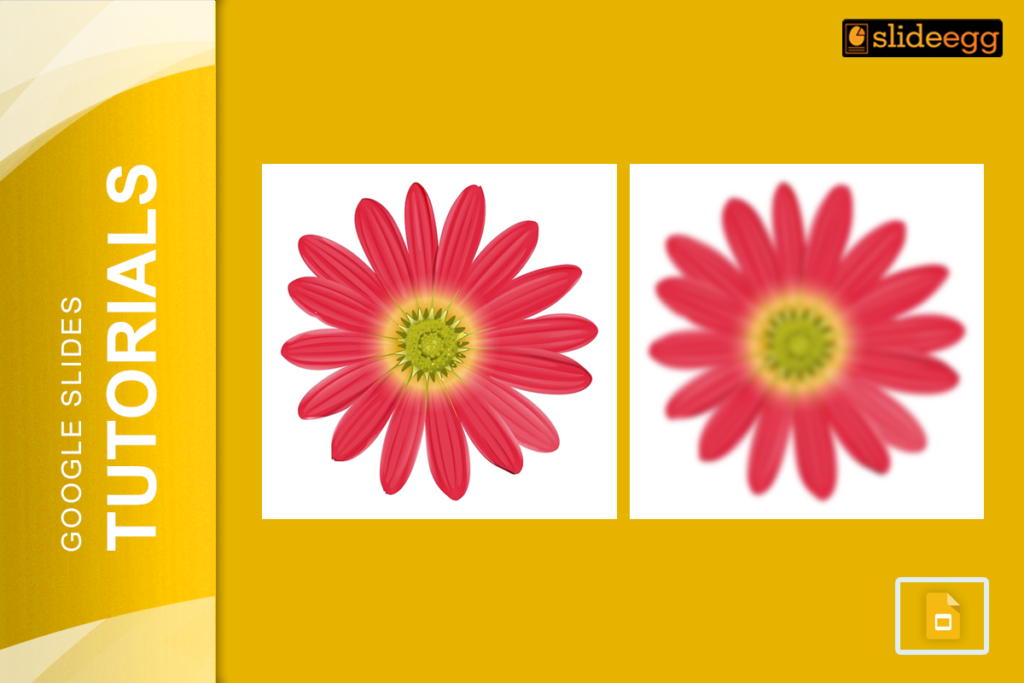
Blurring an image in Google Slides might seem tricky at first because the tool doesn’t have a built-in blur effect. But don’t worry! There’s a...
 Google Slides Tutorials
Google Slides includes strikethrough formatting but Google hides it well enough that many users assume the feature does not exist. There is no visible toolbar...
 Google Slides Tutorials
Did you know that Google Slides doesn’t even have a “Save” button? Crazy, right? That’s because it saves your work automatically—every single change—without you lifting...