Latest Google-Slides-Tutorials Articles
 Google Slides Tutorials
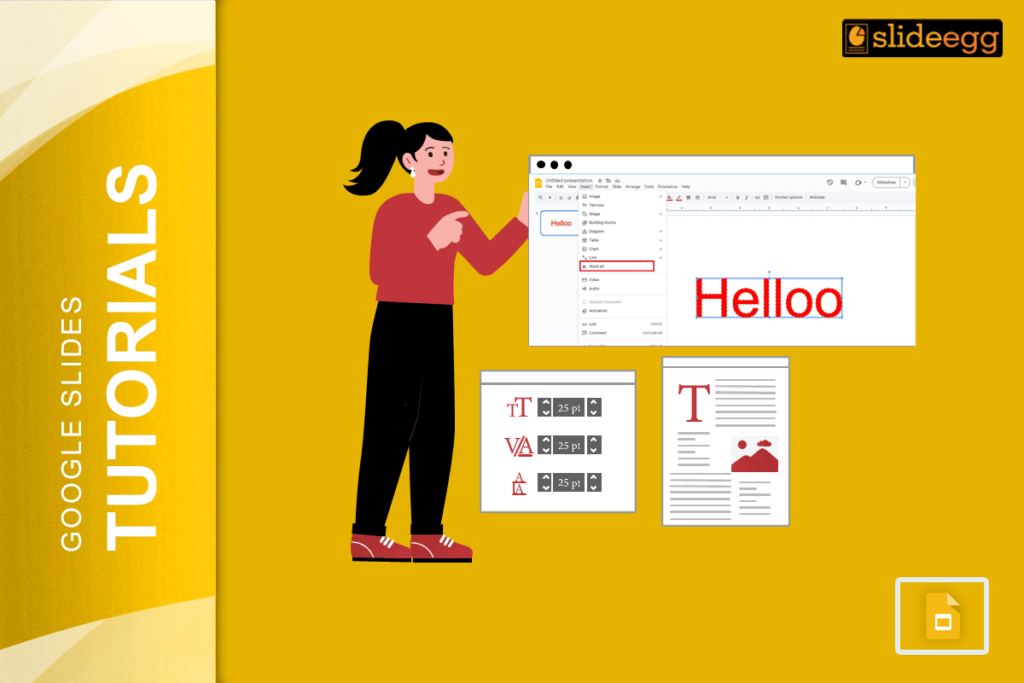
Quick Tips: Make Text Glow in Google Slides Google Slides doesn’t have a direct “glow” option, but with a few tricks, you can fake it...
 Google Slides Tutorials
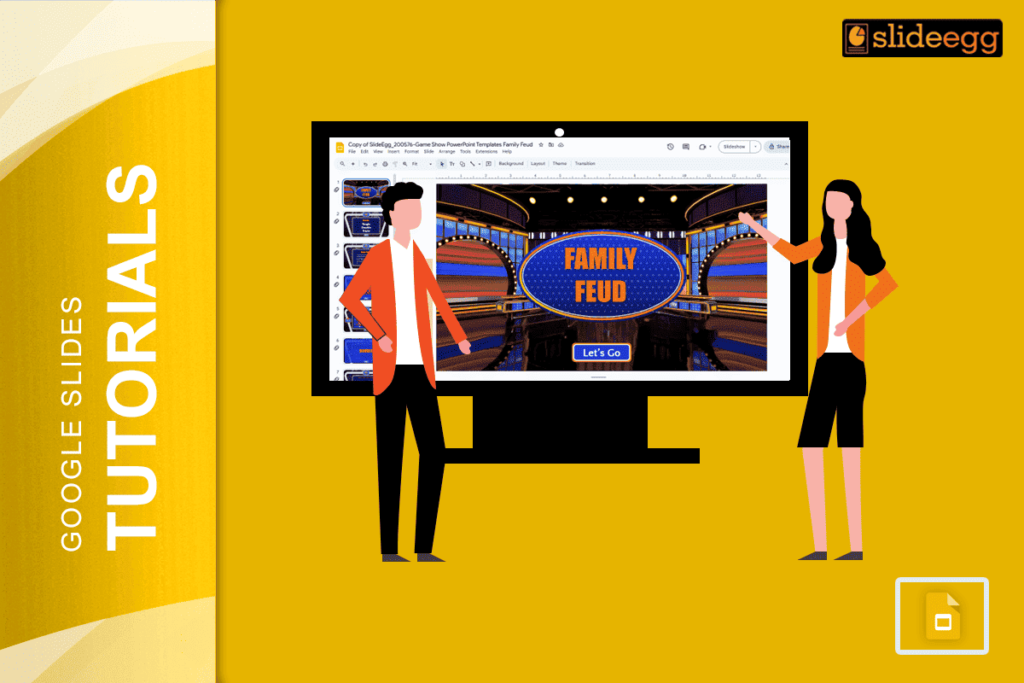
Quick Tips: How to Make a Family Feud Game on Google Slides ✅ Decide your game theme (family, friends, school, etc.)✅ Open Google Slides and...
 Google Slides Tutorials
Quick Tips to Make a Video Presentation with Google Slides👉 Open Google Slides and create your slides.🎤 Add voice narration using tools like Screencastify or...
 Google Slides Tutorials
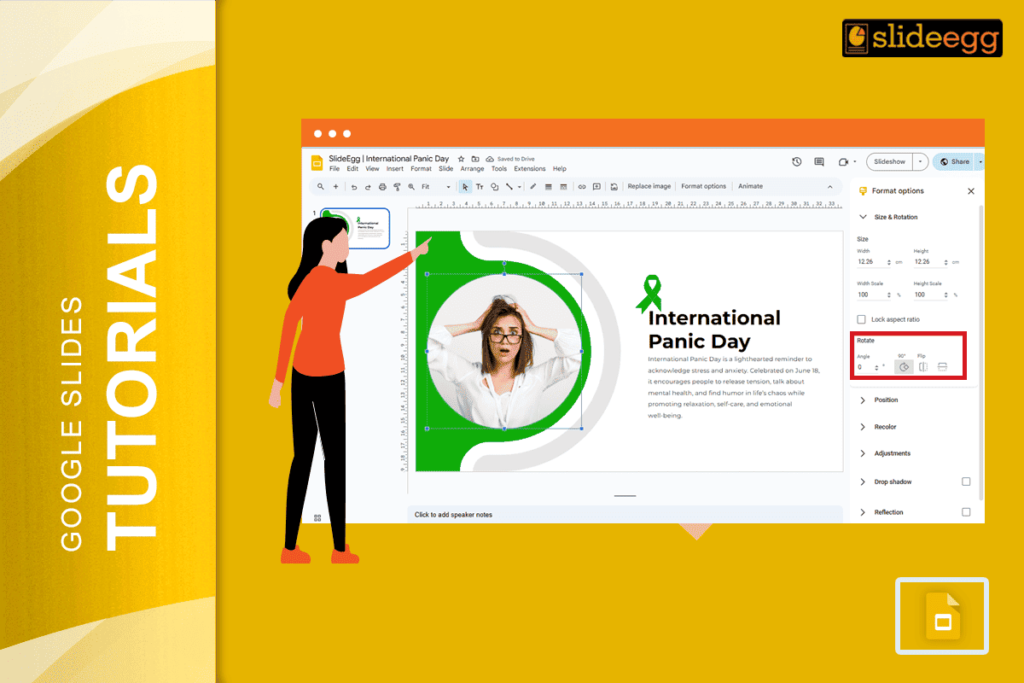
Flipping or inverting an image in Google Slides is one of those tasks that sounds complex but takes about ten seconds once you know where...
 Google Slides Tutorials
Quick Tips to Set MLA Format on Google Slides✦ Use Times New Roman, size 12 font.✦ Set all text to double spacing.✦ Add a title...
 Google Slides Tutorials
Comments are one of the most powerful collaboration features in Google Slides — and one of the most underused. Whether you are reviewing a colleague’s...